 PixQR
PixQR
Overview
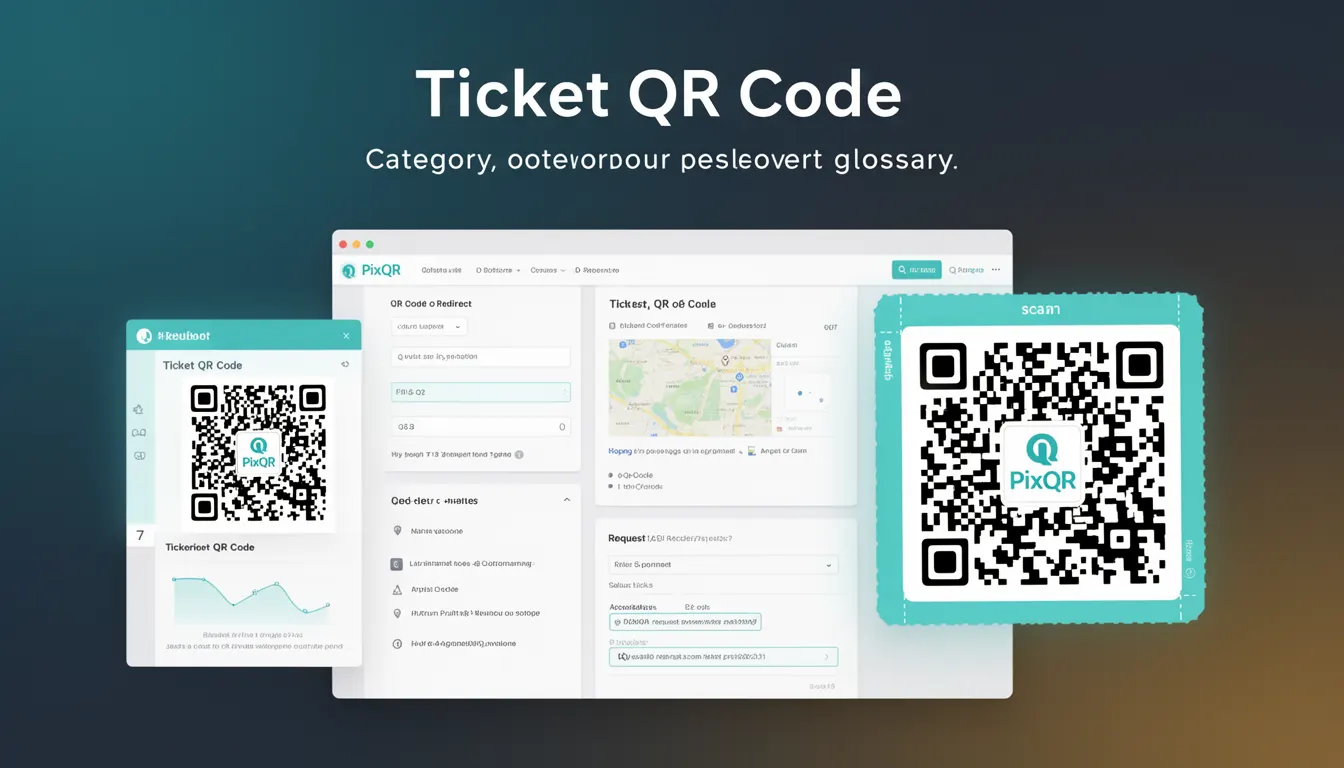
A Ticket QR Code is a specialized QR code format used primarily in event management, ticketing systems, and access control applications. It encodes ticket-specific data such as event details, ticket ID, owner information, and access permissions. Unlike generic QR codes, Ticket QR Codes are designed to carry structured data that can be quickly scanned and validated by systems to grant or deny access.
In PixQR, Ticket QR Codes are generated with specific attributes to ensure compatibility with access control systems, reduce fraud, and support analytics tracking. These codes are often used in conjunction with dynamic redirect capabilities to support time-based access, seat assignments, or event-specific validation rules. The format is commonly used in concert halls, stadiums, museums, and corporate events where rapid, secure access verification is essential.
Why It Matters
For developers working with event ticketing systems, Ticket QR Codes are essential for creating secure, scalable, and user-friendly access control mechanisms. They reduce manual verification processes, lower fraud risks, and enable real-time analytics on entry patterns and attendance. In PixQR, the ability to generate and manage these codes with dynamic redirect rules ensures that access can be controlled programmatically, such as allowing entry only during specific time windows or restricting access to certain sections of an event.
From a performance perspective, Ticket QR Codes are optimized for fast scanning and validation. They often use compact encoding formats to ensure quick processing on mobile devices and scanning hardware. For security, they must be resistant to tampering and replay attacks, which is why PixQR supports cryptographic signatures and secure data encoding methods. In large-scale deployments, Ticket QR Codes help reduce bottlenecks at entry points by enabling batch processing and automated verification.
How It Works
The structure of a Ticket QR Code is determined by the data it encodes, which is typically formatted according to industry standards such as the Event Ticketing Data Format (ETDF) or proprietary specifications used by platforms like PixQR. The QR code itself is generated using standard QR code algorithms but with custom payload encoding that includes ticket metadata.
- The payload is typically a JSON object or a URL-encoded string containing ticket details like ID, event name, date, time, location, and owner data.
- PixQR supports both static and dynamic Ticket QR Codes. Static codes are generated once and remain unchanged, while dynamic codes can be updated or invalidated in real-time.
- Each Ticket QR Code can include a cryptographic signature to prevent tampering and ensure authenticity.
- Access control logic is often embedded in the QR code's redirect URL or embedded within the data payload to enforce rules like time windows or seat restrictions.
- Analytics data can be tracked through embedded parameters in the QR code's URL or via PixQR's API integrations, enabling event organizers to monitor attendance and access patterns.
Quick Reference
| Item | Purpose | Notes |
|---|---|---|
| ticket_id | Unique identifier for the ticket | Must be unique within the event system |
| event_name | Name of the event | Used for display and validation |
| timestamp | Time of ticket issuance | Used for time-based access control |
| access_level | Permission level for entry | Can restrict access to certain zones |
| signature | Cryptographic verification | Prevents tampering |
Basic Example
PixQR Example QR
This QR links directly to this glossary page, so printed notes, onboarding docs, and support material can bring scanners back to the current reference.

This example shows how a minimal Ticket QR Code payload might be structured for a simple event ticket. It demonstrates the basic format used by PixQR to encode ticket data.
{
  "ticket_id": "T123456789",
  "event_name": "Summer Music Festival",
  "timestamp": "2025-07-15T19:00:00Z",
  "access_level": "general"
}
The example payload includes a ticket ID, event name, and timestamp. This structure is then encoded into a QR code using standard QR encoding methods. In PixQR, this data can be passed to the API to generate a QR code with embedded access rules and analytics tracking.
Production Example
In a production environment, a Ticket QR Code may include additional fields such as cryptographic signatures, access rules, and analytics identifiers. This example shows how a more complete payload might be structured and used in a PixQR integration.
{
  "ticket_id": "T123456789",
  "event_name": "Summer Music Festival",
  "timestamp": "2025-07-15T19:00:00Z",
  "access_level": "vip",
  "seat_number": "B12",
  "valid_from": "2025-07-15T18:00:00Z",
  "valid_until": "2025-07-15T22:00:00Z",
  "signature": "a1b2c3d4e5f67890",
  "analytics_id": "evt_abc123"
}
This version includes access control parameters like time validity, seat number, and a cryptographic signature. It is suitable for production use because it supports dynamic access rules, prevents unauthorized reuse, and integrates with PixQR's analytics and security features.
Common Mistakes
- Using static ticket IDs without unique identifiers, leading to potential duplicate access or fraud.
- Ignoring time-based access controls, which can allow unauthorized entry outside event hours.
- Not including cryptographic signatures, making codes vulnerable to tampering or replay attacks.
- Embedding sensitive data in plain text within the QR code payload, which can be exploited if scanned by malicious actors.
- Generating QR codes without testing them in real-world scanning environments, leading to poor print or mobile device compatibility.
Security And Production Notes
- Always use cryptographic signatures or checksums to verify ticket authenticity and prevent tampering.
- Implement time-based validity checks to ensure access is only granted during the event window.
- Validate ticket data on the server side before granting access, even if the QR code is scanned locally.
- Use PixQR's dynamic redirect features to enable real-time access revocation or modification.
- Ensure QR codes are generated with high error correction levels to maintain reliability in print or mobile environments.
Related Concepts
Ticket QR Codes are closely related to several other developer concepts in the realm of access control and QR code systems. These include:
- Dynamic Redirects: The ability to redirect QR code scans to different URLs or endpoints based on conditions, such as time or access level.
- Access Control Lists (ACLs): Systems that define which users or devices can access specific resources, often encoded in QR code payloads.
- QR Code Analytics: The tracking and reporting of QR code scans, which is essential for event monitoring and optimization.
- Secure Data Encoding: Techniques for encoding sensitive data in QR codes while ensuring it remains unreadable or uneditable without proper authorization.
- Event Ticketing APIs: The interfaces through which systems communicate to validate and manage tickets, often integrated with QR code generation.