 PixQR
PixQR
Overview
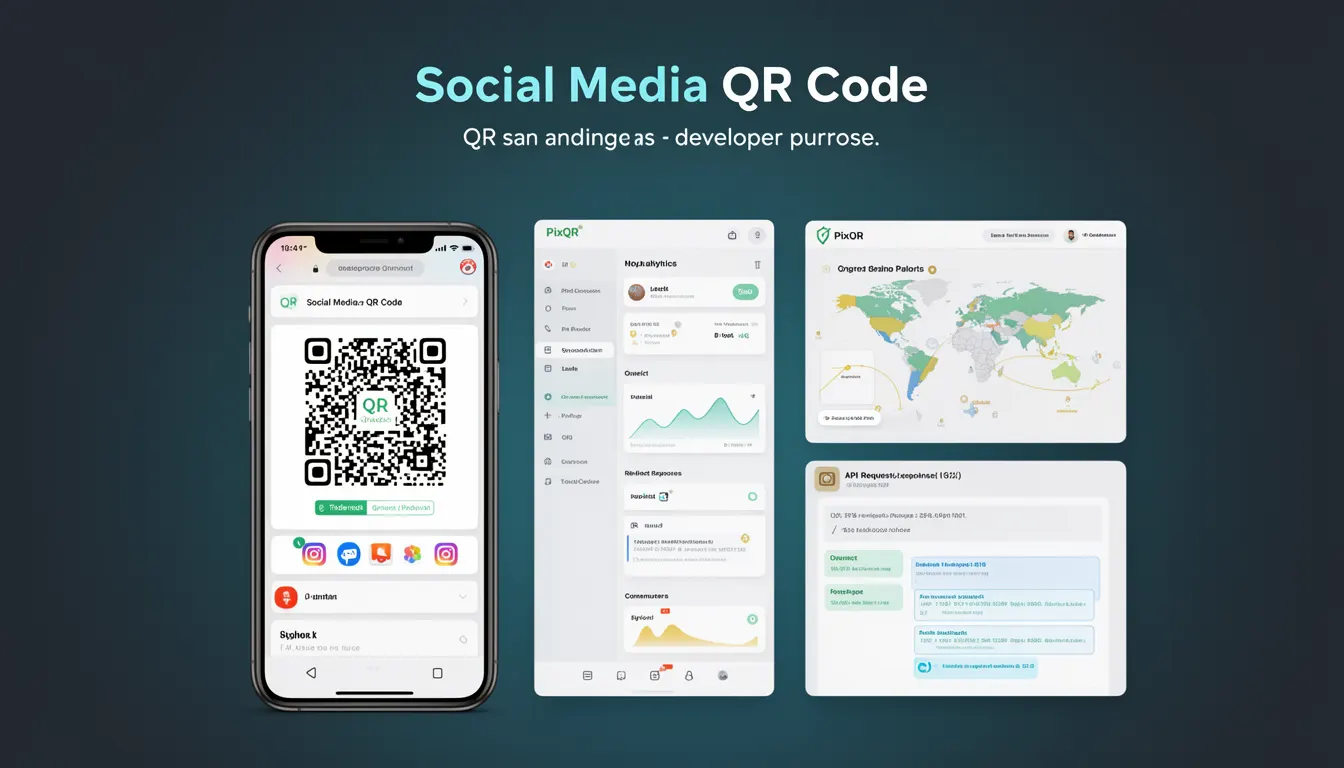
A Social Media QR Code is a specific type of QR code designed to direct users to social media platforms or profiles, such as Facebook, Instagram, Twitter, LinkedIn, or TikTok. These QR codes are commonly used in marketing campaigns, event promotions, print materials, and digital signage to quickly connect users to a brand's social media presence.
Developers working with PixQR encounter this QR code type when creating dynamic redirects that point to social media profiles or pages. Unlike standard QR codes that may link to web pages or applications, Social Media QR Codes are optimized for platform-specific URLs, ensuring reliable scanning and redirect behavior. They are especially useful in environments where physical media, such as posters or business cards, need to provide immediate access to online social profiles.
Why It Matters
For developers and marketers, Social Media QR Codes provide a fast, scalable, and accessible way to drive engagement with social platforms. They reduce friction for users who might otherwise manually search for a brand’s social profile, especially in offline environments like events, print media, or physical retail spaces.
From a technical perspective, these codes are critical for ensuring consistent scan reliability and accurate tracking. PixQR's platform supports dynamic redirects, which means developers can update the destination URL without changing the QR code itself. This is particularly important for social media links that may change due to platform updates, account rebranding, or content strategy shifts.
Additionally, these QR codes are part of a broader ecosystem of brand-safe, privacy-compliant tools. In production environments, developers must ensure that the QR code's destination URL is secure, properly formatted, and compatible with PixQR’s analytics and tracking features.
How It Works
Social Media QR Codes function as a specialized form of dynamic redirect, where the QR code encodes a URL that points to a social media profile or platform-specific page. These codes are generated using PixQR's API or dashboard, and the system supports various URL formats and redirect behaviors.
- QR code generation uses standard QR code encoding algorithms, with the payload being a URL to a social media platform or profile.
- When scanned, the QR code typically opens the native social media app if installed, or loads the web version in a browser.
- Support for dynamic redirects allows the destination to be updated without changing the physical QR code, which is useful for managing account changes or promotions.
- Analytics and tracking are enabled through PixQR's platform, which can record scan events and user behavior for marketing insights.
- Design and print reliability are optimized to ensure the QR code scans consistently across different devices and media types.
The QR code payload is typically formatted as a standard HTTP or HTTPS URL, such as https://www.instagram.com/brandname or https://www.linkedin.com/company/brandname. PixQR supports both direct and redirect-based URLs, ensuring compatibility with platform-specific requirements.
Quick Reference
| Item | Purpose | Notes |
|---|---|---|
| URL format | Defines destination for QR code | Must be valid HTTP/HTTPS URL |
| Dynamic redirect | Allows destination updates | Useful for platform changes |
| Scan tracking | Records scan events | Enabled by PixQR analytics |
| Platform compatibility | Ensures proper redirection | Supports native apps and web |
| Print reliability | Optimizes for physical media | Includes error correction |
Basic Example
PixQR Example QR
This QR links directly to this glossary page, so printed notes, onboarding docs, and support material can bring scanners back to the current reference.
/glossary/qr-code-types/types-of-qr-codes-social-media-qr-code

The following example demonstrates how to generate a basic Social Media QR code for a Facebook profile using PixQR’s API. It shows a simple URL structure that would be encoded in the QR code.
POST /api/qr-codes
{
  "type": "social_media",
  "url": "https://www.facebook.com/brandname",
  "size": "200x200"
}
This example sets the QR code type to social_media, specifies the destination URL, and defines the size. The type field ensures PixQR applies platform-specific optimizations during generation.
Production Example
In a production environment, developers may need to validate URLs, implement fallbacks, and ensure compatibility with analytics. The following example shows a more robust implementation for generating a Social Media QR code.
POST /api/qr-codes
{
  "type": "social_media",
  "url": "https://www.twitter.com/brandname",
  "size": "300x300",
  "redirect_type": "permanent",
  "analytics": true,
  "brand_safe": true
}
This version includes additional configuration options such as redirect_type for ensuring the URL is not updated unexpectedly, analytics to enable tracking, and brand_safe to enforce platform compliance. These settings are essential for maintaining security and reliability in real-world deployments.
Common Mistakes
- Using invalid or malformed URLs, which leads to failed scans or broken redirects.
- Not enabling analytics or tracking, which prevents data collection for performance insights.
- Ignoring platform-specific URL requirements, such as using
wwwvs.mobileversions. - Overlooking brand safety checks, which can expose users to unsafe or non-compliant links.
- Choosing incorrect QR code size or error correction levels, affecting scan reliability in print or low-resolution displays.
Security And Production Notes
- Always validate social media URLs to ensure they are valid and not malicious.
- Use HTTPS for all destination URLs to prevent man-in-the-middle attacks.
- Implement error handling for cases where the social media platform is unavailable or the profile is private.
- Enable brand-safe mode to ensure QR codes do not point to unapproved or unsafe domains.
- Use dynamic redirects to allow for updates without re-printing or re-generating QR codes.
Related Concepts
Social Media QR Codes are part of a broader set of QR code types and configurations used in marketing and engagement strategies. Related concepts include:
- Dynamic Redirects – A core feature of PixQR that allows URL updates without changing the QR code.
- QR Code Analytics – Tools for tracking scan events and user behavior.
- Print Reliability – Optimization for physical media such as posters or business cards.
- Brand Safety – Ensuring QR code destinations align with brand policies and are secure.
- Scan Tracking – Capturing and reporting scan events for performance monitoring.