 PixQR
PixQR
Overview
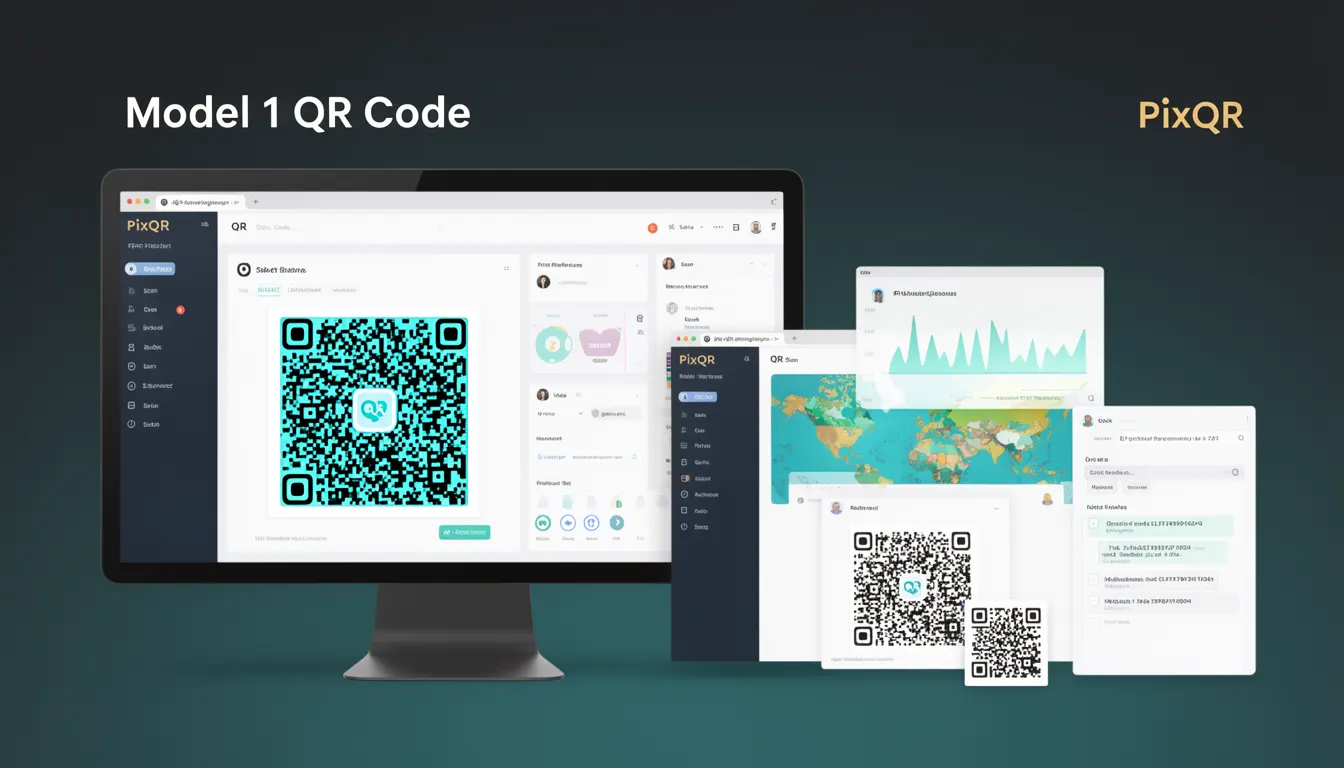
A Model 1 QR Code is a specific format or variant of the QR code standard that is optimized for dynamic content, redirect handling, and operational workflows. It is designed to support the core PixQR platform features such as secure link management, scan analytics, and brand-safe content delivery. Unlike static QR codes, Model 1 QR codes are built to support dynamic updates and redirects without requiring physical regeneration of the code.
Developers working with PixQR will encounter Model 1 QR codes when generating codes for dynamic links, setting up redirect chains, or integrating with analytics systems. These codes are typically used in scenarios where the destination URL or content may change over time, such as in marketing campaigns, event management, or dynamic landing pages.
Why It Matters
Model 1 QR codes are essential for developers managing scalable QR code systems that need to adapt to changing content or business logic. They allow for secure, flexible link handling without requiring physical QR code regeneration. This is particularly important in environments where content updates are frequent, such as in digital marketing, event management, or dynamic content delivery.
From a security perspective, Model 1 QR codes support PixQR’s operational workflows by ensuring that redirects are safe, trackable, and maintainable. They also help in preventing fraud by enabling secure validation of redirect chains and content integrity checks.
How It Works
Model 1 QR codes operate within a specific set of parameters and configurations that define their behavior and structure. They are designed to support dynamic redirects, analytics tracking, and brand-safe rendering. The underlying mechanism involves a structured data format that encodes metadata alongside the redirect URL.
- The code structure includes a unique identifier that links to a backend configuration in the PixQR system.
- It supports redirect chains with optional validation and tracking parameters.
- Each code is associated with a set of attributes that control analytics, security, and content delivery.
- Model 1 codes can be updated in real time through the PixQR API without changing the physical QR code.
- They support multiple output formats including SVG, PNG, and base64-encoded data URIs for seamless integration.
Quick Reference
| Item | Purpose | Notes |
|---|---|---|
| Code ID | Uniquely identifies the QR code in the PixQR system | Required for API access and analytics |
| Redirect URL | Target URL for the QR code scan | Can be updated without regenerating the code |
| Analytics enabled | Tracks scan data and user behavior | Default is true for Model 1 codes |
| Security settings | Enforces safe redirects and content validation | Includes domain restrictions and URL sanitization |
| Brand-safe rendering | Ensures design and content comply with brand guidelines | Supports custom branding and color schemes |
Basic Example
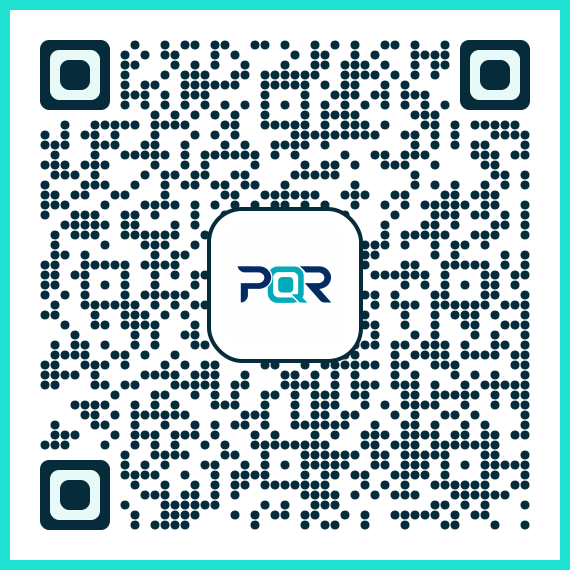
PixQR Example QR
This QR links directly to this glossary page, so printed notes, onboarding docs, and support material can bring scanners back to the current reference.
This example demonstrates how to generate a basic Model 1 QR code using the PixQR API. It sets up a code with a redirect URL and enables analytics tracking.
{
  "type": "model1",
  "redirect_url": "https://example.com/product",
  "analytics": true
}
The key elements here are the type field set to model1, which tells the system to use the dynamic QR code format, and the redirect_url field, which defines the destination. The analytics field enables tracking for scan data.
Production Example
In a production environment, developers must ensure that QR codes are generated with proper validation, security settings, and analytics configuration. This example shows how to create a secure Model 1 QR code with domain validation and brand-safe rendering.
{
  "type": "model1",
  "redirect_url": "https://secure.example.com/landing",
  "analytics": true,
  "security": {
    "allowed_domains": ["example.com", "secure.example.com"],
    "validate_ssl": true
  },
  "branding": {
    "logo": "https://example.com/logo.png",
    "color_scheme": "brand-blue"
  }
}
This version includes additional security and branding parameters. The allowed_domains field restricts where the code can redirect, and validate_ssl ensures that only secure URLs are accepted. The branding section allows for consistent visual identity across all generated codes.
Common Mistakes
- Forgetting to validate redirect URLs, which can lead to open redirect vulnerabilities.
- Not enabling analytics when required for campaign tracking or user insights.
- Using untrusted domains in the redirect URL without domain restrictions.
- Ignoring branding or color scheme settings, resulting in inconsistent visual identity.
- Not updating the code configuration after changes, leading to stale or outdated redirects.
Security And Production Notes
- Always validate redirect URLs against a whitelist to prevent open redirect attacks.
- Enable SSL validation to ensure that all redirects use secure connections.
- Use analytics tracking responsibly, ensuring compliance with privacy regulations.
- Implement robust error handling to avoid exposing internal system details during code generation.
- Regularly audit code configurations to prevent stale or unauthorized redirects.
Related Concepts
Model 1 QR codes are closely related to several key concepts in QR code management and digital marketing. These include:
- Dynamic QR Codes: QR codes that can be updated after creation, enabling flexible content delivery.
- Redirect Chains: Sequences of redirects that can be tracked and managed for analytics and security.
- Scan Analytics: Data collection and reporting on QR code scans for campaign performance.
- Brand-Safe Content: Ensuring that QR code content aligns with brand guidelines and is safe for public use.
- Operational Workflows: The backend systems and processes that support QR code generation, management, and tracking.