 PixQR
PixQR
Overview
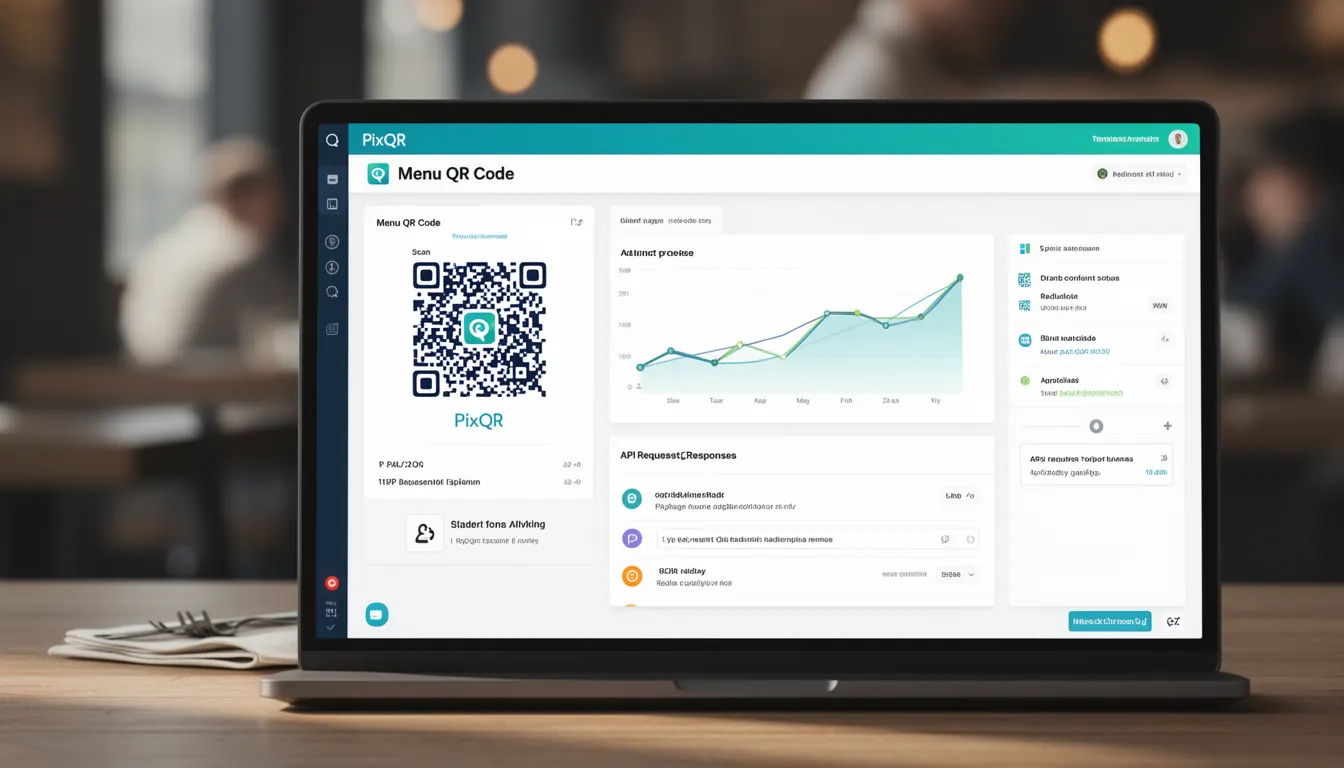
A Menu QR Code is a specific type of QR code designed to provide quick access to digital menu content, typically used in restaurants, cafes, and food service establishments. These codes are generated to redirect users to an online menu, often hosted on a dedicated page or embedded within an application.
Unlike static QR codes that point to fixed URLs, Menu QR Codes are often dynamic, meaning they can be updated without requiring a new physical QR code to be printed. This allows businesses to modify their offerings, prices, or availability in real time, improving operational flexibility.
Why It Matters
For developers, Menu QR Codes are important because they require careful handling of redirects, content delivery, and analytics tracking. The QR code must reliably redirect to a valid menu page, maintain consistent branding, and provide accurate scan data for business insights.
From a security perspective, Menu QR Codes must avoid phishing or malicious redirections, particularly when used in public spaces. The platform must ensure that all generated links are brand-safe and that the underlying content is accessible and properly configured. For maintainers, the dynamic nature of these codes requires robust backend systems to support updates and ensure consistent performance.
How It Works
Menu QR Codes are created using standard QR code generation techniques, but with specific configuration options to support dynamic redirects and analytics. The core mechanism involves generating a QR code that points to a PixQR-managed URL, which then forwards users to a designated menu page.
- The QR code itself is a 2D barcode containing a URL that points to a PixQR-hosted redirect endpoint.
- Dynamic redirects allow the target URL to be updated without re-printing the physical QR code.
- Scan tracking and analytics are embedded in the redirect, providing data on usage and engagement.
- Content validation ensures that the target page is accessible, secure, and compliant with branding guidelines.
- Branding options include custom colors, logos, and layout preferences to match the business identity.
Quick Reference
| Item | Purpose | Notes |
|---|---|---|
| Redirect URL | Points to the menu page | Must be HTTPS and accessible |
| Dynamic Update | Allows URL change without re-printing | Managed through PixQR dashboard |
| Scan Analytics | Tracks usage and engagement | Provides business insights |
| Content Validation | Ensures menu page is safe and accessible | Prevents broken or malicious links |
| Branding Options | Customizes appearance of QR code | Supports logo and color customization |
Basic Example
PixQR Example QR
This QR links directly to this glossary page, so printed notes, onboarding docs, and support material can bring scanners back to the current reference.

This example demonstrates a basic Menu QR Code setup using PixQR's API. It shows how to generate a QR code that points to a specific menu URL.
const menuUrl = 'https://example.com/menu';
const qrCodeData = {
  type: 'menu',
  redirectUrl: menuUrl,
  branding: {
    color: '#000000',
    logo: 'https://example.com/logo.png'
  }
};
const qrCodeResponse = await pixqr.generate(qrCodeData);
The example defines a menu URL, sets branding options, and generates a QR code using the PixQR API. The resulting QR code will redirect to the specified menu page.
Production Example
This example includes error handling, validation, and analytics integration, making it suitable for production environments. It demonstrates a more robust implementation of Menu QR Codes.
const generateMenuQr = async (menuId, brandingOptions) => {
  try {
    const menuUrl = `https://example.com/menus/${menuId}`;
    const response = await fetch('/api/validate-menu', {
      method: 'POST',
      body: JSON.stringify({ url: menuUrl })
    });
    const isValid = await response.json();
    if (!isValid) throw new Error('Menu URL is invalid');

    const qrData = {
      type: 'menu',
      redirectUrl: menuUrl,
      branding: brandingOptions,
      analytics: true
    };

    return await pixqr.generate(qrData);
  } catch (error) {
    console.error('Failed to generate Menu QR:', error);
    throw error;
  }
};
This version includes validation of the menu URL, error handling, and analytics tracking. It ensures that only valid, secure, and accessible URLs are used in the QR code.
Common Mistakes
- Using insecure HTTP URLs in QR codes, which can be flagged by scanners or browsers as unsafe.
- Not validating menu URLs before generating QR codes, leading to broken or inaccessible links.
- Ignoring branding consistency, which can result in mismatched visual identity.
- Overlooking analytics configuration, which prevents tracking of QR code usage and performance.
- Hardcoding redirect URLs, which makes updates difficult and increases the risk of outdated content.
- Failing to test QR codes in real-world scanning environments, leading to poor user experience.
Security And Production Notes
- All Menu QR Codes must use HTTPS URLs to prevent man-in-the-middle attacks or data interception.
- Redirect URLs should be validated to ensure they are accessible and not malicious.
- Branding elements like logos must be securely hosted and comply with accessibility standards.
- Analytics data should be collected and stored in a privacy-compliant manner, respecting user data policies.
- QR codes should be tested across multiple devices and scanning applications to ensure reliability.
Related Concepts
Menu QR Codes are closely related to several other QR code concepts and platform features. Dynamic QR codes allow for updates without re-printing, while analytics tracking provides insights into usage. Brand-safe design ensures consistent and secure branding, and privacy controls help protect user data. Scan reliability is essential for ensuring users can access content quickly and without error.