 PixQR
PixQR
Overview
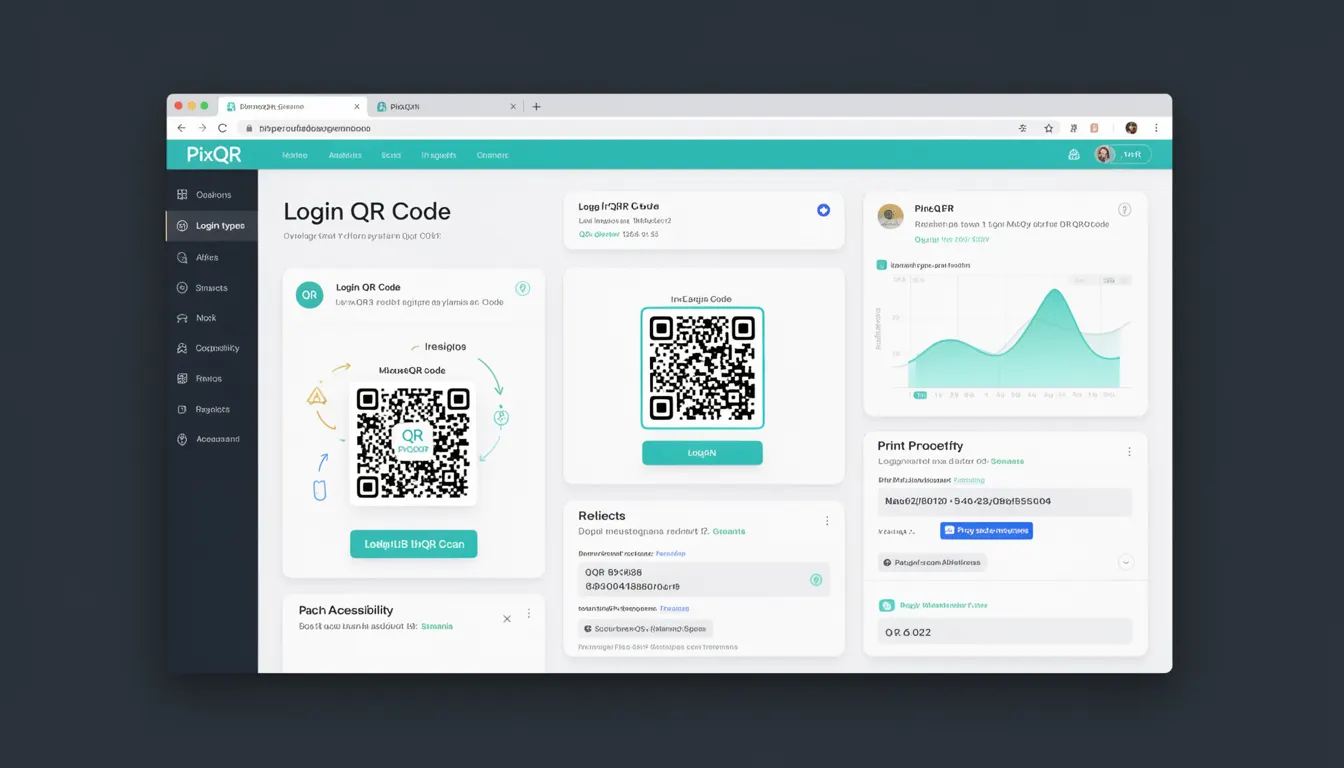
A Login QR Code is a specialized type of QR code used primarily for authentication and user login purposes. Unlike standard QR codes that typically link to web pages or static content, a Login QR Code is designed to initiate a secure login flow, often involving session management, token exchange, and user verification.
These codes are commonly used in applications where a user may not have access to a traditional login interface, such as in mobile apps, IoT devices, or physical kiosks. The QR code acts as a bridge between a user’s device and the authentication system, enabling seamless and secure login experiences.
Why It Matters
For developers, Login QR Codes are critical for enabling secure, scalable authentication workflows. They are particularly valuable in environments where traditional login methods are impractical, such as embedded systems, smart devices, or physical access points. The use of Login QR Codes enhances user experience by reducing friction in the authentication process, especially in scenarios where typing credentials is inconvenient or impossible.
From a security perspective, Login QR Codes help mitigate risks associated with credential exposure and session hijacking. They also support compliance with privacy regulations by enabling secure, temporary access tokens and reducing reliance on persistent credentials. In production systems, they provide a standardized method for handling authentication across platforms and devices.
How It Works
A Login QR Code operates by encoding a specific URL or data payload that triggers a login sequence. When scanned, the QR code typically redirects the user to a login endpoint, which may involve token exchange, session initiation, or identity provider integration. The core mechanism relies on secure communication protocols and proper handling of authentication tokens.
- The QR code payload usually contains a unique identifier or token that links to a temporary session or authentication context.
- Upon scanning, the user's device initiates a redirect to a secure login page or API endpoint.
- Authentication is typically handled via OAuth 2.0, OpenID Connect, or custom session-based flows.
- The system validates the QR code token and initiates a secure login sequence.
- After successful authentication, the user is redirected to the intended application or resource.
Quick Reference
| Item | Purpose | Notes |
|---|---|---|
| QR Code Payload | Encodes authentication context | Must be URL-safe and include token or session ID |
| Scan Handler | Processes QR code input | Should validate payload format and security |
| Redirect Endpoint | Handles login initiation | Must support secure session handling |
| Token Exchange | Exchanges QR code token for session | Requires secure API communication |
| Session Management | Tracks user login state | Must support timeout and invalidation |
Basic Example
PixQR Example QR
This QR links directly to this glossary page, so printed notes, onboarding docs, and support material can bring scanners back to the current reference.

The following example demonstrates a minimal implementation of a Login QR Code payload structure. It includes a base URL with a token parameter that would be scanned by a device.
https://api.pixqr.com/auth/login?token=abc123xyzThis URL encodes a login token that the PixQR system uses to initiate the authentication process. The token is unique per session and is typically time-limited for security.
Production Example
In a production environment, a Login QR Code must include robust validation and secure handling of tokens. The following example shows how a QR code might be generated with additional metadata and security headers.
https://api.pixqr.com/auth/login?token=abc123xyz&expires=1698765432&nonce=987zyx321This version includes an expiration timestamp and a nonce to prevent replay attacks. The system validates these parameters before allowing the login to proceed, ensuring that the QR code is used only once and within a secure time window.
Common Mistakes
- Using static tokens in QR codes, which makes them vulnerable to replay attacks and unauthorized access.
- Not validating the QR code payload format, leading to potential injection or parsing errors.
- Ignoring session timeouts, which can lead to expired tokens being accepted and exploited.
- Failing to implement secure redirect handling, which can expose users to phishing or man-in-the-middle attacks.
- Not logging or monitoring QR code scans, which reduces visibility into potential misuse or security incidents.
Security And Production Notes
- Always use HTTPS for QR code endpoints to prevent data interception during login.
- Implement token expiration and nonce validation to prevent replay attacks.
- Validate QR code payloads against a known schema to avoid injection vulnerabilities.
- Use short-lived tokens to minimize the window of opportunity for unauthorized access.
- Monitor and log all QR code scan events for security auditing and fraud detection.
Related Concepts
Several concepts are closely related to Login QR Codes, including:
- OAuth 2.0 – A protocol for authorization that is often used in conjunction with Login QR Codes.
- Session Management – The process of creating and maintaining user sessions after authentication.
- Token-based Authentication – A method of authentication that uses tokens instead of passwords.
- Redirect URI Handling – The process of securely managing redirects after authentication.
- Secure QR Code Generation – The practice of encoding secure, validated data into QR codes.