 PixQR
PixQR
Overview
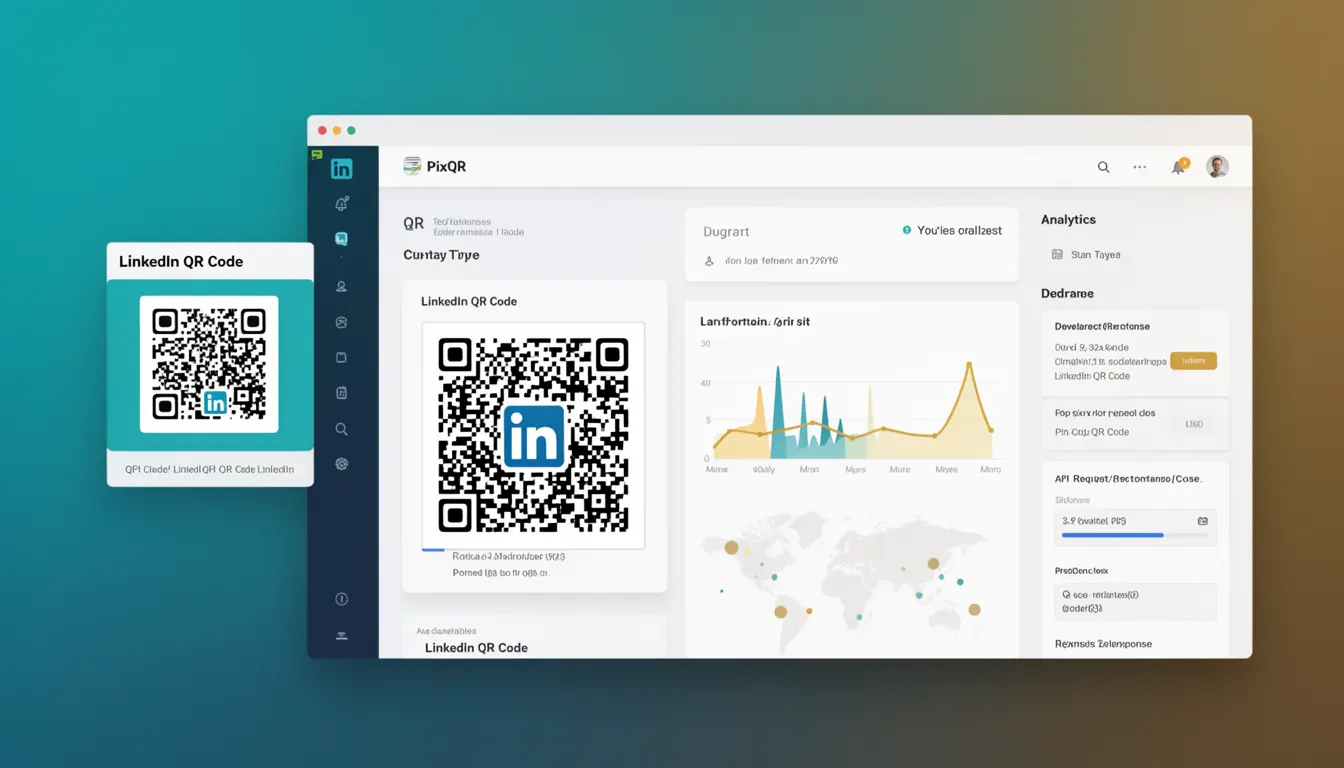
A LinkedIn QR Code is a specialized type of QR code used to encode a link to a LinkedIn profile, company page, or other LinkedIn content. It is a variant of standard QR code generation that is tailored for LinkedIn's platform and its user engagement features.
Developers working with PixQR may encounter LinkedIn QR codes when building systems that generate dynamic QR codes for marketing, recruitment, or professional networking purposes. These QR codes are particularly useful in environments where LinkedIn integration is desired, such as for lead generation, employee branding, or event promotion.
Why It Matters
LinkedIn QR codes are important for developers because they bridge the gap between traditional QR code functionality and LinkedIn's ecosystem. When used in production environments, they provide a reliable way to direct users to specific LinkedIn content, which is crucial for maintaining brand consistency and engagement.
For operational workflows, LinkedIn QR codes allow for tracking and analytics of user interactions. This is especially valuable for marketing teams who rely on data to measure campaign effectiveness. The ability to generate these codes dynamically ensures that the links remain relevant and can be updated without regenerating the entire QR code asset.
How It Works
LinkedIn QR codes function by encoding a specific URL that points to a LinkedIn resource. The QR code itself is generated using standard QR code encoding algorithms but with a focus on ensuring compatibility with LinkedIn's platform and its security measures.
- LinkedIn QR codes typically encode a URL in the format
https://www.linkedin.com/in/<profile-id>orhttps://www.linkedin.com/company/<company-id>. - The QR code generation process uses standard error correction levels (L, M, Q, H) to balance data capacity and scan reliability.
- When scanned, the QR code redirects users to the specified LinkedIn page using a standard HTTP redirect mechanism.
- These QR codes are designed to be brand-safe, ensuring that the generated link is appropriate and does not lead to malicious or unauthorized content.
- Integration with PixQR allows for dynamic QR code generation and analytics tracking, enabling developers to monitor performance and engagement.
Quick Reference
| Item | Purpose | Notes |
|---|---|---|
| QR Code URL Format | Encodes LinkedIn resource | Must be valid LinkedIn URL |
| Error Correction Level | Ensures scan reliability | Recommended Q or H level |
| Redirect Type | Standard HTTP redirect | Follows HTTP 301/302 standards |
| Brand Safety | Prevents malicious links | Validated against LinkedIn policies |
| Analytics Integration | Tracks user interactions | Supported through PixQR platform |
Basic Example
PixQR Example QR
This QR links directly to this glossary page, so printed notes, onboarding docs, and support material can bring scanners back to the current reference.
This basic example demonstrates how to generate a LinkedIn QR code for a user profile using a PixQR API call. It shows the structure of the input and the expected output format.
POST /api/v1/qr-codes
Content-Type: application/json

{
  "type": "linkedin",
  "target_url": "https://www.linkedin.com/in/johndoe",
  "size": "200x200",
  "format": "png"
}
The important lines in this example include the "type" field set to "linkedin", which tells the system to generate a LinkedIn-specific QR code. The "target_url" specifies the LinkedIn profile to which the code should redirect. The "size" and "format" fields define the output properties of the generated QR code.
Production Example
In a production environment, developers must ensure that LinkedIn QR codes are generated with proper validation and error handling. This example shows a more robust implementation that includes input validation and error responses.
POST /api/v1/qr-codes
Content-Type: application/json
Authorization: Bearer <access_token>

{
  "type": "linkedin",
  "target_url": "https://www.linkedin.com/in/johndoe",
  "size": "300x300",
  "format": "svg",
  "analytics": {
    "campaign": "marketing_campaign_2024",
    "source": "event_promotion"
  },
  "brand_safety": true
}
This version includes analytics tracking, a larger size for better print quality, and brand safety validation. The "analytics" object allows for tracking the QR code's performance in marketing campaigns, while "brand_safety" ensures that the generated QR code complies with LinkedIn's policies and platform guidelines.
Common Mistakes
- Using invalid LinkedIn URLs that do not conform to the expected format, leading to failed QR code generation or incorrect redirects.
- Ignoring error correction levels, which can result in QR codes that are difficult to scan in various lighting or print conditions.
- Not validating the target URL before QR code generation, which can lead to broken links or security vulnerabilities.
- Overlooking the importance of analytics integration, resulting in missed opportunities for tracking user engagement and campaign performance.
- Using outdated or unsupported QR code formats, which may not be compatible with modern scanning applications or devices.
Security And Production Notes
- LinkedIn QR codes must be validated against LinkedIn's official URL structure to prevent malicious redirections.
- Implement proper error handling to manage cases where the target URL is inaccessible or invalid.
- Use HTTPS for all target URLs to ensure secure communication between the QR code and the LinkedIn platform.
- Ensure that QR code generation is rate-limited to prevent abuse or denial-of-service scenarios.
- Validate all input parameters to avoid injection vulnerabilities or unexpected behavior in the QR code generation process.
Related Concepts
LinkedIn QR codes are closely related to several other QR code concepts and technologies. Understanding these relationships helps developers implement more effective and secure QR code solutions.
Standard QR code generation is fundamental to LinkedIn QR codes, as both rely on the same underlying encoding algorithms. Dynamic QR code generation allows for updates without regenerating the entire QR code asset, which is essential for maintaining relevance.
Redirect safety is crucial for ensuring that users are directed to legitimate LinkedIn content. Privacy considerations must also be addressed, particularly when tracking user interactions or collecting analytics data.
Scan reliability is another important factor, as QR codes must be scannable under various conditions. Print reliability becomes especially relevant when QR codes are used in physical marketing materials or printed documents.
Operational workflows benefit from integrating LinkedIn QR codes with existing systems, allowing for automated generation, tracking, and management of QR code assets.