 PixQR
PixQR
Overview
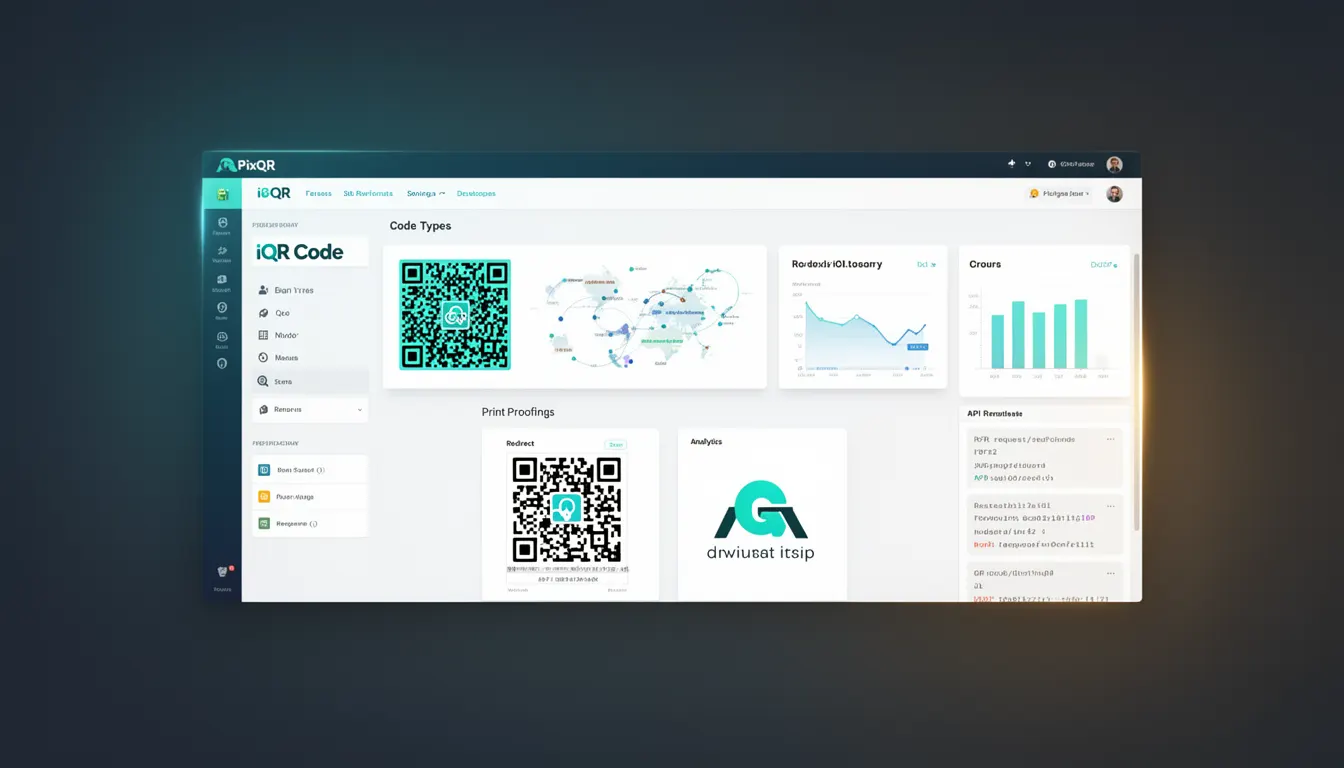
An iQR Code, or intelligent QR Code, is a specialized type of QR code format designed to support dynamic content, enhanced security, and advanced operational workflows. Unlike traditional static QR codes, iQR Codes can be modified after creation, updated with new data, and integrated with backend systems to enable real-time redirection, analytics, and brand-safe content delivery.
In the PixQR platform, iQR Codes are used to provide flexible, scalable, and secure QR code solutions for businesses requiring dynamic link management, scan tracking, and robust operational controls. They are particularly useful in scenarios involving marketing campaigns, product tracking, event management, and secure access systems where content must adapt to changing conditions or user behavior.
Why It Matters
For developers and product teams, iQR Codes are essential for building scalable, maintainable, and secure QR code solutions. Their ability to update content without re-printing or re-deploying physical assets significantly reduces operational overhead. iQR Codes also support advanced features such as real-time analytics, A/B testing, and integration with third-party systems, making them ideal for complex digital workflows.
From a security perspective, iQR Codes enable controlled access, fraud prevention, and compliance with privacy regulations by allowing administrators to revoke, update, or restrict access to QR code content. In terms of performance, iQR Codes support optimized content delivery and reduce the need for physical infrastructure changes, contributing to cost-effective, long-term solutions.
How It Works
The iQR Code mechanism is built on a dynamic backend architecture that allows content to be modified after generation. It leverages a combination of QR code data structures, secure APIs, and backend data management systems to support real-time updates and tracking.
- Each iQR Code is associated with a unique identifier that maps to a database entry containing dynamic content and configuration settings.
- Content updates are managed through a secure API, enabling administrators to modify redirect URLs, content metadata, or access restrictions without changing the physical QR code.
- Scan tracking is enabled by embedding analytics parameters in the QR code payload, which are processed by the backend upon each scan event.
- Security features include access control, encryption of sensitive data, and audit logging to track all changes and access attempts.
- Integration with PixQR’s platform allows iQR Codes to be managed through a centralized dashboard, supporting batch updates, scheduling, and automation.
Quick Reference
| Item | Purpose | Notes |
|---|---|---|
| Unique Identifier | Maps to backend database entry | Used for content retrieval and updates |
| Dynamic Content Payload | Stores redirect URL or metadata | Updated via API without re-printing |
| Scan Tracking | Records scan events with metadata | Enabled through embedded analytics |
| Access Control | Restricts or permits access to content | Supports authentication and permissions |
| Backend Integration | Enables real-time updates and management | Requires API access and secure credentials |
Basic Example
PixQR Example QR
This QR links directly to this glossary page, so printed notes, onboarding docs, and support material can bring scanners back to the current reference.

This basic example demonstrates how to generate an iQR Code using PixQR’s API, including setting a dynamic URL and enabling scan tracking.
const response = await fetch('https://api.pixqr.com/v1/qr', {
  method: 'POST',
  headers: {
    'Authorization': 'Bearer YOUR_API_KEY',
    'Content-Type': 'application/json'
  },
  body: JSON.stringify({
    type: 'iqr',
    content: 'https://example.com/redirect',
    track_scans: true
  })
});
The example sets the QR code type to iqr, assigns a dynamic URL, and enables scan tracking. This configuration ensures that the QR code can be updated later and that all scans are recorded for analytics.
Production Example
This production example includes validation, error handling, and secure configuration for generating an iQR Code with access restrictions and analytics.
const generateIQR = async (url, accessLevel = 'public') => {
  try {
    const response = await fetch('https://api.pixqr.com/v1/qr', {
      method: 'POST',
      headers: {
        'Authorization': `Bearer ${process.env.PIXQR_API_KEY}`,
        'Content-Type': 'application/json'
      },
      body: JSON.stringify({
        type: 'iqr',
        content: url,
        track_scans: true,
        access_control: {
          level: accessLevel,
          restrictions: ['geo', 'time']
        }
      })
    });

    const data = await response.json();
    return data;
  } catch (error) {
    console.error('Failed to generate iQR Code:', error);
    throw error;
  }
};
This version includes environment variable usage for API keys, access control configuration, and error handling, making it suitable for production environments where security and reliability are critical.
Common Mistakes
- Not validating dynamic content before updating an iQR Code, leading to broken redirects or exposure of sensitive data.
- Using the same API key across multiple environments, increasing the risk of unauthorized access or data breaches.
- Disabling scan tracking unnecessarily, which prevents analytics and limits the utility of the iQR Code in marketing or operational workflows.
- Overlooking access control settings, which can allow unauthorized users to modify or view QR code content.
- Not handling API errors gracefully, causing application failures when generating or updating iQR Codes.
Security And Production Notes
- Always use secure, environment-specific API keys and never expose them in client-side code or version control.
- Validate and sanitize all dynamic content to prevent injection attacks or unintended behavior in QR code redirects.
- Implement access control and audit logging to track all changes and access attempts to iQR Codes.
- Use HTTPS for all API requests to ensure secure communication between the application and PixQR’s backend.
- Monitor scan analytics regularly to detect unusual activity or potential misuse of iQR Codes.
Related Concepts
Several related concepts are closely tied to iQR Codes, including QR code generation, dynamic redirects, scan analytics, content management systems, and API security. QR code generation involves creating the physical or digital code, while dynamic redirects allow content to change without re-printing. Scan analytics provide insights into user behavior, and content management systems support updates and control. API security ensures that only authorized users can modify iQR Codes, and operational workflows define how these components interact.