 PixQR
PixQR
Overview
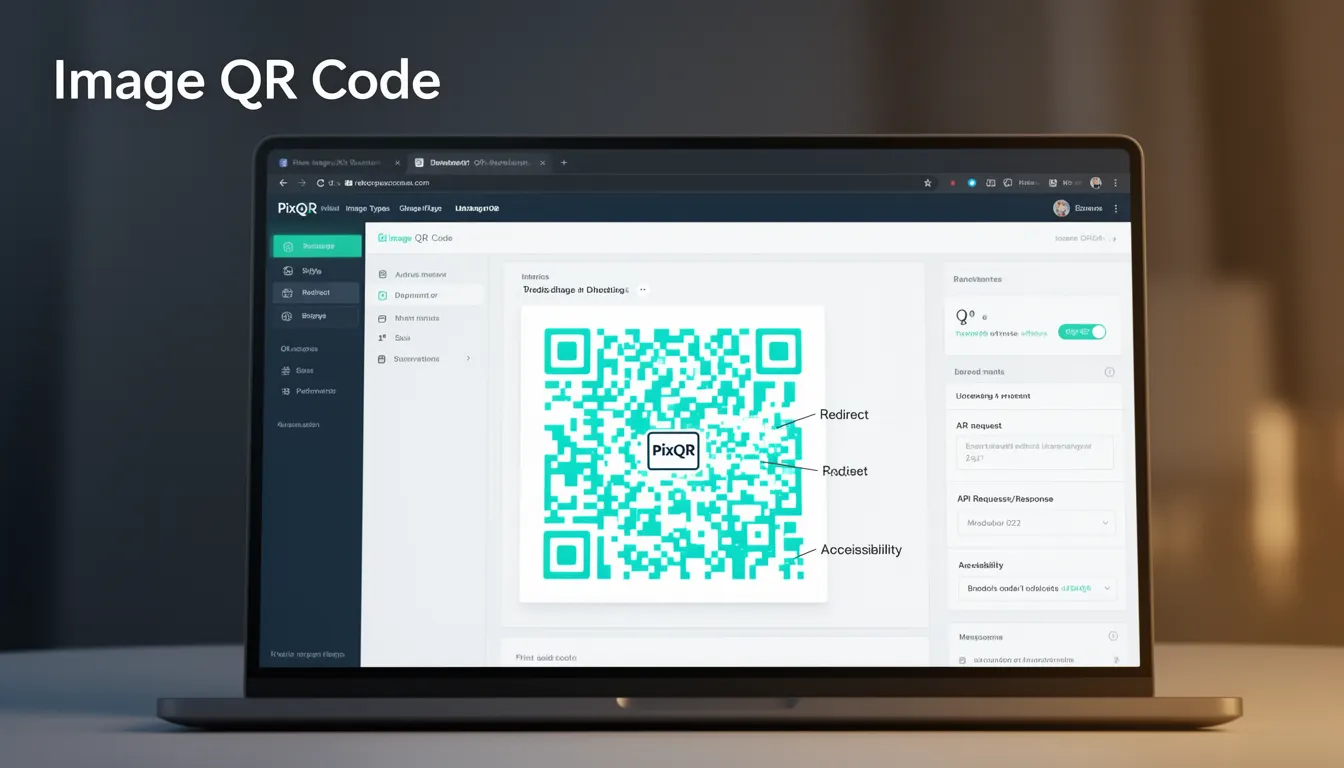
An Image QR Code is a specific QR code variant that incorporates a graphical image into the QR code structure, allowing for visual branding or customisation while maintaining scannability. Unlike standard QR codes that are purely black and white, Image QR Codes embed a logo, icon, or other graphic elements into the code's structure, typically in the corners or center, without compromising the code’s ability to be scanned and decoded.
In PixQR, Image QR Codes are generated using a process that maps the graphical elements into the QR code's data matrix while preserving error correction and scan integrity. These codes are commonly used for brand identity, marketing campaigns, or product packaging where visual appeal is important. They are not typically used for functional purposes such as API calls or deep links, but rather for branding or aesthetic enhancement.
Why It Matters
For developers working with PixQR, understanding Image QR Codes is essential when integrating branding or marketing elements into QR code workflows. The visual customisation capability can improve brand recognition and user engagement, but it also introduces complexity in generation and scanning reliability. If not implemented correctly, Image QR Codes can become unreadable or cause scanning failures, especially in low-light or high-noise environments.
From a production standpoint, Image QR Codes require careful handling of image formats, size, and positioning to ensure compatibility with various scanners and platforms. They also add processing overhead to QR code generation, which impacts performance in high-volume environments. Proper implementation is critical to maintain consistent scanning success rates and avoid user frustration or marketing inefficiencies.
How It Works
The generation of an Image QR Code involves several key steps and parameters to maintain scannability while incorporating visual elements:
- The core QR code structure is first generated using standard encoding algorithms, with error correction levels such as L (7%), M (15%), Q (25%), or H (30%) applied to ensure robustness.
- Graphics are embedded into the QR code by replacing specific modules (black or white pixels) with image data, usually in the quiet zones or designated logo areas.
- Image positioning and scaling are critical; the embedded image must not interfere with the QR code’s data integrity or error correction mechanisms.
- Image formats such as PNG, JPEG, or SVG are supported, with transparency handling and resolution considerations affecting compatibility and scanability.
- Validation is performed to ensure that the final QR code remains scannable across different devices and environments, including low-resolution displays and mobile scanners.
Quick Reference
| Item | Purpose | Notes |
|---|---|---|
| Image embedding | Inserts visual elements into QR code structure | Must not overlap data modules |
| Error correction level | Ensures code remains scannable | Higher levels add redundancy |
| Image size | Controls visual prominence | Too large may break scannability |
| Positioning | Defines where image is placed | Quiet zones recommended |
| Format support | Accepted image types | PNG, JPEG, SVG recommended |
Basic Example
PixQR Example QR
This QR links directly to this glossary page, so printed notes, onboarding docs, and support material can bring scanners back to the current reference.

This example shows how to generate a basic Image QR Code using PixQR's API. The image is embedded into the QR code's center, with default error correction and size settings.
const response = await fetch('/api/generate-qr', {
  method: 'POST',
  headers: { 'Content-Type': 'application/json' },
  body: JSON.stringify({
    type: 'image',
    content: 'https://example.com/brand-logo.png',
    data: 'https://example.com/target-page',
    errorCorrection: 'M'
  })
});
The example sends a request to PixQR's API with the type set to 'image', specifying the image source, target URL, and error correction level. The API handles embedding the image into the QR code structure.
Production Example
In production, Image QR Codes must be validated and tested across multiple platforms. This example includes error handling, image size validation, and performance considerations.
const generateImageQR = async (imageUrl, targetUrl) => {
  if (!imageUrl || !targetUrl) {
    throw new Error('Missing required parameters');
  }

  const response = await fetch('/api/generate-qr', {
    method: 'POST',
    headers: { 'Content-Type': 'application/json' },
    body: JSON.stringify({
      type: 'image',
      content: imageUrl,
      data: targetUrl,
      errorCorrection: 'Q',
      size: 300,
      logoPosition: 'center'
    })
  });

  if (!response.ok) {
    throw new Error('QR generation failed');
  }

  return await response.json();
};
This version includes validation for required parameters, sets a higher error correction level for robustness, and uses a fixed size to ensure consistent rendering. It also includes error handling for API failures, making it suitable for production use.
Common Mistakes
- Using high-resolution images that exceed QR code capacity or distort structure, leading to unscannable codes.
- Placing images in areas that interfere with QR code modules, such as the timing patterns or alignment markers.
- Ignoring error correction levels, resulting in codes that fail to scan in real-world conditions.
- Not validating image formats, causing compatibility issues with scanning applications.
- Embedding logos that are too large or too small, which can reduce scan reliability or fail to convey branding.
Security And Production Notes
- Validate all image URLs to prevent malicious content injection or external resource loading.
- Use secure image hosting with HTTPS to prevent man-in-the-middle attacks or data leakage.
- Implement size limits on uploaded images to prevent excessive processing or memory usage.
- Ensure that embedded images do not contain sensitive or private data that could be exposed through QR code scanning.
- Test generated QR codes across multiple scanners and platforms to verify reliability and prevent user frustration.
Related Concepts
Image QR Codes are closely related to several other QR code concepts and technologies:
- Standard QR Codes form the base structure from which Image QR Codes are derived, with additional visual components.
- QR Code Error Correction ensures that even when parts of the code are damaged or obscured, it can still be scanned successfully.
- Dynamic QR Codes allow for URL changes after generation, which can be combined with Image QR Codes for marketing flexibility.
- Scanning Reliability is a key factor in determining whether an Image QR Code will function correctly across different platforms and environments.
- Brand Safety is crucial in Image QR Code design to ensure that visual elements align with brand guidelines and avoid misuse.