 PixQR
PixQR
Overview
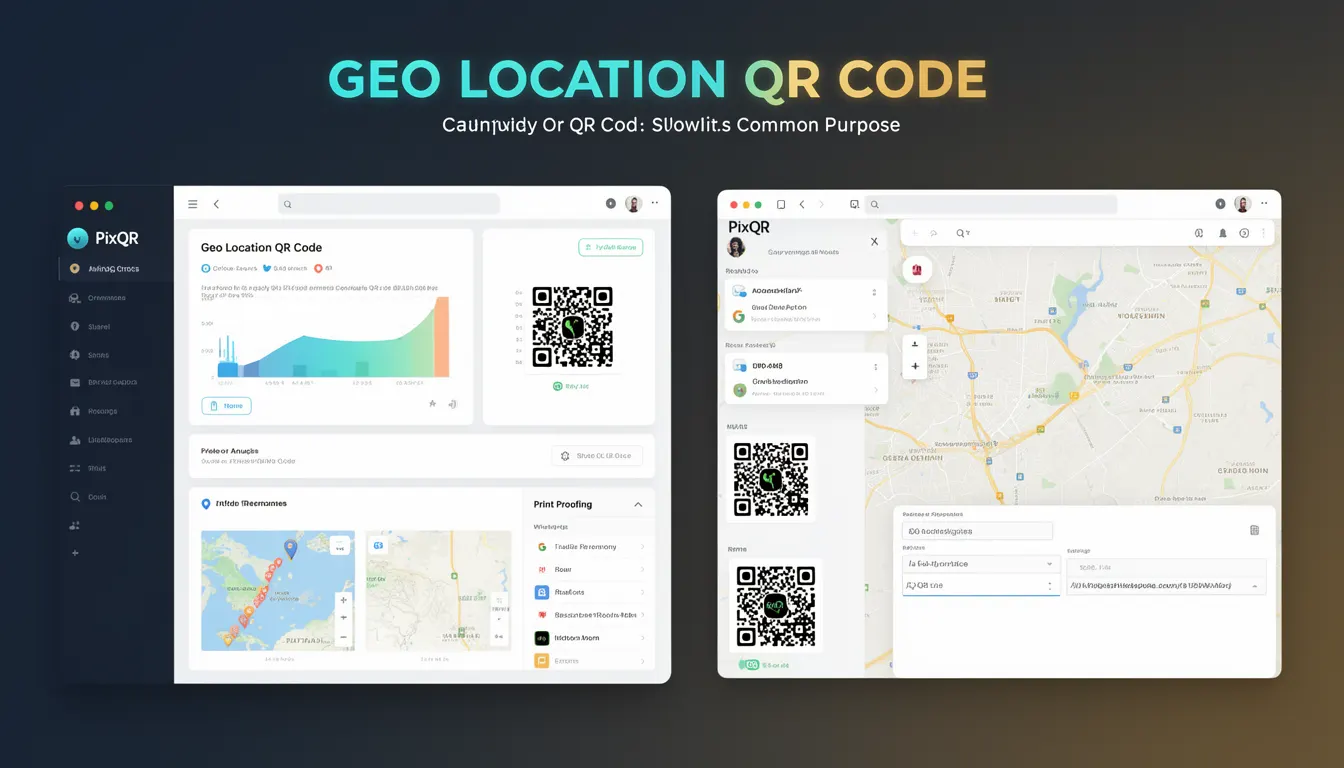
A Geo Location QR Code is a specific QR code format that encodes geographic coordinates and optionally additional location metadata such as address, name, or description. When scanned, it directs the user's device to a map application or location-based service that displays the specified coordinates.
These QR codes are commonly used in marketing, logistics, event management, and physical retail to provide quick access to physical locations. They are part of the broader QR code ecosystem, but differ from standard QR codes by embedding structured location data in a standardized format.
Why It Matters
For developers working with PixQR, Geo Location QR Codes offer a streamlined way to integrate physical and digital experiences. They simplify user interactions by reducing the need for manual address entry or map searches. This is particularly valuable in environments where users are on-the-go or in low-visibility conditions.
From a security perspective, these codes must be generated and validated to prevent misuse. If an attacker can manipulate the coordinates or metadata, it could lead to misdirection or phishing. PixQR’s operational workflows ensure that such codes are safe, trackable, and maintain brand integrity.
Performance-wise, Geo Location QR codes are lightweight and fast to scan, making them ideal for applications where quick user engagement is essential. They also support analytics, allowing developers to track scan behavior and optimize engagement strategies.
How It Works
Geo Location QR Codes are based on the geo: URI scheme defined in RFC 5870. This scheme encodes geographic coordinates in a format that is compatible with mobile mapping applications. The QR code itself is generated using standard QR encoding techniques, but the payload follows the geo URI format.
- The geo URI format is
geo:latitude,longitude[?parameters], where latitude and longitude are expressed in decimal degrees. - Optional parameters can include
qfor a query string (e.g., a place name),zfor zoom level, andtfor time. - When scanned, the device interprets the geo URI and opens the default mapping application or a browser-based map service.
- PixQR supports dynamic generation of geo URIs with parameters, allowing for customization of the user experience.
- Geo Location QR codes are designed to be scanned reliably, even under poor lighting or at various angles, thanks to PixQR’s optimized encoding and error correction.
Quick Reference
| Item | Purpose | Notes |
|---|---|---|
| geo: URI format | Encodes geographic coordinates | Used in QR code payload |
| Latitude and longitude | Defines location | Decimal degrees, e.g., 40.7128,-74.0060 |
| Optional parameters | Customizes map view | e.g., ?q=Central+Park&z=15 |
| QR code encoding | Stores geo URI | Uses standard QR code generation |
| Scan handling | Triggers map application | Device-specific behavior |
Basic Example
PixQR Example QR
This QR links directly to this glossary page, so printed notes, onboarding docs, and support material can bring scanners back to the current reference.
/glossary/qr-code-types/types-of-qr-codes-geo-location-qr-code
The following example shows a basic Geo Location QR code payload that encodes a coordinate pair:
geo:40.7128,-74.0060This payload will direct the scanner to New York City, NY, using the default map application. The coordinates are expressed in decimal degrees, which is the standard for most mapping services.
Production Example
In a production environment, developers using PixQR would generate a Geo Location QR code with additional parameters to enhance user experience:
geo:40.7128,-74.0060?q=Central+Park&z=15This example specifies a location and a query string, which helps the map application display a more relevant view. PixQR ensures that the generated QR code is optimized for scanning and includes appropriate error correction to maintain reliability.
Common Mistakes
- Using incorrect coordinate format, such as degrees, minutes, and seconds instead of decimal degrees, which can result in incorrect locations.
- Ignoring the geo URI specification, leading to compatibility issues with mapping applications or inconsistent behavior.
- Not validating or sanitizing user input before generating the QR code, which could introduce security vulnerabilities or malformed URIs.
- Overlooking error correction settings in QR code generation, which may reduce scan reliability in real-world conditions.
- Using geo URIs without considering mobile browser or app compatibility, especially in environments with limited internet access or restricted apps.
Security And Production Notes
- Geo Location QR codes should be generated with secure, validated inputs to prevent injection of malicious parameters or coordinates.
- Ensure that QR code payloads are URL-encoded to prevent parsing errors or unintended behavior in mapping applications.
- Implement analytics to track scan behavior, but avoid logging sensitive location data unless required for business purposes.
- Test QR code reliability under various lighting and scanning conditions to ensure consistent performance in real-world usage.
- Use PixQR’s brand-safe design and operational workflows to prevent unauthorized or inappropriate use of geo location data.
Related Concepts
Geo Location QR Codes are closely related to several other QR code and location-based technologies:
- QR Code Standards define the format and structure used to encode data, including geo URIs.
- URI Schemes provide the framework for how data is interpreted by applications, with geo: being a key example.
- Dynamic Redirects enable geo codes to be updated or tracked post-generation, a feature supported by PixQR.
- Scan Analytics provide insights into how geo QR codes are being used, supporting optimization and security.
- Location-Based Services are the applications that interpret geo URIs, such as Google Maps or Apple Maps.