 PixQR
PixQR
Overview
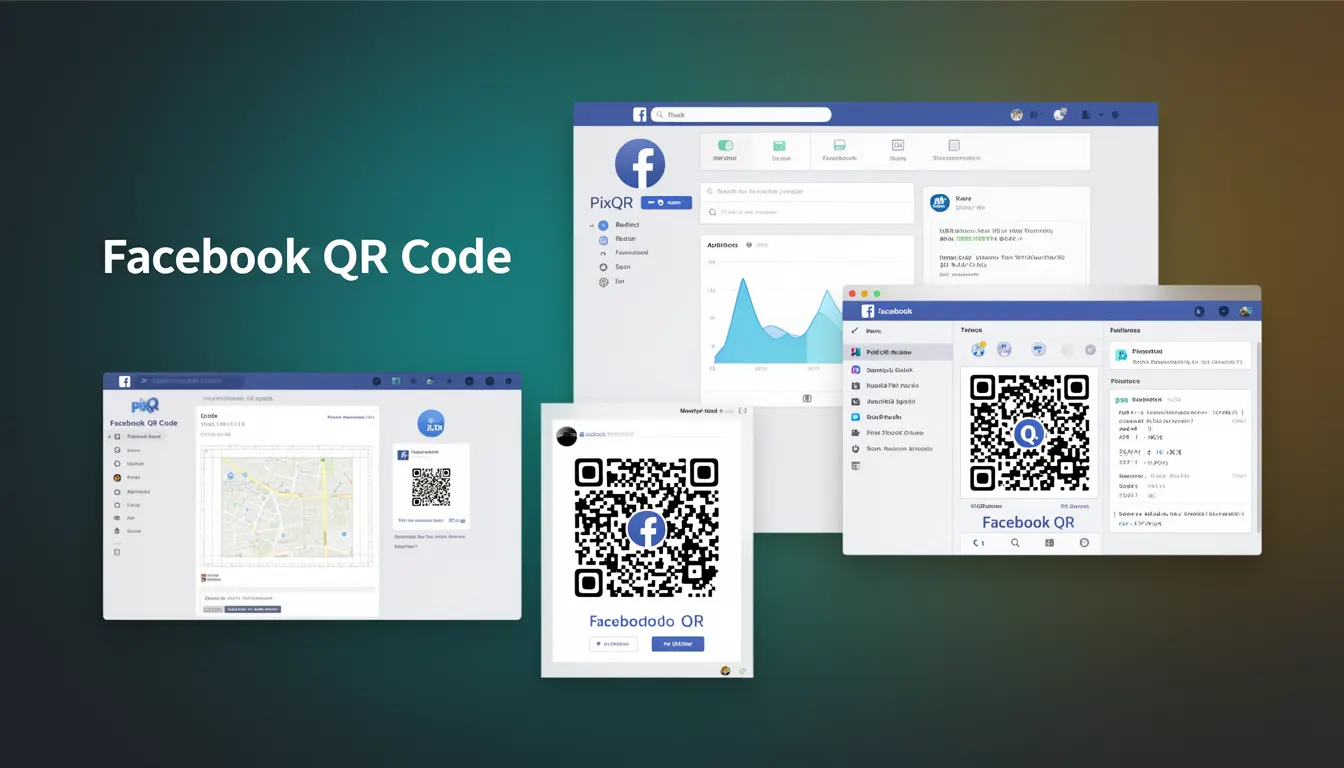
A Facebook QR Code is a specific type of QR code designed to direct users to Facebook-related content, such as a Facebook page, post, group, or event. It is a variant of the standard QR code format but tailored for integration with Facebook’s platform and ecosystem. These QR codes are commonly used in marketing campaigns, promotional materials, and physical signage to drive engagement with Facebook content.
Developers working with PixQR may encounter Facebook QR codes when configuring dynamic redirects, setting up brand-safe designs, or ensuring scan reliability for campaigns that involve Facebook platforms. These codes are not inherently different from standard QR codes in structure but are optimized for Facebook’s URL formats and redirect mechanisms.
Why It Matters
For developers, Facebook QR codes are significant because they bridge offline and online experiences in a way that aligns with Facebook’s ecosystem. When used in production, they must be carefully managed to ensure reliable redirects, maintain privacy compliance, and avoid scan fraud or broken links. PixQR's platform supports Facebook QR codes as part of its broader QR generation and analytics capabilities, allowing developers to track scans and ensure the integrity of redirects.
Security is a key concern, especially when integrating with Facebook’s APIs or redirecting to user-generated content. Misconfigured Facebook QR codes can lead to unintended traffic redirection, analytics data loss, or even phishing risks if not handled correctly. In production, these codes must be validated and tested to ensure compatibility with Facebook's redirect policies and scan tracking systems.
How It Works
Facebook QR codes function by encoding a URL that points to a Facebook resource. This URL typically follows a structure such as https://www.facebook.com/username, https://www.facebook.com/groups/group-id, or https://www.facebook.com/events/event-id. The QR code itself is generated using standard QR code encoding algorithms, but the data it contains is specific to Facebook’s platform.
- The QR code data must be a valid, accessible Facebook URL to ensure proper redirection.
- Facebook QR codes are often generated using dynamic redirect mechanisms, allowing for analytics tracking and campaign management.
- PixQR supports Facebook QR codes through its API and dashboard, enabling developers to configure redirects and scan tracking.
- Scan reliability is enhanced when the QR code is generated with appropriate error correction levels and designed for print or digital display.
- Facebook QR codes can be branded with company or campaign logos to improve brand recognition and trust.
Quick Reference
| Item | Purpose | Notes |
|---|---|---|
| Facebook URL format | Defines the target resource | Must be valid and accessible |
| Dynamic redirect | Enables tracking and analytics | Supported via PixQR API |
| Error correction level | Ensures scan reliability | Recommended: M or H |
| Brand-safe design | Improves trust and recognition | Supports custom branding |
| Scan tracking | Monitors engagement | Available through PixQR dashboard |
Basic Example
PixQR Example QR
This QR links directly to this glossary page, so printed notes, onboarding docs, and support material can bring scanners back to the current reference.

This basic example demonstrates how a Facebook QR code is generated using a standard URL. It shows the minimal data required to encode a Facebook page URL into a QR code.
const facebookUrl = "https://www.facebook.com/yourpage";
const qrCodeData = encodeQRCode(facebookUrl);
// Resulting QR code encodes the URL to redirect to Facebook page
The example encodes a Facebook page URL into a QR code structure. This QR code will redirect to the specified Facebook page when scanned. It does not include advanced features like tracking or branding but serves as a starting point for developers.
Production Example
In a production environment, Facebook QR codes are generated with additional configuration for analytics, branding, and security. This example shows how a developer might integrate Facebook QR codes into a PixQR workflow with dynamic redirects and tracking.
const pixqr = new PixQRClient({ apiKey: "your-api-key" });
const qrConfig = {
  url: "https://www.facebook.com/yourpage",
  redirect: true,
  tracking: true,
  branding: {
    logo: "https://yourdomain.com/logo.png",
    color: "#000000"
  },
  errorCorrection: "H"
};
const qrCode = await pixqr.generate(qrConfig);
// QR code is ready for use with tracking and branding
This version includes dynamic redirect support, branding options, and error correction. It is suitable for production use, ensuring that scans are tracked and the QR code is visually aligned with brand guidelines.
Common Mistakes
- Using invalid or inaccessible Facebook URLs, leading to broken redirects and poor user experience.
- Ignoring error correction levels, resulting in QR codes that fail to scan under certain conditions.
- Not validating redirects, which can expose users to phishing or malicious content.
- Overlooking branding consistency, reducing trust and recognition in marketing campaigns.
- Failing to integrate analytics, missing valuable data on scan performance and engagement.
- Not testing QR codes in real-world conditions, such as print or mobile environments, leading to scan failures.
Security And Production Notes
- Always validate Facebook URLs before generating QR codes to prevent broken or malicious redirects.
- Use high error correction levels (H or Q) for physical or low-quality print media to ensure scan reliability.
- Implement dynamic redirects with PixQR’s API to track scans and manage campaign analytics.
- Ensure branding aligns with Facebook’s platform policies to avoid compliance issues.
- Test QR codes in various environments to confirm that they scan reliably across devices and media.
Related Concepts
Facebook QR codes are closely related to several developer concepts in QR generation and digital marketing:
- Dynamic Redirects – Enable tracking and analytics for QR code campaigns.
- Scan Reliability – Ensures QR codes are scannable under various conditions.
- Brand-Safe Design – Maintains brand consistency and trust in QR code campaigns.
- Privacy Compliance – Ensures that QR code tracking respects user privacy and data protection laws.
- Link Management – Centralizes control over URLs and redirects for marketing and operational workflows.