 PixQR
PixQR
Overview
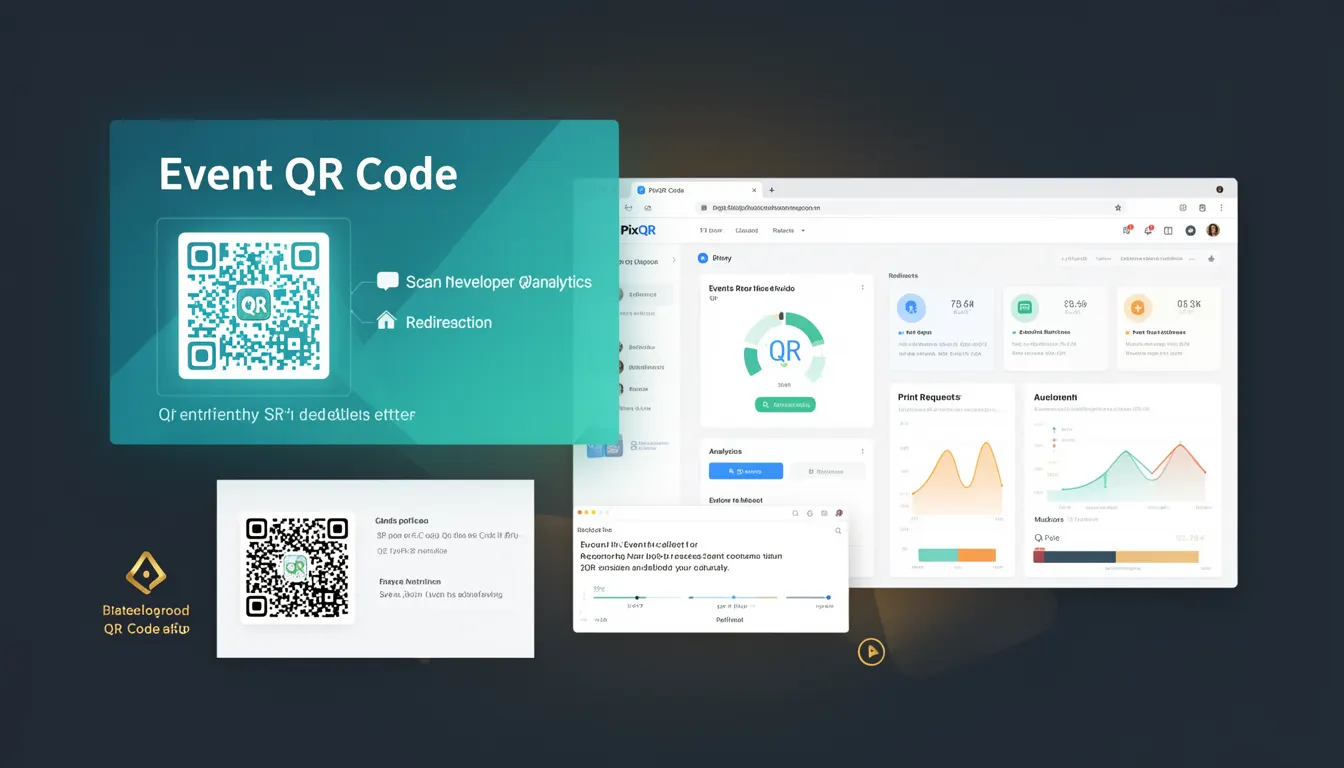
An Event QR Code is a specific type of QR code used primarily for event-related purposes such as ticketing, registration, check-in, and access control. Unlike generic QR codes, Event QR Codes are typically designed to support dynamic redirects, secure scanning, and integration with event management systems. They are often generated with unique identifiers, expiration dates, and access permissions that allow for granular control over event participation.
In the context of PixQR, an Event QR Code is a configurable, brand-safe QR code that can be linked to a dynamic redirect endpoint. This endpoint may be used to serve different content or actions based on the scan context, such as user authentication, event data retrieval, or ticket validation. Event QR Codes are commonly used in large-scale events, trade shows, conferences, and ticketed venues where precise tracking and access control are required.
Why It Matters
Event QR Codes are critical for managing access and tracking participation in digital event ecosystems. They provide a secure and scalable method for verifying user identity or ticket validity without manual checks. From a developer perspective, Event QR Codes must support integration with backend systems, such as event databases, authentication services, and analytics platforms. Misconfigurations can lead to unauthorized access, data leakage, or performance bottlenecks during high-volume scans.
Security implications are particularly significant in event environments where fraud prevention and privacy compliance are paramount. The QR code must not expose sensitive data, and its redirect endpoint must validate scan requests to prevent abuse. Additionally, event QR Codes often need to be scanned repeatedly and quickly, making performance and reliability key considerations in their design and implementation.
How It Works
Event QR Codes are generated using PixQR's API or dashboard, with configuration options that define their behavior and redirect target. The QR code itself is a standard 2D barcode, but its functionality is enhanced by backend logic that interprets the scanned data and routes it appropriately. Key mechanisms include:
- Dynamic redirect endpoints that support conditional logic based on scan context or user state.
- Unique identifiers embedded in the QR code to track individual scans or sessions.
- Expiration timestamps that invalidate the QR code after a set time, improving security and compliance.
- Access control policies that restrict which users or devices can scan the QR code.
- Analytics integration that logs scan events and user behavior for event reporting and optimization.
Event QR Codes may also include metadata such as event ID, user group, or scan location, which are encoded in the QR code's payload or redirected URL. These parameters are typically validated by the backend system before processing the scan, ensuring data integrity and reducing the risk of misuse.
Quick Reference
| Item | Purpose | Notes |
|---|---|---|
| Event ID | Identifies the event associated with the QR code | Used for analytics and backend routing |
| Expiration Time | Defines when the QR code becomes invalid | Prevents unauthorized access after event |
| Redirect URL | Target endpoint for scanned QR code | Can be dynamic based on scan context |
| Scan Limit | Maximum number of scans allowed | Used for ticket control or access restriction |
| Access Token | Optional authentication for scan validation | Used in secure environments to verify scans |
Basic Example
PixQR Example QR
This QR links directly to this glossary page, so printed notes, onboarding docs, and support material can bring scanners back to the current reference.

This example demonstrates how to generate a basic Event QR Code using PixQR's API. It includes a simple redirect URL and an event ID for tracking purposes.
const response = await fetch('https://api.pixqr.com/v1/qr', {
  method: 'POST',
  headers: { 'Content-Type': 'application/json' },
  body: JSON.stringify({
    type: 'event',
    payload: {
      event_id: 'event_12345',
      redirect_url: 'https://example.com/event/12345/checkin'
    }
  })
});
The important lines define the QR code type as 'event', set an event identifier, and specify a redirect URL. This configuration ensures that when the QR code is scanned, the user is directed to a check-in endpoint associated with the event.
Production Example
This example shows a more robust Event QR Code setup with expiration, scan limits, and access token validation. It reflects production-level practices for secure and scalable event management.
const response = await fetch('https://api.pixqr.com/v1/qr', {
  method: 'POST',
  headers: { 'Content-Type': 'application/json' },
  body: JSON.stringify({
    type: 'event',
    payload: {
      event_id: 'event_12345',
      redirect_url: 'https://example.com/event/12345/checkin',
      expiration: '2025-06-15T18:00:00Z',
      scan_limit: 1,
      access_token: 'secure_token_abc123'
    }
  })
});
This version includes an expiration timestamp, a scan limit of one, and an access token for backend validation. These features help ensure that the QR code is used only as intended, improving both security and data accuracy.
Common Mistakes
- Not setting expiration dates, leading to long-lived access and potential misuse.
- Using static redirect URLs without context-aware routing, reducing flexibility and scalability.
- Ignoring scan limits, which can cause ticket fraud or unauthorized access in high-volume events.
- Not validating access tokens, leaving the QR code vulnerable to unauthorized scans.
- Using generic QR code types instead of event-specific configurations, which may miss critical security or tracking features.
Security And Production Notes
- Always validate scan context and user permissions before processing QR code scans.
- Use short expiration times for event-specific QR codes to minimize the risk of unauthorized access.
- Implement scan limits to prevent reuse or abuse of tickets or access codes.
- Encrypt sensitive data in QR code payloads or redirects to prevent data exposure.
- Monitor scan analytics for unusual patterns, such as high-frequency scans from single devices, which may indicate misuse.
Related Concepts
Event QR Codes are closely related to several other QR code and event management concepts. Dynamic QR Codes allow for changing content without re-printing, making them ideal for time-sensitive events. Redirects are essential for routing users to appropriate endpoints, and analytics help track event engagement. Access control systems ensure that only authorized individuals can use specific QR codes, and brand-safe design maintains consistency with event branding. Together, these concepts form a robust framework for managing event participation and access in a secure, scalable manner.