 PixQR
PixQR
Overview
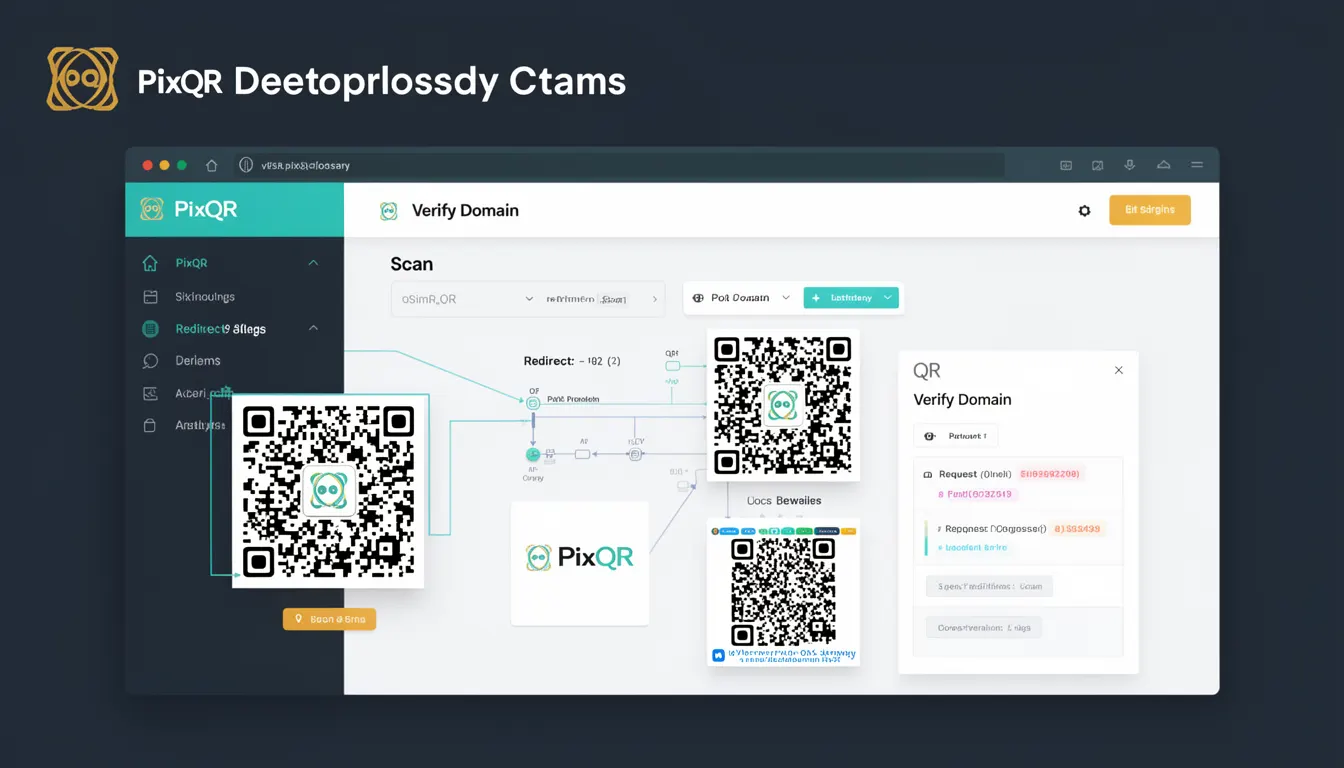
Verify Domain is a security mechanism used in QR code platforms to confirm that a domain is legitimate and authorized to generate or redirect QR codes. This process is essential in preventing phishing and fraud, particularly in environments where QR codes are used to direct users to external links. In PixQR, Verify Domain helps ensure that only verified domains can generate dynamic QR codes or set up redirects, reducing the risk of abuse.
For developers working with PixQR, Verify Domain is a key feature that must be implemented and configured correctly to maintain trust and operational integrity. It is especially important when building systems that involve user-generated content or dynamic link management, where the risk of malicious use is high. The process involves domain validation, which can be manual or automated, and is often integrated into the platform's API or admin dashboard.
Why It Matters
Verify Domain is critical for preventing QR code abuse in phishing attacks, where scammers create fraudulent QR codes that redirect to malicious websites. Without domain verification, anyone could generate QR codes pointing to harmful domains, undermining the trust users place in the platform. In PixQR, this mechanism helps maintain a secure environment by ensuring that only domains known to be safe or explicitly approved can participate in QR code generation or redirection.
For product teams, Verify Domain ensures that the platform's reputation remains intact by reducing the risk of hosting or linking to phishing or malicious content. It also supports compliance with industry standards and regulations, particularly in sectors where trust and security are paramount, such as financial services, healthcare, or government agencies. For developers, understanding Verify Domain helps in designing secure APIs, configuring redirect rules, and managing user permissions effectively.
How It Works
Verify Domain operates through a multi-step process that includes domain registration, validation, and authorization. In PixQR, this typically involves a domain being added to a trusted list, followed by a verification challenge to prove ownership. The system may use DNS records, email verification, or API-based checks to confirm domain legitimacy.
- Domain registration is the initial step where a user or system submits a domain for inclusion in the platform's trusted list.
- Verification challenges are sent to the domain owner, requiring a specific action such as placing a file or updating DNS records.
- Once verified, the domain is marked as authorized and can generate or manage QR codes.
- Authorized domains are periodically re-verified to ensure continued legitimacy.
- Verification status is stored and used to enforce access controls for QR code generation and redirect rules.
Quick Reference
| Item | Purpose | Notes |
|---|---|---|
| Domain Registration | Submits a domain for inclusion in the platform's list | Requires a valid domain name |
| Verification Challenge | Confirms domain ownership via DNS or file | Can be automated or manual |
| Authorized Status | Enables domain to generate QR codes or redirects | Requires successful verification |
| Re-verification | Periodic checks to maintain domain trust | Helps prevent stale or malicious entries |
| Access Control | Enforces permissions based on verification status | Used in API and admin interfaces |
Basic Example
PixQR Example QR
This QR links directly to this glossary page, so printed notes, onboarding docs, and support material can bring scanners back to the current reference.
This example demonstrates how a domain might be registered and verified using a PixQR API endpoint. It shows the core steps required to initiate the verification process.
POST /api/v1/domains
{
  "domain": "example.com"
}
The first line sends a request to register a domain. The second line shows the JSON payload containing the domain name. The system responds with a verification challenge, which the user must complete to finalize the process.
Production Example
This example illustrates a more comprehensive domain verification workflow, including error handling and status tracking. It reflects a production-grade approach to integrating Verify Domain into a QR code platform.
POST /api/v1/domains/verify
{
  "domain": "trusted-site.com",
  "verification_method": "dns",
  "challenge": "TXT record: v=spf1 include:_spf.example.com ~all"
}
{
  "status": "pending",
  "domain": "trusted-site.com",
  "verification_id": "abc123"
}
This version includes a verification method and challenge details, which are essential for automating the process. The response provides a unique verification ID, enabling the system to track the status of the domain's verification.
Common Mistakes
- Skipping domain verification entirely, leading to untrusted or malicious domains being used in QR codes.
- Using outdated verification methods that are no longer supported by the platform or DNS providers.
- Not implementing re-verification checks, allowing compromised or inactive domains to remain in the trusted list.
- Ignoring error handling in verification workflows, which can cause silent failures or incomplete domain setups.
- Allowing users to bypass verification by using insecure or unauthenticated API endpoints.
Security And Production Notes
- Verify Domain must be implemented with secure API endpoints to prevent unauthorized domain registration or modification.
- Verification challenges should be unique per domain to prevent spoofing or replay attacks.
- Re-verification should occur at least monthly to ensure domains remain active and trustworthy.
- Access controls must be enforced at the API level to restrict domain management to authorized users.
- Domain verification logs should be stored for compliance and audit purposes, especially in regulated industries.
Related Concepts
Verify Domain is closely related to several core concepts in QR code security and platform integrity. These include domain ownership verification, dynamic redirect security, API access control, phishing prevention, and compliance with industry standards. Together, these mechanisms form a robust framework for maintaining a secure and trustworthy QR code ecosystem.