 PixQR
PixQR
Overview
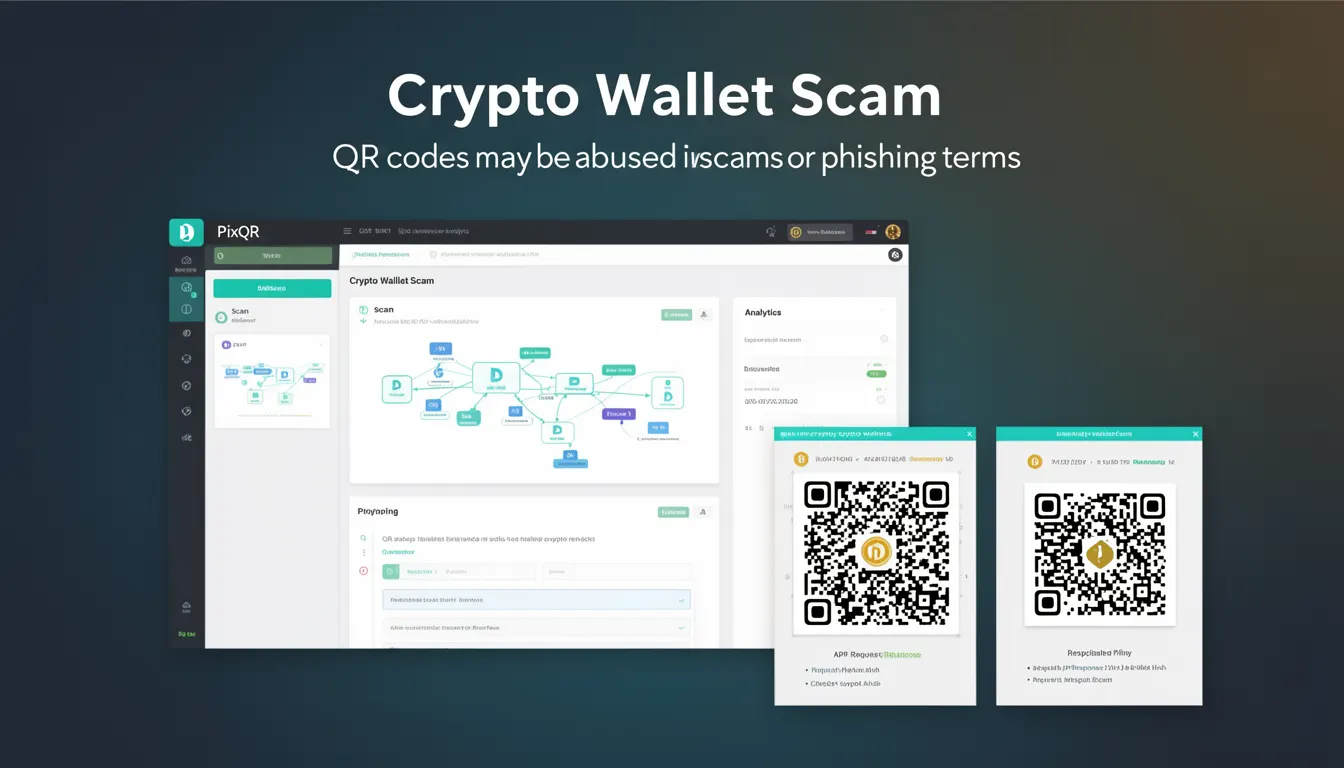
A Crypto Wallet Scam is a type of phishing attack that targets users of cryptocurrency wallets through QR codes. These scams typically involve the use of malicious QR codes that redirect users to fake wallet interfaces or fraudulent websites designed to steal login credentials, private keys, or transaction details. In the context of PixQR, QR codes are generated and managed for use in digital and physical environments, making them potential vectors for such scams if not properly secured.
Developers working with PixQR must understand how QR codes can be misused in crypto-related phishing attacks, particularly when integrating dynamic redirects, branding, or analytics into QR code generation workflows. These scams are especially dangerous in environments where users are prompted to scan QR codes to access wallet functionality or perform transactions.
Why It Matters
For developers, recognizing the risk of Crypto Wallet Scams is crucial when building secure QR code platforms. These scams can lead to financial losses, reputational damage, and regulatory scrutiny. PixQR's focus on brand-safe design, scan reliability, and secure operational workflows directly addresses these threats by implementing validation and tracking mechanisms.
In production environments, a compromised QR code can result in users unknowingly transferring funds to attackers or exposing sensitive data. The implications extend beyond immediate user harm to include trust erosion in the platform and potential legal consequences for failing to implement adequate security measures.
How It Works
Crypto Wallet Scams using QR codes operate by creating deceptive links that appear legitimate but redirect users to malicious endpoints. These QR codes often mimic official wallet interfaces or transaction confirmations and may include subtle design differences or misleading branding.
- QR codes are generated with dynamic redirects that can be modified post-creation, allowing attackers to change destination URLs without altering the physical QR code.
- Scammers often exploit the trust users place in QR codes by embedding them in official-looking communications or marketing materials.
- Some QR codes are designed to capture user input, such as private keys or passwords, through embedded forms or redirects to phishing pages.
- Analytics tracking can be used to monitor scan behavior and extract user information, including IP addresses, device details, and geolocation data.
- QR codes may be embedded in printed materials, emails, or social media posts to reach users who scan them without verifying the source.
Quick Reference
| Item | Purpose | Notes |
|---|---|---|
| Dynamic Redirect | Allows real-time URL changes | Must be secured against unauthorized modifications |
| Scan Analytics | Tracks user interaction | Used to detect suspicious behavior |
| Brand Validation | Ensures legitimacy of QR code branding | Prevents spoofing and phishing |
| Link Verification | Checks destination URL for malicious content | Should be part of PixQR’s backend validation |
| Scan Tracking | Monitors QR code scan history | Helps identify compromised codes |
Basic Example
PixQR Example QR
This QR links directly to this glossary page, so printed notes, onboarding docs, and support material can bring scanners back to the current reference.
/glossary/qr-code-phishing/qr-code-phishing-crypto-wallet-scam

This example shows how a basic QR code can be generated with a URL that may be used in phishing attacks. The QR code is intended to illustrate how malicious links can be embedded in QR codes without obvious indicators.
const qrCode = {
  id: "12345",
  url: "https://wallet-secure-update.com/login",
  brand: "Official Wallet",
  createdAt: "2023-05-01T10:00:00Z",
  scanCount: 0
};
The url field in this object represents a potential phishing link. If this QR code is scanned, the user would be redirected to a fake wallet login page. The brand field may mislead users into trusting the link.
Production Example
In a production environment, PixQR would implement additional security layers to prevent such scams. This includes URL validation, brand verification, and scan tracking to detect and block malicious QR codes.
const secureQRCode = {
  id: "12345",
  url: "https://wallet-secure-update.com/login",
  brand: "Official Wallet",
  createdAt: "2023-05-01T10:00:00Z",
  scanCount: 0,
  isValid: true,
  isSecure: true,
  scanHistory: [],
  lastScan: null
};
This version includes security checks like isValid and isSecure flags, and a scanHistory array to track user interactions. This makes it suitable for production workflows where security and audit trails are required.
Common Mistakes
- Generating QR codes without validating the destination URL, allowing attackers to redirect to malicious sites.
- Using generic branding in QR codes, which can be easily spoofed by scammers to appear legitimate.
- Ignoring scan analytics, which could reveal suspicious patterns or unauthorized access to QR codes.
- Not implementing real-time monitoring or alerting for QR code usage, leading to delayed detection of phishing attempts.
- Allowing dynamic redirects without access controls, enabling unauthorized modifications to QR code destinations.
Security And Production Notes
- Always validate URLs before allowing QR code generation to prevent malicious links from being embedded.
- Implement access controls for dynamic redirect functionality to prevent unauthorized changes to QR code destinations.
- Use brand-safe design practices to ensure QR code branding matches official sources and cannot be easily spoofed.
- Monitor scan analytics for unusual behavior, such as rapid scans from multiple IP addresses or geographically distant locations.
- Log all QR code access and modification events to maintain an audit trail for security investigations.
Related Concepts
Several developer concepts are closely related to Crypto Wallet Scams and QR code security:
- Dynamic Redirects – Allow QR codes to point to different URLs over time, which can be exploited if not properly secured.
- Scan Reliability – Ensures QR codes are scannable and consistently point to the intended destination, reducing spoofing risks.
- Link Management – Involves the control and tracking of QR code destinations, critical for preventing unauthorized changes.
- Privacy Controls – Protect user data collected through QR code scans, ensuring compliance with privacy regulations.
- Fraud Prevention – Aims to detect and block malicious QR codes or scans before they can cause harm.