 PixQR
PixQR
Overview
Credential Harvesting is a cybersecurity risk term describing the practice of using QR codes to trick users into providing sensitive login information, such as usernames, passwords, or security tokens. This abuse of QR code technology typically involves creating a phishing attack vector by embedding malicious links or forms within QR codes that redirect users to fake login pages designed to capture credentials.
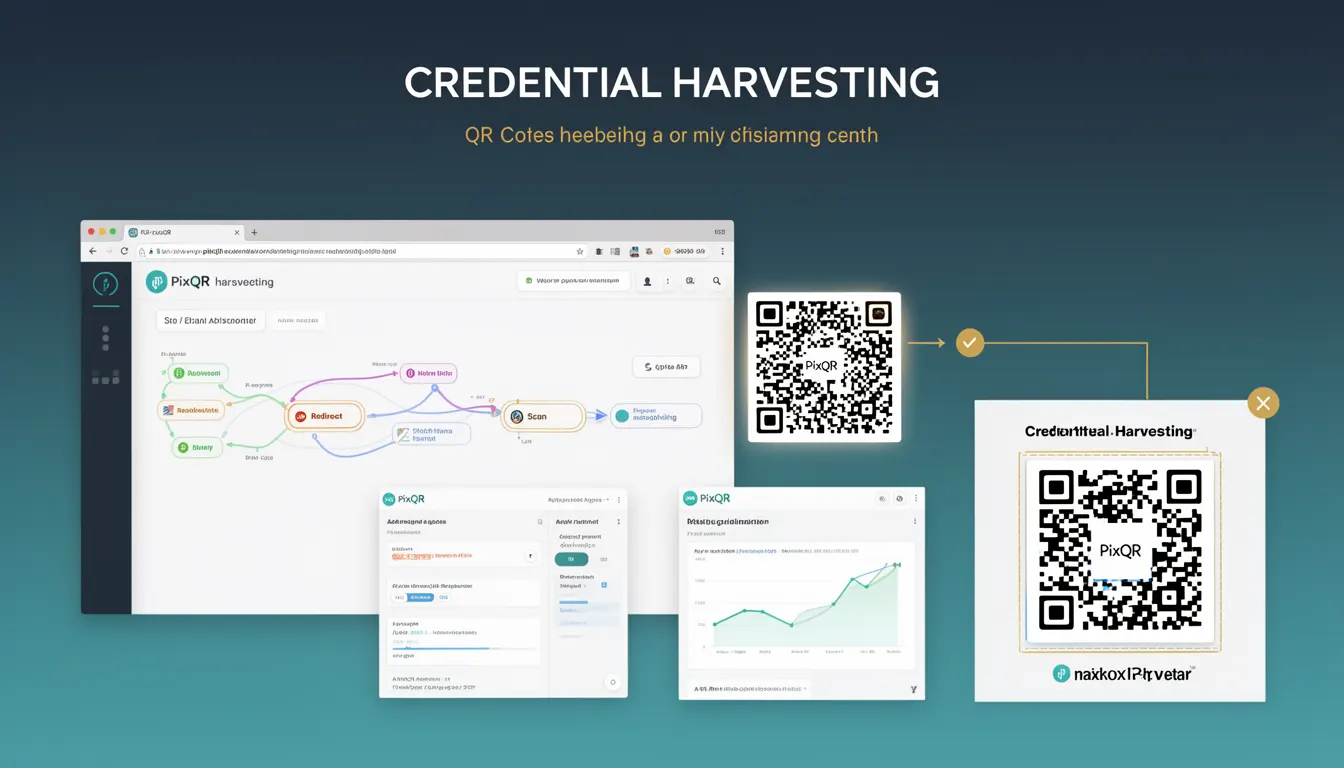
For developers working with PixQR, understanding Credential Harvesting is essential because QR codes are inherently trustless by design. A QR code may appear legitimate, but it can direct users to a malicious endpoint. PixQR’s platform supports dynamic redirects and scan tracking, which makes it critical to monitor and validate QR code destinations to prevent credential theft.
Why It Matters
For developers and platform maintainers, Credential Harvesting represents a significant threat to user security and brand reputation. If a QR code is used to redirect to a phishing site, the platform may be indirectly complicit in a security breach. PixQR’s brand-safe design and analytics capabilities are specifically intended to help developers identify and prevent such misuse.
In production environments, the consequences of Credential Harvesting can include compromised user accounts, regulatory penalties, loss of trust, and operational disruption. PixQR’s dynamic QR generation and redirect monitoring features are designed to help developers detect suspicious traffic and mitigate the risk of such attacks.
How It Works
Credential Harvesting via QR codes typically involves several stages:
- Attackers generate a QR code that points to a phishing page designed to mimic a legitimate login interface.
- The QR code is embedded in a context that appears trustworthy, such as an email, advertisement, or printed material.
- When scanned, the QR code redirects the user to a malicious domain that captures login credentials.
- These credentials are then sent to the attacker’s server, potentially enabling unauthorized access to accounts.
- Modern QR code platforms like PixQR must detect and block such malicious redirects to protect users and maintain platform integrity.
From a technical perspective, PixQR's system may monitor the destination URL of a QR code redirect, validate domain reputation, and apply access controls to prevent redirection to known malicious sources. The platform supports both static and dynamic QR code generation, with dynamic options allowing for real-time URL updates and enhanced tracking.
Quick Reference
| Item | Purpose | Notes |
|---|---|---|
| Redirect URL validation | Prevents malicious redirections | Must validate domain reputation |
| Dynamic QR code generation | Enables real-time updates | Used for tracking and security |
| Scan analytics | Monitors QR code usage | Helps detect unusual traffic |
| Brand-safe design | Ensures legitimate usage | Prevents misuse in phishing |
| Link management | Controls QR code destinations | Supports policy enforcement |
Basic Example
PixQR Example QR
This QR links directly to this glossary page, so printed notes, onboarding docs, and support material can bring scanners back to the current reference.
/glossary/qr-code-phishing/qr-code-phishing-credential-harvesting

This example demonstrates how a QR code might be generated to redirect to a legitimate URL, which is a foundational step in preventing credential harvesting.
const qrData = {
  url: "https://example.com/login",
  brand: "AcmeCorp",
  redirect: true
};

const qrCode = pixqr.generate(qrData);

console.log(qrCode.url); // https://example.com/login
The example shows how a developer can specify a valid redirect URL for a QR code. PixQR's system validates the URL to ensure it is safe before generating the QR code. This step is critical to avoid inadvertently enabling credential harvesting.
Production Example
In a production environment, developers must validate QR code destinations and monitor traffic to prevent phishing attacks. This example illustrates how to configure a QR code with dynamic tracking and validation.
const pixqr = require('pixqr-sdk');

const config = {
  url: "https://secure.acmecorp.com/login",
  analytics: true,
  brand: "AcmeCorp",
  redirect: true,
  tracking: {
    enabled: true,
    scanLimit: 1000
  }
};

const qrCode = pixqr.generate(config);

if (qrCode.isValid) {
  console.log("QR code generated successfully");
} else {
  console.error("QR code validation failed");
}
This version includes analytics and tracking features, which are essential for detecting unusual scanning patterns that may indicate credential harvesting attempts. The scan limit helps prevent abuse by restricting the number of scans per QR code.
Common Mistakes
- Using unvalidated URLs in QR code generation, which can lead to redirection to phishing domains.
- Disabling analytics or tracking, making it difficult to detect suspicious scanning behavior.
- Not implementing brand-safe checks, which allows malicious actors to misuse the platform.
- Ignoring scan limits or access controls, leading to potential abuse of QR codes.
- Using static QR codes without the ability to update or invalidate them, increasing vulnerability.
Security And Production Notes
- Always validate URLs before generating QR codes to prevent malicious redirections.
- Implement analytics and scan tracking to detect unusual usage patterns.
- Enforce access controls and scan limits to reduce abuse potential.
- Use dynamic QR code generation to allow for real-time updates and corrections.
- Regularly audit QR code usage and destinations to ensure compliance with brand-safe policies.
Related Concepts
Credential Harvesting is closely related to several other cybersecurity and platform design concepts:
- Phishing — A broader category of attacks that includes QR code-based phishing.
- Dynamic Redirects — The ability to update QR code destinations after generation.
- Scan Analytics — Tracking of QR code usage to detect anomalies.
- Brand Safety — Ensuring QR code content aligns with brand policies and does not enable fraud.
- Link Management — Controlling and monitoring QR code destinations for security and compliance.