 PixQR
PixQR
Overview
A Banking Scam QR is a QR code used in phishing or fraudulent schemes targeting financial services. These QR codes are intentionally crafted to redirect users to malicious websites or to collect sensitive data such as login credentials, account numbers, or personal identification information.
Developers and platform operators working with PixQR must understand the mechanics of these QR codes to prevent their generation or use in malicious contexts. PixQR provides tools to scan, validate, and monitor QR code usage to reduce the risk of such abuse. Banking Scam QRs often appear in spam campaigns, social engineering attacks, or as part of broader fraud operations where attackers exploit user trust in familiar banking interfaces.
Why It Matters
For developers and platform maintainers, identifying and mitigating Banking Scam QRs is critical to maintaining platform integrity and user trust. If a QR code platform allows the generation of malicious QRs, it can become a vector for financial fraud, data breaches, and reputational damage.
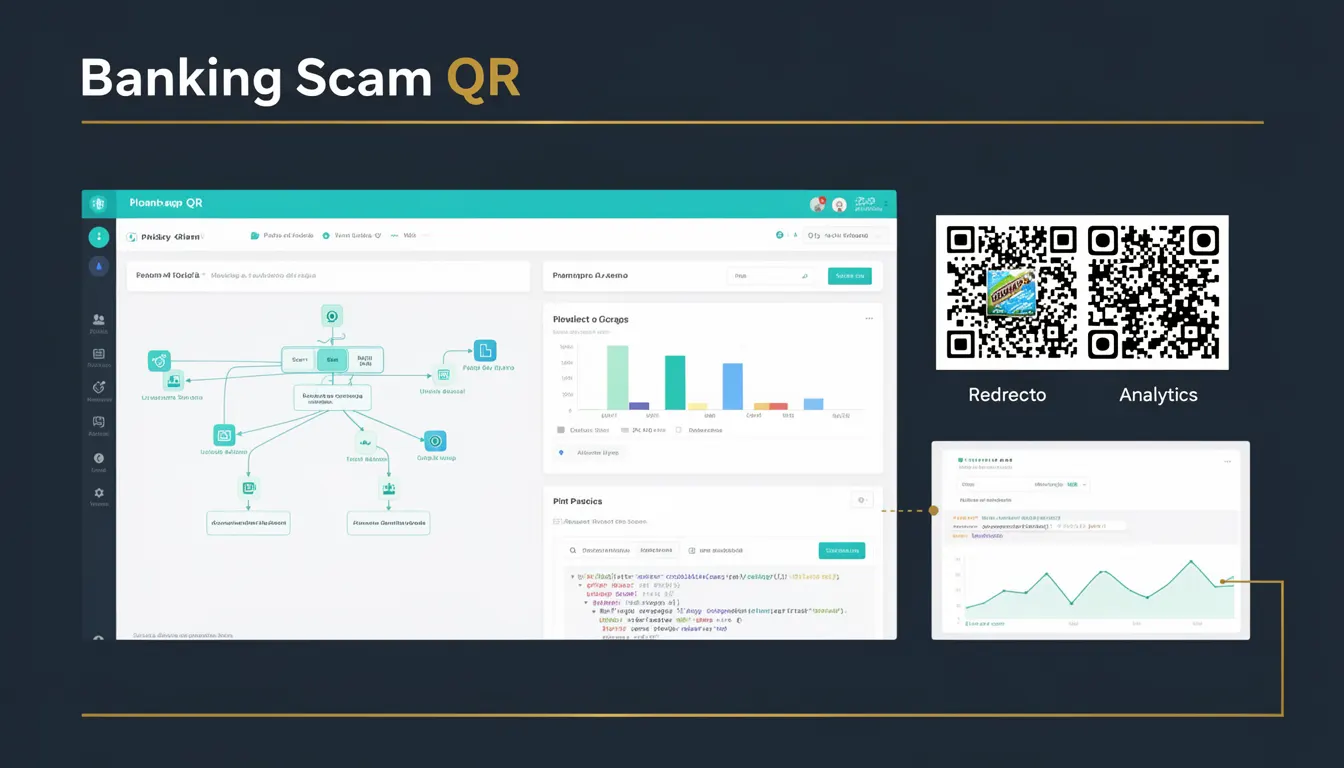
From a user experience perspective, users who encounter such QR codes may be tricked into providing sensitive data, leading to financial loss and identity theft. For platform operators, the presence of such QRs can trigger compliance issues, regulatory scrutiny, and loss of trust. PixQR's security features include domain validation, redirect tracking, and scan analytics to detect and block suspicious QR code usage.
How It Works
Banking Scam QRs typically exploit the trust users place in familiar financial interfaces by mimicking legitimate banking URLs or domains. They are generated with malicious intent and often contain links that redirect to phishing pages or scripts designed to harvest credentials.
- Scammers may use domain names that closely resemble those of real banks, such as
bankofamerica-secure.comorsecure-banklogin.net, to deceive users. - QR codes may be embedded in emails, text messages, or social media posts, often with misleading content to prompt immediate action.
- They may be part of a larger phishing campaign, where the QR code is only one component of a multi-stage attack.
- Some scam QRs are designed to redirect to mobile apps that are not genuine, tricking users into installing malware.
- Advanced scams may use dynamic QRs that change their target URL upon each scan, making detection more difficult.
When a user scans a Banking Scam QR, they are often redirected to a page that mimics a real bank login screen. The page may be designed to collect credentials or financial information, which is then sent to the attacker. PixQR's system can detect suspicious redirects and alert administrators to such activity, helping to prevent these QR codes from being used in the wild.
Quick Reference
| Item | Purpose | Notes |
|---|---|---|
| Redirect URL validation | Ensures QR links do not point to known malicious domains | Use domain reputation lists |
| Scan analytics | Tracks QR code usage to detect unusual patterns | Alerts on high scan volumes or geographic anomalies |
| Dynamic QR generation | Allows QRs to be updated with new targets | Can be used in phishing if not monitored |
| Domain verification | Checks if a domain is associated with a legitimate entity | Prevents spoofing of financial institutions |
| Scan tracking | Logs each QR scan for audit and fraud detection | Helps trace QR code usage back to creator |
Basic Example
PixQR Example QR
This QR links directly to this glossary page, so printed notes, onboarding docs, and support material can bring scanners back to the current reference.

This example shows a basic QR code generation process that includes a URL. It demonstrates how a developer might create a QR code with a specific target, which could be malicious if not validated.
const qrCode = pixqr.generate({
  url: 'https://secure-banklogin.net',
  size: 256,
  format: 'png'
});
The important line is the url parameter, which defines where the QR code will redirect. If this URL is not verified, it can lead to a Banking Scam QR. Developers should validate the URL against known safe or malicious lists before generating the QR code.
Production Example
This example shows how a developer might implement validation for QR code generation in a production environment to avoid creating Banking Scam QRs.
const isValidDomain = (domain) => {
  const safeDomains = ['bankofamerica.com', 'chase.com', 'wellsfargo.com'];
  return safeDomains.includes(domain);
};

const generateSecureQR = (url) => {
  const domain = new URL(url).hostname;
  if (!isValidDomain(domain)) {
    throw new Error('Domain not allowed for QR generation');
  }
  return pixqr.generate({ url, size: 256 });
};
This version includes domain validation to prevent the creation of QR codes that redirect to untrusted or potentially malicious domains. It is suitable for production because it enforces a whitelist of known safe domains and throws an error if an unsafe domain is used.
Common Mistakes
- Not validating the destination URL before QR generation, which can lead to unintentionally creating Banking Scam QRs.
- Using generic or default QR code generation without domain checks, especially in automated systems.
- Ignoring scan analytics and usage patterns that may indicate malicious QR code activity.
- Allowing QR code creation without user authentication or access controls, increasing the risk of abuse.
- Not implementing dynamic QR code tracking, which can make it difficult to identify and block malicious QRs after they are generated.
Security And Production Notes
- Always validate QR code destinations against a trusted domain list to avoid generating Banking Scam QRs.
- Implement real-time scan analytics to detect unusual usage patterns that may indicate fraudulent activity.
- Use HTTPS for all QR code destinations to ensure encrypted communication and reduce the risk of interception.
- Enable access controls to restrict QR code generation to authenticated users with appropriate permissions.
- Regularly audit QR code usage logs to identify and remove suspicious or malicious QRs.
Related Concepts
Several developer concepts are closely related to Banking Scam QRs:
- QR Code Phishing: The broader category of phishing attacks using QR codes, including Banking Scam QRs.
- Domain Reputation: The practice of checking if a domain is known to be malicious or safe.
- Redirect Tracking: Monitoring where QR codes redirect to ensure they are safe.
- Scan Analytics: Using data from QR code scans to detect anomalies and potential fraud.
- Dynamic QR Generation: The ability to update QR code content after creation, which can be misused if not controlled.