 PixQR
PixQR
Overview
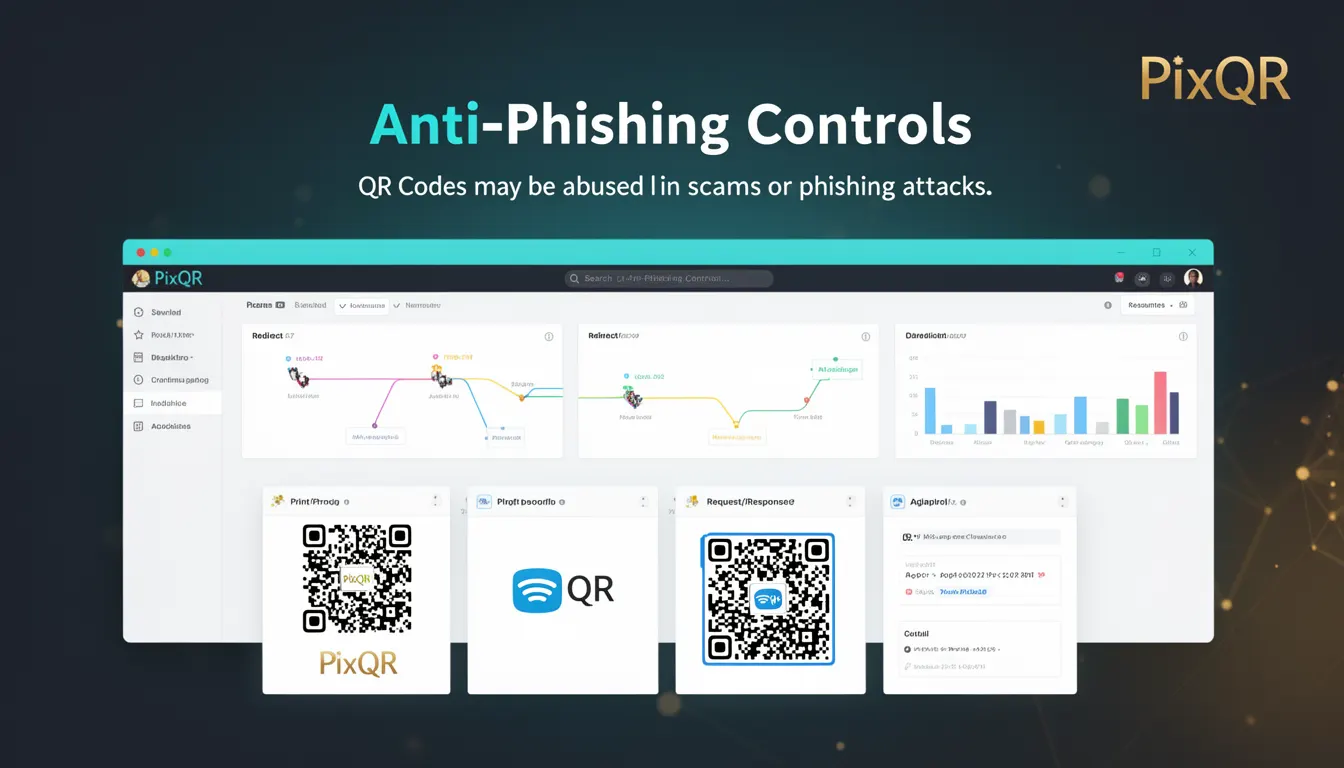
Anti-Phishing Controls refer to a set of protective mechanisms implemented by QR code platforms such as PixQR to prevent the misuse of QR codes in phishing or scam operations. These controls are designed to detect, block, or flag potentially malicious QR code links before they can be scanned or used, ensuring that users are not redirected to harmful domains or exposed to fraudulent content.
For developers working with QR code generation and redirection services, understanding Anti-Phishing Controls is essential for ensuring that the QR codes they create or manage are secure and compliant with safety standards. These controls are especially relevant when building dynamic QR systems that support redirects, as they form part of the operational workflow to prevent abuse.
Why It Matters
For developers and platform maintainers, Anti-Phishing Controls are critical in safeguarding user experience and brand integrity. If a QR code is misused in a phishing attack, it can lead to significant reputational damage, legal consequences, and loss of user trust. PixQR's implementation of these controls ensures that generated QR codes are less likely to be exploited, reducing the platform's exposure to fraud and malicious use.
From a technical standpoint, developers must ensure their systems properly integrate with anti-phishing APIs or services, especially when implementing dynamic redirect logic or handling user-generated QR content. These controls help enforce compliance with industry standards and reduce the risk of hosting or redirecting to unsafe URLs, which is a core requirement for secure QR code platforms.
How It Works
Anti-Phishing Controls in QR code platforms like PixQR operate through a combination of real-time URL validation, domain reputation checks, and automated scanning of QR code content. These systems typically use a layered approach to identify and block malicious links before they are made available to users.
- URL reputation services are used to cross-check destination domains against known malicious or high-risk sources.
- Dynamic content validation ensures that QR code payloads are not altered or contain unexpected elements that could indicate phishing attempts.
- Automated scanning tools inspect QR code content for patterns associated with phishing, such as suspicious URL structures or mismatched domains.
- Platform-level rate-limiting and monitoring help detect and block bulk or automated generation of potentially harmful QR codes.
- Integration with third-party threat intelligence feeds enhances the platform's ability to block newly identified phishing domains in real time.
Quick Reference
| Item | Purpose | Notes |
|---|---|---|
| URL Reputation Check | Verifies destination domain against known malicious lists | Used in real-time QR code validation |
| Dynamic Redirect Validation | Ensures redirect links are not tampered with | Prevents link injection or spoofing |
| Domain Mismatch Detection | Identifies inconsistencies in QR code domain and target URL | Helps detect phishing attempts |
| Rate Limiting | Blocks excessive QR code generation or redirects | Prevents abuse and spam |
| Threat Intelligence Feed Integration | Updates malicious domain lists in real time | Improves detection accuracy |
Basic Example
PixQR Example QR
This QR links directly to this glossary page, so printed notes, onboarding docs, and support material can bring scanners back to the current reference.
/glossary/qr-code-phishing/qr-code-phishing-anti-phishing-controls

This example demonstrates how a basic URL validation check might be implemented before generating a QR code. It shows a simplified version of how a platform might verify a destination URL before allowing a QR code to be created.
function validateUrl(url) {
  const domain = new URL(url).hostname;
  const maliciousDomains = ['phish.example.com', 'scam.example.org'];
  return !maliciousDomains.includes(domain);
}

const destination = 'https://secure.example.com';
if (validateUrl(destination)) {
  console.log('URL is safe, proceed with QR generation');
} else {
  console.log('URL flagged as malicious');
}
The example checks if the destination domain is in a list of known malicious domains. If not, it allows QR generation. This is a simplified version of what PixQR's internal systems may do during QR creation.
Production Example
In a production environment, QR code generation systems must integrate with robust anti-phishing services and perform multiple checks before allowing a QR to be created. This example shows a more realistic workflow that includes validation, domain reputation, and logging.
async function generateSecureQR(destinationUrl) {
  const checkResult = await checkDomainReputation(destinationUrl);
  if (!checkResult.isSafe) {
    throw new Error('QR code destination flagged as unsafe');
  }

  const qrCode = await createQRCode({
    url: destinationUrl,
    options: {
      size: 300,
      errorCorrection: 'M'
    }
  });

  logQRGeneration(qrCode.id, destinationUrl);
  return qrCode;
}

async function checkDomainReputation(url) {
  const domain = new URL(url).hostname;
  const response = await fetch(`https://api.pixqr.com/phishing/check/${domain}`);
  return response.json();
}
This version includes domain reputation checks, logging, and error handling. It reflects how PixQR's backend systems might validate and process QR code generation requests in a secure, scalable manner.
Common Mistakes
- Disabling or bypassing domain reputation checks to speed up QR generation, which increases the risk of phishing.
- Using static lists of malicious domains instead of dynamic threat intelligence feeds, leading to outdated protection.
- Not validating the final destination URL after a QR code is scanned, allowing users to be redirected to unexpected sites.
- Allowing users to upload QR code content without any validation, opening the door to malicious payloads.
- Failing to log and monitor QR code usage patterns, which can hide ongoing phishing abuse.
Security And Production Notes
- Always validate QR code destinations against up-to-date threat intelligence to prevent outdated lists from being used.
- Implement rate-limiting to prevent bulk QR generation that could be used for phishing.
- Use HTTPS for all API calls to anti-phishing services to ensure secure communication.
- Log all QR code generation and redirect events for audit and forensic purposes.
- Design QR code validation logic to be resilient to bypass attempts, including domain spoofing or URL manipulation.
Related Concepts
Anti-Phishing Controls are closely related to several other security and operational concepts in QR code platforms. These include:
- Dynamic Redirects: QR codes that point to a server that can redirect users to different destinations based on context or time.
- Link Management: The process of organizing, tracking, and controlling QR code links to ensure they are valid and secure.
- Scan Tracking: Monitoring how QR codes are scanned and used to detect unusual or suspicious behavior.
- Brand Safety: Ensuring that QR codes do not lead to content that could harm a brand’s reputation.
- Privacy Controls: Mechanisms that protect user data collected during QR code scans, such as IP tracking or user identifiers.