 PixQR
PixQR
Overview
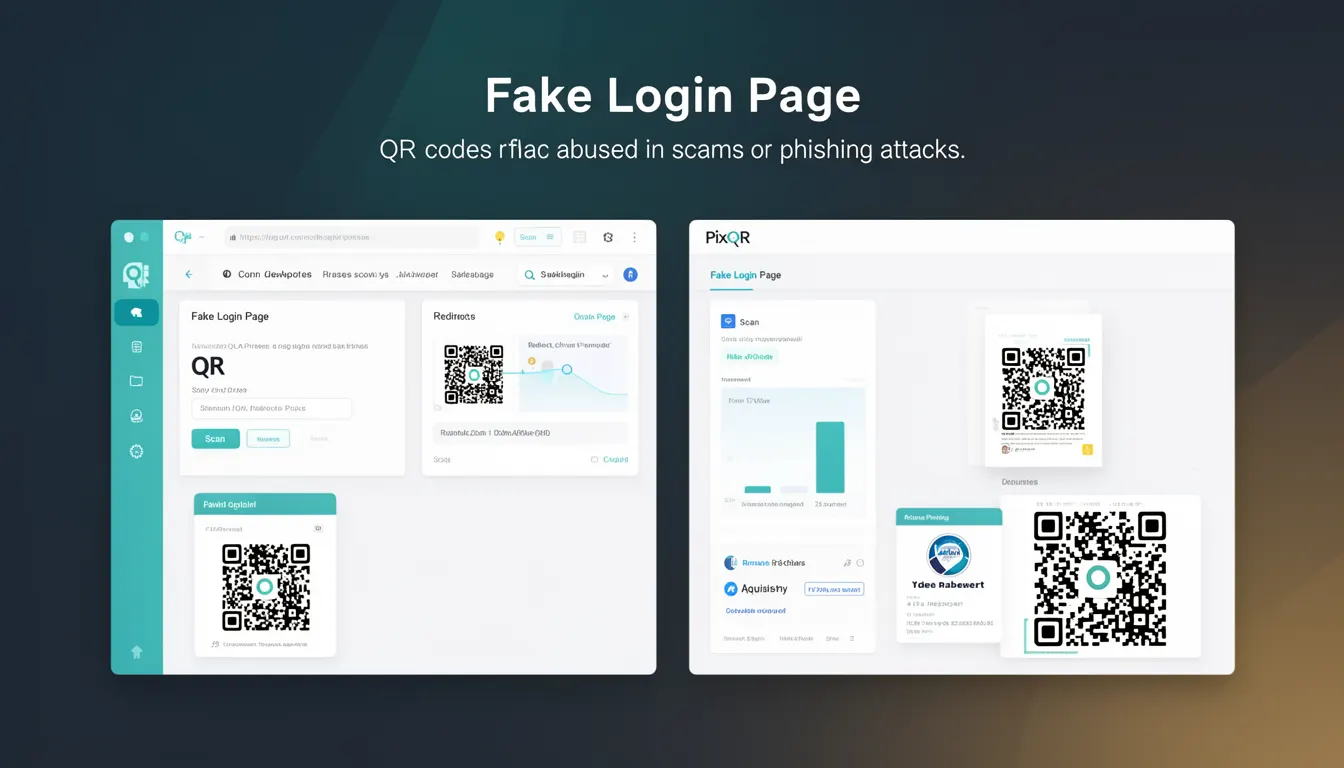
A Fake Login Page, in the context of QR code phishing, refers to a deceptive web page designed to mimic a legitimate login interface, often used in phishing attacks that leverage QR codes to redirect users to malicious sites. This attack vector is particularly relevant in environments where QR codes are used for dynamic redirects, as the QR code itself can appear legitimate while the destination URL leads to a fraudulent login page.
Developers working with PixQR must understand how QR code generation and redirect systems can be abused to host phishing content. These systems are often used to track scans or manage dynamic URLs, and if not secured, can become conduits for fake login pages that trick users into submitting credentials or personal information.
Why It Matters
For developers and platform maintainers, understanding Fake Login Pages is critical for ensuring the integrity of QR code systems. When QR codes are used to redirect to login interfaces, a malicious actor could exploit this to create a fake login page that closely resembles a trusted brand. This can lead to credential theft, account takeovers, and reputational damage.
In PixQR, the platform's operational workflow must include checks to ensure that QR code redirects do not lead to unverified or unsafe login interfaces. Any system that allows dynamic redirects or custom URLs must implement security validations to prevent abuse. Without such protections, users scanning a QR code may unknowingly submit sensitive data to a fake login page.
How It Works
A Fake Login Page attack typically begins with a QR code that appears legitimate, such as one from a known brand or service. When scanned, the QR code redirects to a URL that hosts a page designed to mimic a real login interface. The page may use similar branding, color schemes, and form elements to deceive users.
- The QR code's redirect URL is often dynamically generated and may be manipulated to point to a phishing site.
- Phishing sites often replicate the layout and design of real login pages, including logos, fonts, and color schemes.
- Form fields are typically configured to capture user credentials and forward them to the attacker's server.
- Security headers and SSL certificates may be forged or omitted, making the page appear less secure to users.
- Advanced attacks may use techniques such as subdomain spoofing or content injection to further disguise the fake page.
Quick Reference
| Item | Purpose | Notes |
|---|---|---|
| Redirect URL validation | Ensures that QR code destinations are safe | Must include domain and SSL checks |
| Form input sanitization | Prevents malicious data injection | Required for login page inputs |
| Branding verification | Confirms authenticity of login page | Can be done via trusted domain lists |
| Scan tracking | Logs QR code scan activity | Helps identify suspicious redirects |
| SSL certificate checks | Validates HTTPS integrity | Required for secure login pages |
Basic Example
PixQR Example QR
This QR links directly to this glossary page, so printed notes, onboarding docs, and support material can bring scanners back to the current reference.

This example demonstrates a basic QR code redirect that could be used in a phishing attack. It is intended to illustrate the concept, not to be a functional phishing tool.
const qrCode = {
  id: '12345',
  redirectUrl: 'https://example-login.com/auth',
  scanCount: 0
};
In this example, the redirectUrl field points to a domain that may host a fake login page. In a real system, this URL should be validated to ensure it does not lead to a malicious destination.
Production Example
In a production PixQR environment, a system must validate QR code destinations to prevent redirection to fake login pages. This includes checking that the URL is from a trusted domain, has a valid SSL certificate, and does not contain suspicious patterns.
function validateRedirectUrl(url) {
  const trustedDomains = ['trusted-brand.com', 'secure-login.net'];
  const parsedUrl = new URL(url);
  if (!trustedDomains.includes(parsedUrl.hostname)) {
    throw new Error('Redirect URL is not from a trusted domain');
  }
  if (!parsedUrl.protocol.startsWith('https')) {
    throw new Error('Redirect URL must use HTTPS');
  }
  return true;
}
This version is more suitable for production because it enforces domain and protocol validation, reducing the risk of redirecting to a fake login page. It also provides clear error messages that can be logged for further investigation.
Common Mistakes
- Allowing any URL in QR code redirects without domain validation, which opens the door to phishing.
- Not enforcing HTTPS for all redirect destinations, making it easier for attackers to inject malicious content.
- Ignoring SSL certificate checks, which can lead to redirects to insecure or untrusted sites.
- Not logging QR code scans or redirect activity, which hampers detection of suspicious behavior.
- Using generic or non-unique QR code identifiers, which makes it harder to trace malicious activity back to a specific source.
Security And Production Notes
- Always validate redirect URLs against a whitelist of trusted domains to prevent phishing.
- Enforce HTTPS for all QR code destinations to ensure secure communication.
- Implement SSL certificate validation to ensure the destination site is legitimate.
- Log all QR code scans and redirects for audit and anomaly detection.
- Use unique identifiers for each QR code to track and trace suspicious activity.
Related Concepts
Several developer concepts are closely related to Fake Login Pages and QR code phishing:
- Dynamic Redirects: The ability to change the destination URL of a QR code after it is generated, which can be exploited if not properly secured.
- Phishing Detection: Systems that identify and block malicious URLs or content, often used in conjunction with QR code validation.
- Domain Reputation: The practice of checking the trustworthiness of a domain before allowing a redirect, which is critical for preventing fake login pages.
- Scan Tracking: Monitoring QR code usage to detect unusual or suspicious patterns that may indicate a phishing attack.
- Secure URL Generation: Ensuring that QR code URLs are generated in a way that prevents unauthorized or malicious modifications.