 PixQR
PixQR
Overview
A Fake Charity QR is a malicious QR code designed to mimic legitimate charitable organizations, typically used in phishing attacks or scams to trick users into donating to fraudulent causes or providing personal information. These QR codes are often embedded in printed materials, digital ads, or social media posts to exploit trust in charitable giving.
In the context of PixQR, a Fake Charity QR is a specific threat vector that developers and platform operators must understand and mitigate. It involves the generation, deployment, and tracking of QR codes that could be used to redirect users to fraudulent websites or collect sensitive data under the guise of charitable contributions.
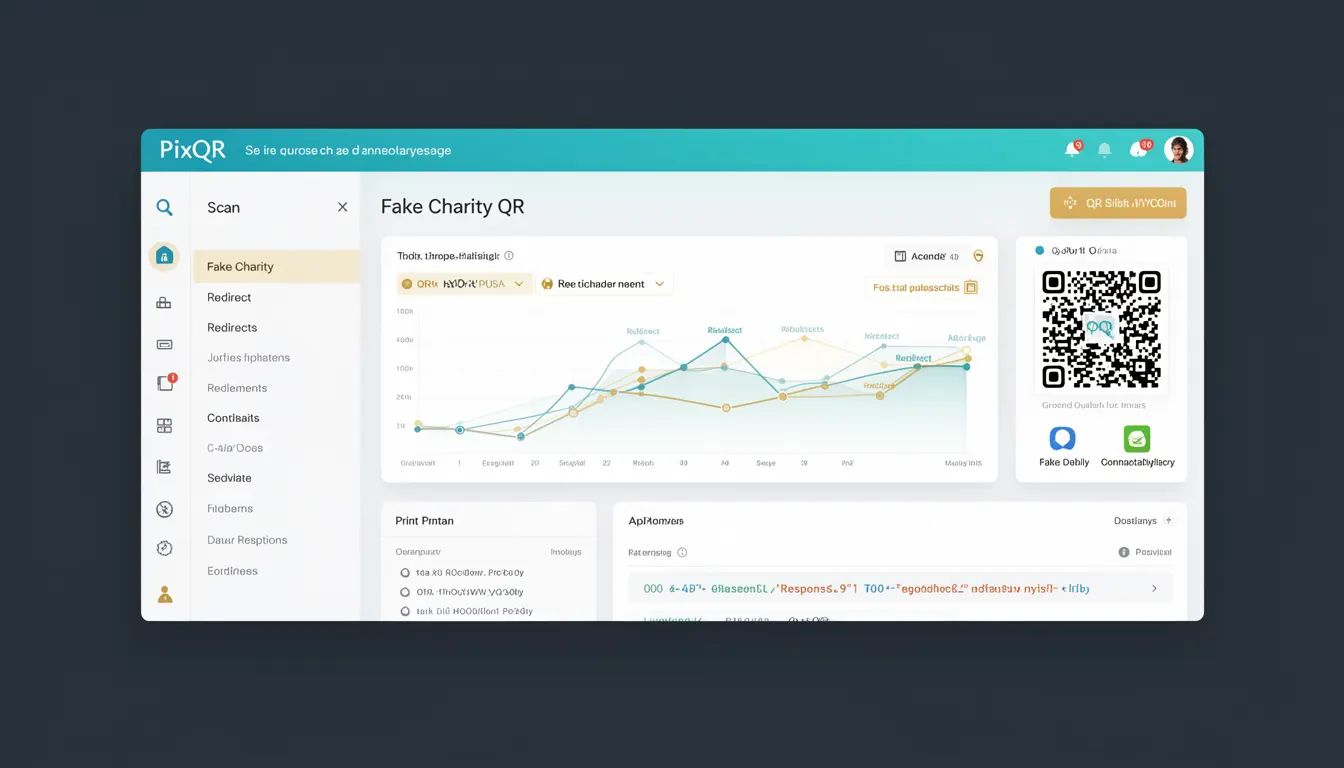
Why It Matters
For developers and platform maintainers, Fake Charity QRs represent a real and growing threat to user trust and platform integrity. If a PixQR platform allows the creation of QR codes that redirect to malicious or fraudulent destinations, it could be used to exploit vulnerable users and damage the reputation of the platform.
From a security perspective, these QR codes are often designed to bypass traditional web security measures and can be particularly effective because users are more likely to trust links that appear to support charitable causes. The platform must implement safeguards to detect and prevent such misuse, particularly in environments where users have the ability to generate QR codes with custom URLs.
How It Works
Fake Charity QRs typically operate by embedding malicious URLs within a QR code that appears legitimate. These QR codes are often created using standard QR code generation libraries, but they are designed to redirect users to fraudulent websites or capture personal information.
- QR codes are generated with a URL that mimics a well-known charity, often using similar branding or domain names.
- The URL may redirect to a phishing page designed to collect sensitive information such as credit card details or personal data.
- These QR codes are often deployed in physical or digital advertising to increase their credibility and reach.
- Some may be designed to trigger mobile-specific actions, such as initiating a donation or redirecting to a third-party payment processor.
- Tracking mechanisms may be embedded to monitor scan activity, which can be used to gather data about users or to validate the effectiveness of the scam.
Quick Reference
| Item | Purpose | Notes |
|---|---|---|
| URL validation | Ensures that the destination URL is safe and legitimate | Should include checks against known malicious domains |
| Domain similarity checks | Compares the target domain to known charities | Use fuzzy matching to detect look-alike domains |
| Scan tracking | Monitors QR code scan activity for suspicious patterns | Logs and alerts on high-frequency scans from suspicious IPs |
| Redirect safety | Verifies that the final destination is secure | Enforces HTTPS for all redirected URLs |
| Content filtering | Prevents generation of QR codes with known scam patterns | Integrates with threat intelligence feeds |
Basic Example
PixQR Example QR
This QR links directly to this glossary page, so printed notes, onboarding docs, and support material can bring scanners back to the current reference.
A basic example of a QR code generation process that includes a URL validation step to prevent the creation of a Fake Charity QR.
function generateQRCode(url) {
  if (isMalicious(url)) {
    throw new Error("URL is flagged as malicious");
  }
  return createQRCode(url);
}
This example demonstrates a basic validation step where a URL is checked for malicious content before QR code generation. The function isMalicious would typically query a threat intelligence database or perform domain similarity checks.
Production Example
In a production environment, QR code generation must include robust checks and validation to prevent the creation of Fake Charity QRs. The following example shows a more complete validation system that includes domain similarity checks and HTTPS enforcement.
function validateAndGenerateQR(url, brandName) {
  if (!url.startsWith('https://')) {
    throw new Error("URL must use HTTPS");
  }
  if (isSimilarToKnownCharity(url, brandName)) {
    throw new Error("URL is too similar to a known charity");
  }
  if (isInThreatDatabase(url)) {
    throw new Error("URL is in threat database");
  }
  return createQRCode(url);
}
This version is more suitable for production because it enforces HTTPS, compares the URL to known charities, and checks against a database of known malicious URLs. These checks help ensure that QR codes generated by the platform do not inadvertently facilitate scams.
Common Mistakes
- Skipping URL validation during QR code generation, allowing any URL to be encoded into a QR code.
- Not enforcing HTTPS for all redirected URLs, which can expose users to man-in-the-middle attacks.
- Ignoring domain similarity checks, which can lead to the creation of QR codes that closely mimic legitimate charities.
- Failure to monitor scan activity for unusual patterns, such as high-frequency scans from a single IP or region.
- Not integrating with threat intelligence feeds, which leaves the platform vulnerable to new scam patterns and malicious domains.
Security And Production Notes
- Always validate URLs before QR code generation to prevent malicious redirects.
- Enforce HTTPS for all QR code destinations to protect user data in transit.
- Implement domain similarity checks to detect look-alike domains that mimic charities.
- Monitor QR code scan activity for unusual behavior to detect potential abuse.
- Integrate with threat intelligence databases to stay ahead of new scam patterns.
Related Concepts
Several developer concepts are closely related to Fake Charity QRs and their prevention:
- QR Code Phishing — The broader category of phishing attacks that use QR codes as a delivery mechanism.
- URL Redirection — The process of redirecting users from one URL to another, which is a core function of QR codes.
- Domain Similarity — The ability to detect when a domain name is visually or phonetically similar to another, often used in phishing attacks.
- Threat Intelligence — The collection and analysis of data about potential threats, used to prevent malicious activity.
- Scan Tracking — The monitoring of QR code scans to detect and respond to suspicious activity.