 PixQR
PixQR
Overview
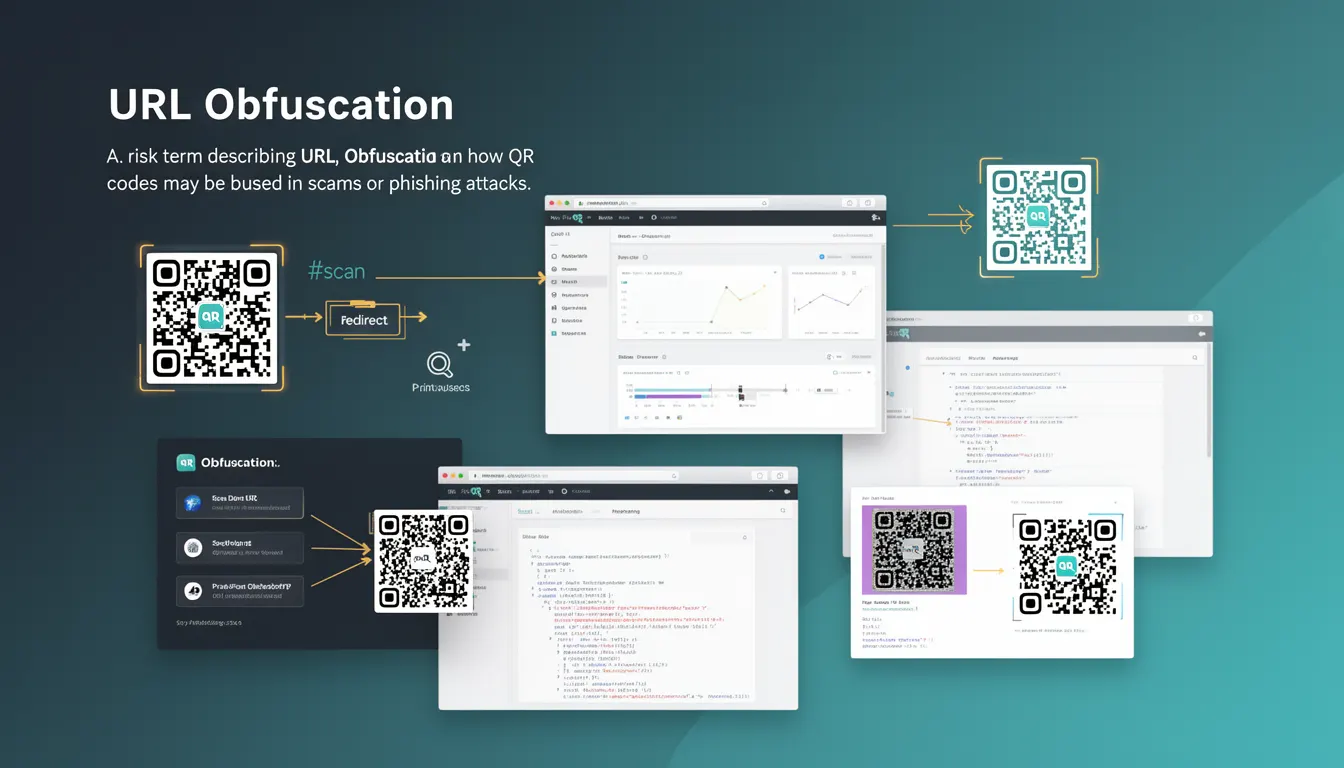
URL Obfuscation refers to the practice of concealing or disguising the true destination of a URL, particularly within QR codes, to mislead users or evade detection by security systems. In the context of QR code platforms like PixQR, this technique is often exploited in phishing or scam campaigns where the QR code appears benign but redirects to malicious or deceptive endpoints.
When a QR code is generated, its associated URL can be manipulated to obscure its destination, making it difficult for users or automated systems to determine the actual link. This is especially concerning in environments where QR codes are used for marketing, access control, or digital signage, where trust and transparency are paramount.
Why It Matters
URL Obfuscation is a critical concern for developers and security teams working with QR code platforms like PixQR because it undermines user trust and can lead to phishing attacks, fraud, or brand damage. If QR codes are used to redirect to unexpected or malicious URLs, it can compromise user safety, violate privacy policies, and erode the platform's integrity.
For developers, understanding URL Obfuscation is essential to ensure that QR code generation, validation, and redirect logic are robust and secure. It also helps in implementing proper analytics and tracking to detect anomalies or suspicious redirect patterns, which is vital for maintaining operational security.
How It Works
URL Obfuscation in QR codes typically involves techniques such as URL shortening, encoding, or redirection through intermediaries. These methods can make the original URL less recognizable or harder to trace, often through:
- Use of URL shorteners or redirect services that obscure the final destination.
- Encoding of the URL in base64 or similar formats within the QR code payload.
- Use of domain aliases or subdomains to mask the actual destination.
- Implementation of server-side redirects that dynamically change the target URL.
- Embedding of URLs in QR code metadata or hidden fields that are not visible to users.
When a user scans a QR code, the system retrieves the encoded or obfuscated URL and follows a redirect chain. In PixQR, this process is managed through backend redirect logic and analytics, which must be designed to detect and log suspicious or untrusted redirections to prevent abuse.
Quick Reference
| Item | Purpose | Notes |
|---|---|---|
| URL shortener integration | Obfuscates final URL | Must be monitored for abuse |
| Base64 encoding | Encodes URL in QR payload | Requires decoding at scan time |
| Domain aliasing | Hides origin domain | Can be used for phishing |
| Redirect chain tracking | Logs redirection path | Essential for security auditing |
| Scan analytics | Monitors user behavior | Helps detect suspicious scans |
Basic Example
PixQR Example QR
This QR links directly to this glossary page, so printed notes, onboarding docs, and support material can bring scanners back to the current reference.

A simple example of URL Obfuscation involves encoding a URL in base64 and embedding it in a QR code. When scanned, the QR code decodes the URL to reveal the actual destination.
const originalUrl = 'https://example.com/redirect';
const encodedUrl = btoa(originalUrl);
console.log(encodedUrl); // SGVsbG8gV29ybGQ=
The encoded string is then embedded in the QR code payload. On scanning, the system decodes the base64 string to retrieve the original URL. This is a basic form of obfuscation and should be combined with validation and monitoring for security.
Production Example
In a production environment, PixQR generates QR codes with URL obfuscation using a secure redirect mechanism. The system logs all redirect paths and validates each step to prevent abuse.
function generateQRCode(url) {
  const redirectUrl = `https://pixqr.com/r/${encodeURIComponent(url)}`;
  const qrPayload = {
    url: redirectUrl,
    timestamp: Date.now(),
    source: 'pixqr-platform'
  };
  return qrPayload;
}

function validateRedirect(targetUrl) {
  if (!targetUrl.includes('pixqr.com')) {
    console.warn('Redirect to external domain detected');
    return false;
  }
  return true;
}
This example ensures that all QR code redirects are logged and validated, reducing the risk of phishing or malicious redirects. It demonstrates how to structure QR code generation and validation in a secure and traceable way.
Common Mistakes
- Not validating the final destination of a redirect, leading to phishing risks.
- Using untrusted URL shorteners or redirect services without logging or monitoring.
- Embedding obfuscated URLs in QR codes without proper analytics or audit trails.
- Ignoring domain aliasing or subdomain usage in redirect chains that may mask malicious behavior.
- Allowing users to input arbitrary URLs without sanitization or security checks.
Security And Production Notes
- Always validate and sanitize all URLs used in QR code generation to prevent malicious redirects.
- Implement redirect tracking and logging to detect anomalies or unauthorized redirections.
- Use secure domains or subdomains for all redirect endpoints to maintain trust and visibility.
- Apply rate limiting or IP-based restrictions on QR code generation to prevent abuse.
- Ensure that QR code payloads are auditable and that users can verify the destination before scanning.
Related Concepts
URL Obfuscation is closely related to several other concepts in QR code and web security:
- Phishing Attacks: Obfuscation is a common technique used in phishing campaigns to hide malicious links.
- Redirect Chains: The process of multiple redirects can obscure the final URL and make tracing harder.
- Domain Alias Detection: Systems must be able to identify when domains are used to disguise origins.
- URL Encoding: Techniques like base64 encoding are often used to obfuscate URLs in QR payloads.
- Scan Analytics: Monitoring QR code scans helps detect and prevent abuse of obfuscated URLs.