 PixQR
PixQR
Overview
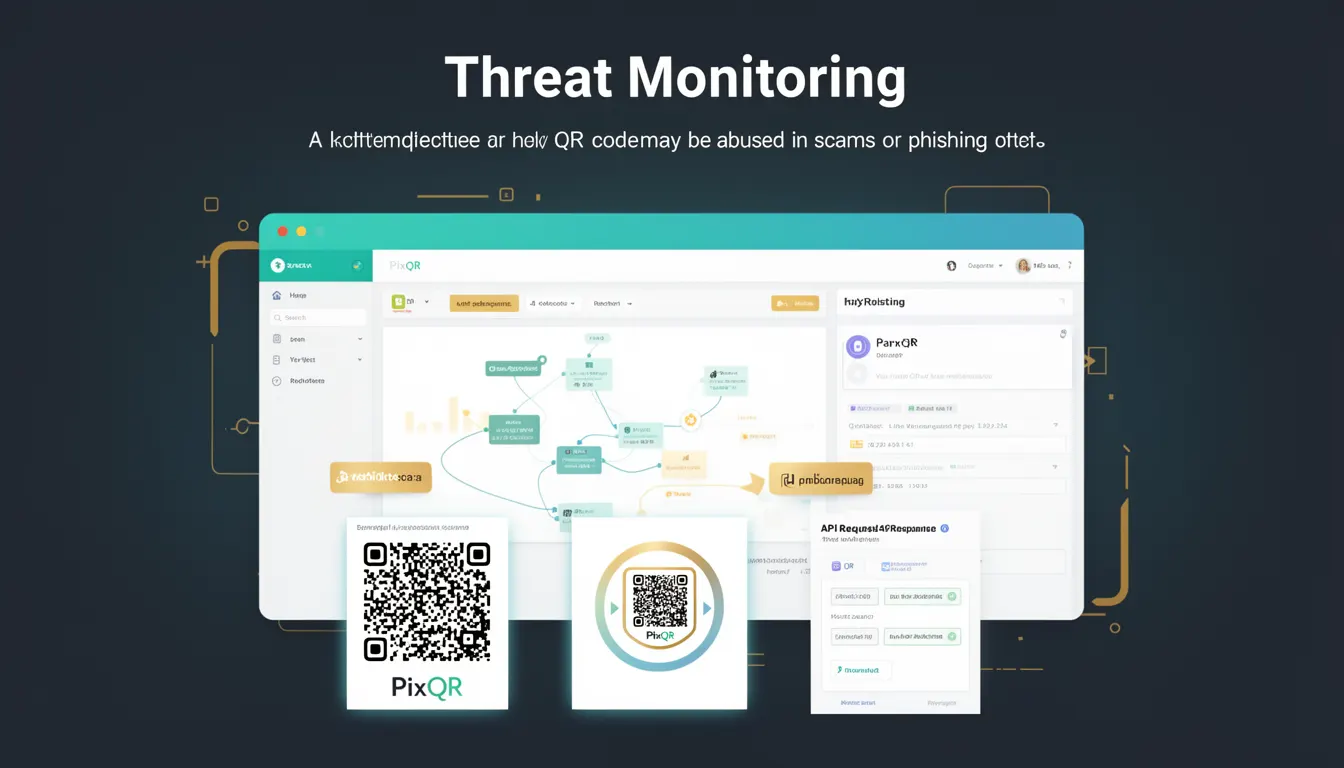
Threat Monitoring in the context of QR code systems refers to the continuous observation and analysis of QR code usage patterns, generated links, and related traffic to detect and prevent malicious activities such as phishing, fraud, or unauthorized redirects. It is a proactive security mechanism used to safeguard QR code ecosystems from exploitation.
For developers working with PixQR, Threat Monitoring is essential when managing dynamic QR codes that redirect to external URLs. It helps identify suspicious or high-risk redirects before they cause harm to end-users or damage brand reputation. This process is especially relevant in environments where QR codes are generated programmatically or integrated into high-volume workflows.
Why It Matters
QR code phishing and scamming are growing threats, particularly in digital marketing, retail, and public infrastructure. Without Threat Monitoring, malicious actors can embed harmful links in QR codes, leading to user data theft, financial fraud, or brand misuse. For developers, integrating Threat Monitoring into QR code systems ensures compliance with security standards and protects user trust.
In production environments, Threat Monitoring reduces the risk of reputational damage and legal liability. It also enables automated alerting and system responses that can block or flag suspicious QR codes before they are scanned. For PixQR users, this translates to safer, more reliable QR code deployments that support both business operations and user safety.
How It Works
Threat Monitoring in QR code systems typically involves analyzing multiple data points related to generated QR codes and their associated redirects. It is a layered process that combines behavioral analytics, URL reputation checks, and pattern recognition.
- URL reputation services are used to validate redirect targets against known malicious domains or threat lists.
- Behavioral analytics track scan frequency, geographic origin, and user engagement patterns to detect anomalies.
- Dynamic QR code validation ensures that redirect URLs are not changed after generation without proper authorization.
- Automated scanning of QR code content for known phishing patterns or suspicious URL structures.
- Integration with external threat intelligence feeds to stay updated on new threats and malicious domains.
When a QR code is generated or updated, the system performs checks against these criteria. If a match is found, the code may be flagged, blocked, or require manual review. The monitoring process is often asynchronous, meaning that alerts or actions are triggered after the code is scanned or during batch processing.
Quick Reference
| Item | Purpose | Notes |
|---|---|---|
| URL Reputation Check | Validates redirect URLs against threat databases | Used to prevent phishing and malware redirects |
| Behavioral Anomaly Detection | Identifies unusual scanning or engagement patterns | Helps detect compromised or malicious QR codes |
| Dynamic Redirect Validation | Ensures redirect URLs remain unchanged post-generation | Prevents unauthorized modifications |
| Threat Intelligence Feeds | Provides real-time updates on malicious domains | Used to maintain up-to-date threat detection rules |
| Automated Alerting | Triggers notifications for flagged QR codes | Enables quick response to potential threats |
Basic Example
PixQR Example QR
This QR links directly to this glossary page, so printed notes, onboarding docs, and support material can bring scanners back to the current reference.
/glossary/qr-code-phishing/qr-code-phishing-threat-monitoring

This basic example demonstrates how a QR code generation system might validate a URL before creating a QR code. It includes a simple check for known malicious domains.
function validateRedirectUrl(url) {
  const maliciousDomains = ['example-phishing.com', 'malicious-link.net'];
  const domain = new URL(url).hostname;
  return !maliciousDomains.includes(domain);
}

const targetUrl = 'https://example.com';
if (validateRedirectUrl(targetUrl)) {
  console.log('QR code can be generated');
} else {
  console.log('Redirect URL flagged as malicious');
}
The example shows a basic validation function that checks if a URL's domain is in a list of known malicious domains. This is a simplified version of what Threat Monitoring might do before allowing a QR code to be created.
Production Example
In a production environment, Threat Monitoring is more comprehensive and often integrated into a larger QR code management system. The following example shows how a system might validate a QR code before it is made available for scanning.
class QRCodeValidator {
  constructor(threatFeeds = []) {
    this.threatFeeds = threatFeeds;
  }

  async validate(url) {
    const domain = new URL(url).hostname;
    const isBlocked = await this.checkDomainAgainstThreatFeeds(domain);
    return {
      isValid: !isBlocked,
      domain: domain,
      timestamp: new Date().toISOString()
    };
  }

  async checkDomainAgainstThreatFeeds(domain) {
    for (const feed of this.threatFeeds) {
      if (await feed.isDomainBlocked(domain)) {
        return true;
      }
    }
    return false;
  }
}

const validator = new QRCodeValidator([
  { isDomainBlocked: async (domain) => domain === 'bad-domain.com' }
]);

const result = await validator.validate('https://bad-domain.com');
console.log(result); // { isValid: false, domain: 'bad-domain.com', timestamp: '...' }
This version demonstrates a production-ready validation system that checks a URL against multiple threat feeds. It is modular, async-aware, and suitable for integration into a larger QR code generation or management API.
Common Mistakes
- Not validating URLs against external threat feeds, leading to QR codes redirecting to malicious domains.
- Using static lists of malicious domains instead of dynamic threat intelligence, which quickly becomes outdated.
- Ignoring scan behavior analytics, which can miss anomalies indicating compromised QR codes.
- Allowing modifications to QR code redirects after generation without re-validation, opening a bypass channel.
- Not implementing automated alerting, which delays response to potential threats.
Security And Production Notes
- Always validate redirect URLs against multiple, up-to-date threat intelligence sources to reduce false positives and negatives.
- Implement rate-limiting and behavioral analysis to detect and block automated scanning or malicious usage patterns.
- Ensure that QR code metadata, such as creation time and last-modified timestamps, are securely stored and not tampered with.
- Use HTTPS for all external threat feed endpoints to prevent man-in-the-middle attacks.
- Regularly audit and update threat monitoring logic to adapt to evolving threats and reduce false positives.
Related Concepts
Threat Monitoring is closely related to several other QR code and security concepts:
- Dynamic QR Code Redirects – The ability to change a QR code’s target URL after generation, which Threat Monitoring must validate to prevent abuse.
- QR Code Analytics – Tracking scan data to detect unusual behavior that may indicate a compromised QR code.
- Domain Reputation – A core component of Threat Monitoring that assesses the safety of URLs before allowing QR code creation.
- API Security – Threat Monitoring often integrates with API access controls to prevent unauthorized QR code generation or modification.
- Fraud Prevention – A broader category that includes Threat Monitoring as a method to detect and block fraudulent QR code usage.