 PixQR
PixQR
Overview
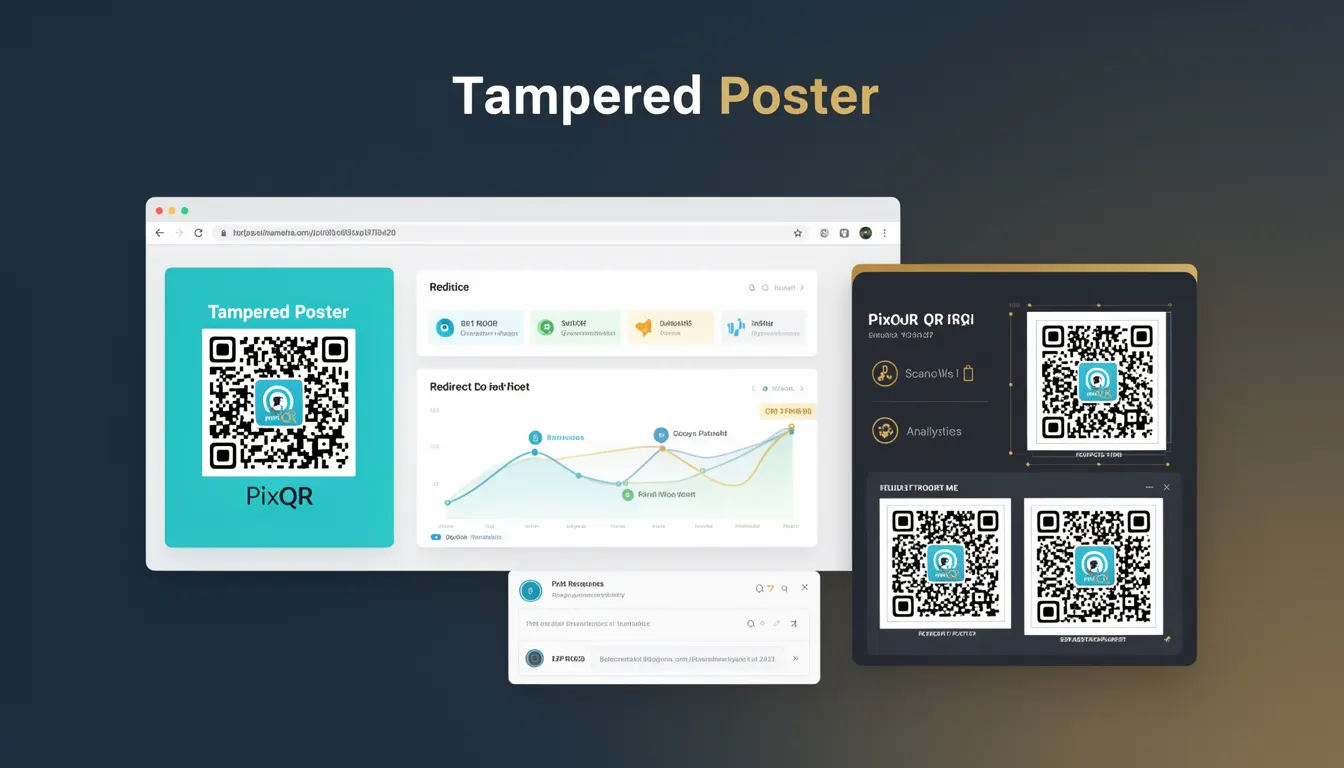
A Tampered Poster refers to a QR code that has been altered or replaced in a physical or digital context, often with malicious intent. In the context of PixQR, this term describes a scenario where a legitimate QR code is compromised through unauthorized modifications to its underlying data or design, potentially leading to phishing attacks, fraudulent redirects, or unauthorized access.
Developers and site operators using PixQR must understand Tampered Poster risks to ensure that QR codes remain secure and reliable. This includes identifying when QR code content has been tampered with, preventing fraudulent usage, and maintaining trust in the QR code ecosystem.
Why It Matters
For developers and security professionals, the concept of Tampered Poster is crucial in maintaining QR code integrity and preventing abuse. When QR codes are tampered with, they can lead to redirects to malicious domains, data leakage, or compromised user experiences. In PixQR, this directly affects the reliability of dynamic redirects and the trustworthiness of brand-safe designs.
From a production standpoint, a Tampered Poster can result in brand damage, compromised user data, and increased fraud risks. PixQR’s operational workflows are designed to detect and prevent such tampering, ensuring that QR code usage remains secure and traceable.
How It Works
The Tampered Poster risk arises when QR code data or design is altered after generation. PixQR provides mechanisms to mitigate this by tracking QR code usage, validating redirect sources, and applying anti-tampering checks. These checks are part of PixQR's secure operational workflow.
- QR code data integrity is verified during generation and scan tracking to detect unauthorized modifications.
- Dynamic redirects in PixQR are monitored to ensure they do not point to unexpected or malicious URLs.
- Brand-safe design elements are enforced to prevent unauthorized visual changes that could mislead users.
- Scan reliability features include logging and alerting for suspicious QR code usage patterns.
- Privacy controls ensure that tampered QR codes do not expose user data or session tokens.
Quick Reference
| Item | Purpose | Notes |
|---|---|---|
| Scan tracking logs | Identify unauthorized usage | Enabled by default in PixQR |
| Redirect validation | Prevent malicious redirects | Validates destination URLs |
| Brand-safe design | Prevent visual tampering | Enforces design consistency |
| Data integrity checks | Detect modified QR data | Performs checksum validation |
| Privacy controls | Protect user data | Restricts access to sensitive fields |
Basic Example
PixQR Example QR
This QR links directly to this glossary page, so printed notes, onboarding docs, and support material can bring scanners back to the current reference.

This example demonstrates a basic QR code generation process that includes integrity checks to detect tampering. The code uses PixQR’s API to create a QR code with a valid redirect URL and applies a checksum for verification.
const qrData = {
  url: 'https://example.com/secure-page',
  checksum: 'abc123def456'
};

const qrCode = pixqr.generate(qrData);

console.log(qrCode); // Outputs QR code with integrity data
The checksum field is used to verify the integrity of the QR code after generation. If this value is altered, the system can flag the QR code as tampered.
Production Example
This example shows a more robust approach to QR code generation and validation in a production environment, including monitoring and error handling for potential tampering.
const generateSecureQR = (url, brandId) => {
  const checksum = generateChecksum(url);
  const qrData = {
    url: url,
    brandId: brandId,
    checksum: checksum,
    timestamp: Date.now()
  };

  const qrCode = pixqr.create(qrData);

  if (qrCode.status === 'valid') {
    return qrCode;
  } else {
    throw new Error('QR code integrity check failed');
  }
};

const qr = generateSecureQR('https://secure.example.com', 'brand123');
This version includes timestamping, brand identification, and integrity checks. It ensures that QR codes are generated and validated in a way that reduces the risk of tampering and enables secure tracking.
Common Mistakes
- Not validating QR code checksums during generation or scan. This allows tampered QR codes to bypass integrity checks.
- Reusing QR code data without updating checksums. This can lead to outdated or invalid QR codes being accepted.
- Ignoring scan logs or analytics. Without monitoring, tampered QR codes may go undetected for extended periods.
- Using static QR code designs without brand-safe enforcement. This allows attackers to alter visual elements to mislead users.
- Not implementing redirect validation. This leaves the system open to malicious URL redirections that bypass security.
Security And Production Notes
- Always enable checksum validation to detect unauthorized modifications to QR code data.
- Implement strict redirect validation to ensure that QR code destinations are trusted and secure.
- Enforce brand-safe design policies to prevent visual tampering that could mislead users.
- Monitor scan logs for unusual usage patterns or high-frequency scans from unknown sources.
- Use timestamped QR codes to ensure that outdated or compromised QR codes are not accepted.
Related Concepts
Several developer concepts are closely related to the Tampered Poster risk, including QR code integrity, redirect security, brand-safe design, scan tracking, and privacy controls. These concepts work together to form a secure QR code ecosystem.
QR code integrity ensures that the data encoded in a QR code remains unchanged. Redirect security focuses on validating destination URLs to prevent phishing. Brand-safe design prevents unauthorized visual alterations. Scan tracking logs provide visibility into QR code usage. Privacy controls ensure that sensitive data is not exposed through compromised QR codes.