 PixQR
PixQR
Overview
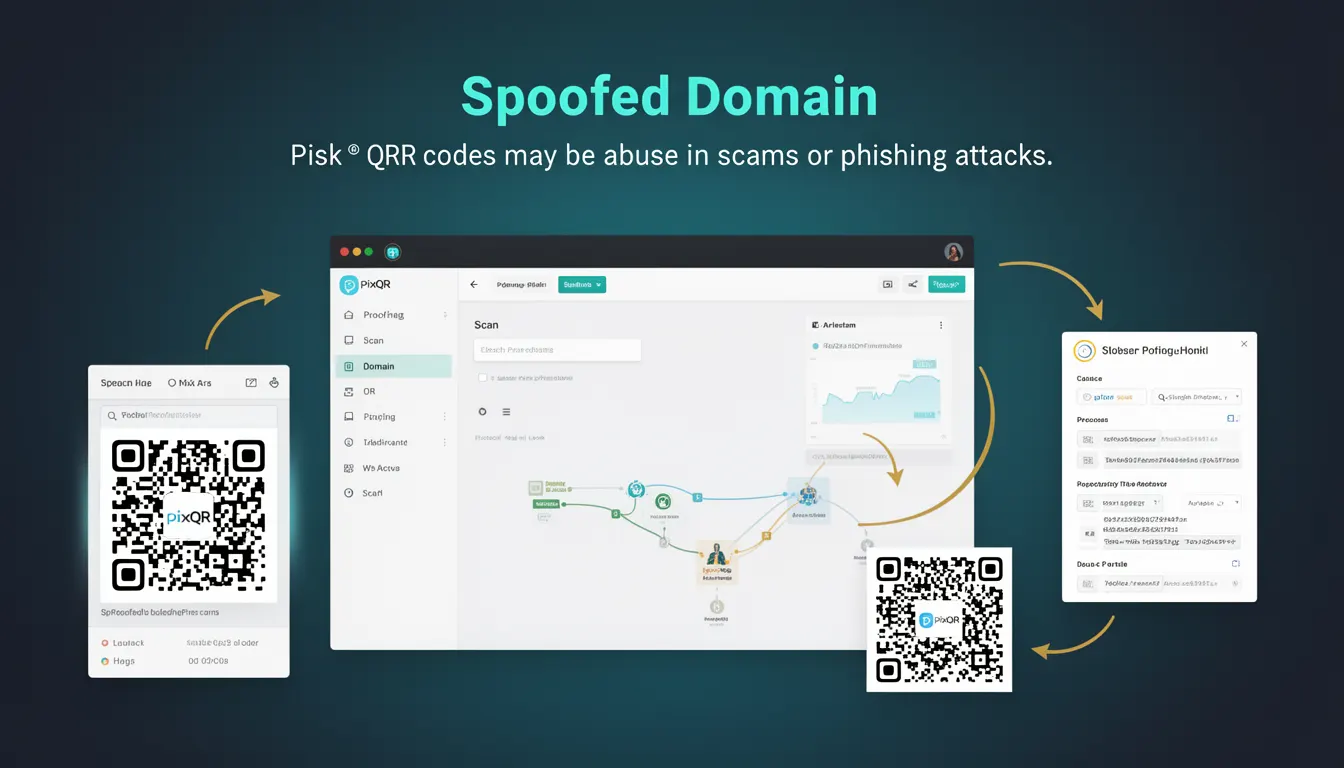
A spoofed domain refers to a domain name that is intentionally designed to appear similar to a legitimate, trusted domain. In the context of QR code phishing, this tactic is used to deceive users into visiting malicious websites by making the destination URL appear trustworthy. QR codes are often used to deliver these spoofed links, particularly in phishing campaigns, because they can be scanned quickly and easily without requiring manual URL entry.
When a QR code points to a spoofed domain, the user's browser may display a valid-looking address, but the site is not what it claims to be. This deception can lead to credential theft, financial fraud, malware distribution, or other malicious actions. PixQR helps prevent spoofed domain abuse by offering domain validation, redirect tracking, and brand-safe design features to ensure QR codes are used securely.
Why It Matters
For developers and platform maintainers, spoofed domains are a significant concern because they undermine user trust and platform security. When a QR code is used to redirect to a spoofed domain, it can be used to bypass user expectations and security measures, especially when the domain mimics a well-known brand. This can lead to reputational damage, compliance issues, and user harm.
In the context of PixQR, spoofed domain risks are mitigated through domain verification, scan analytics, and secure redirect workflows. These features help ensure that QR codes point to legitimate, safe destinations, reducing the chance of phishing or fraud. Developers using PixQR must understand how spoofed domains can be exploited to build more secure applications and protect their users.
How It Works
The mechanism of spoofed domains in QR code phishing relies on visual or textual similarity to a trusted domain. For example, a phishing site might use paypa1.com instead of paypal.com, where the "1" replaces the "l". This makes the URL look nearly identical to the real one at first glance. When a user scans a QR code that leads to such a domain, they may be unaware of the deception until they are already on the malicious site.
- QR codes are generated with a destination URL that points to a spoofed domain.
- The spoofed domain is often registered with a similar structure to a legitimate one.
- Scanning the QR code leads to a site that mimics the trusted brand's appearance.
- Users may trust the domain because it looks familiar, even though it is not the real site.
- Attackers often use this technique in phishing emails, social media, or print materials to trick users into entering credentials or financial data.
Quick Reference
| Item | Purpose | Notes |
|---|---|---|
| Domain validation | Ensures QR code destinations are from known, safe domains | Prevents spoofed domains from being used |
| Redirect tracking | Monitors where QR code scans are being directed | Helps identify spoofed or malicious redirects |
| Brand-safe design | Ensures QR code visuals match trusted branding | Reduces user confusion and phishing risk |
| Scan analytics | Provides data on QR code usage and destinations | Enables early detection of spoofed usage |
| Scan reliability | Ensures QR codes are scannable and point to valid URLs | Reduces risk of accidental spoofed scans |
Basic Example
PixQR Example QR
This QR links directly to this glossary page, so printed notes, onboarding docs, and support material can bring scanners back to the current reference.
This example demonstrates a basic QR code generation process where a domain is validated to prevent spoofed links.
const qrCode = pixqr.generate({
  url: 'https://secure.example.com/login',
  brand: 'ExampleCorp'
});
The generated QR code points to a verified domain. PixQR ensures that the domain is not spoofed and is aligned with the brand specified in the configuration.
Production Example
In a production environment, developers may use PixQR's domain validation and analytics to prevent spoofed domains from being used in QR codes. This example shows a secure QR code generation workflow with domain checks and scan tracking.
const { generate, validateDomain } = pixqr;

const userInput = 'https://secure.example.com/login';
const isValid = validateDomain(userInput);

if (isValid) {
  const qrCode = generate({
    url: userInput,
    analytics: true,
    brand: 'ExampleCorp'
  });
  console.log('QR Code generated with safe domain');
} else {
  console.error('Domain is not safe for QR code use');
}
This version ensures that only validated, safe domains are used in QR code generation. It also enables analytics for tracking how QR codes are scanned, which helps detect potential spoofed usage.
Common Mistakes
- Not validating domains before generating QR codes, leading to spoofed links being published.
- Ignoring analytics data that could indicate suspicious scan patterns or spoofed redirects.
- Using generic or unbranded QR code designs that do not clearly indicate the destination.
- Reusing QR codes for multiple purposes without ensuring the destination is still safe.
- Assuming that a domain looks similar to a trusted one is sufficient to avoid spoofing risks.
Security And Production Notes
- Always validate domains before generating QR codes to prevent spoofed domains from being used.
- Enable analytics and tracking to monitor where QR code scans are directed.
- Use brand-safe QR code visuals to make the destination clear and trustworthy.
- Implement rate limiting or domain restrictions to reduce abuse potential.
- Regularly audit QR code usage to detect and respond to spoofed or malicious redirects.
Related Concepts
Several developer concepts are closely related to spoofed domains in QR code usage:
- Domain validation – Ensures domains are legitimate and not spoofed.
- Redirect safety – Prevents QR codes from pointing to unsafe destinations.
- Scan tracking – Monitors QR code usage and destinations for anomalies.
- Brand-safe design – Ensures QR code visuals align with trusted branding.
- Phishing prevention – A broader set of techniques to detect and block phishing attempts.