 PixQR
PixQR
Overview
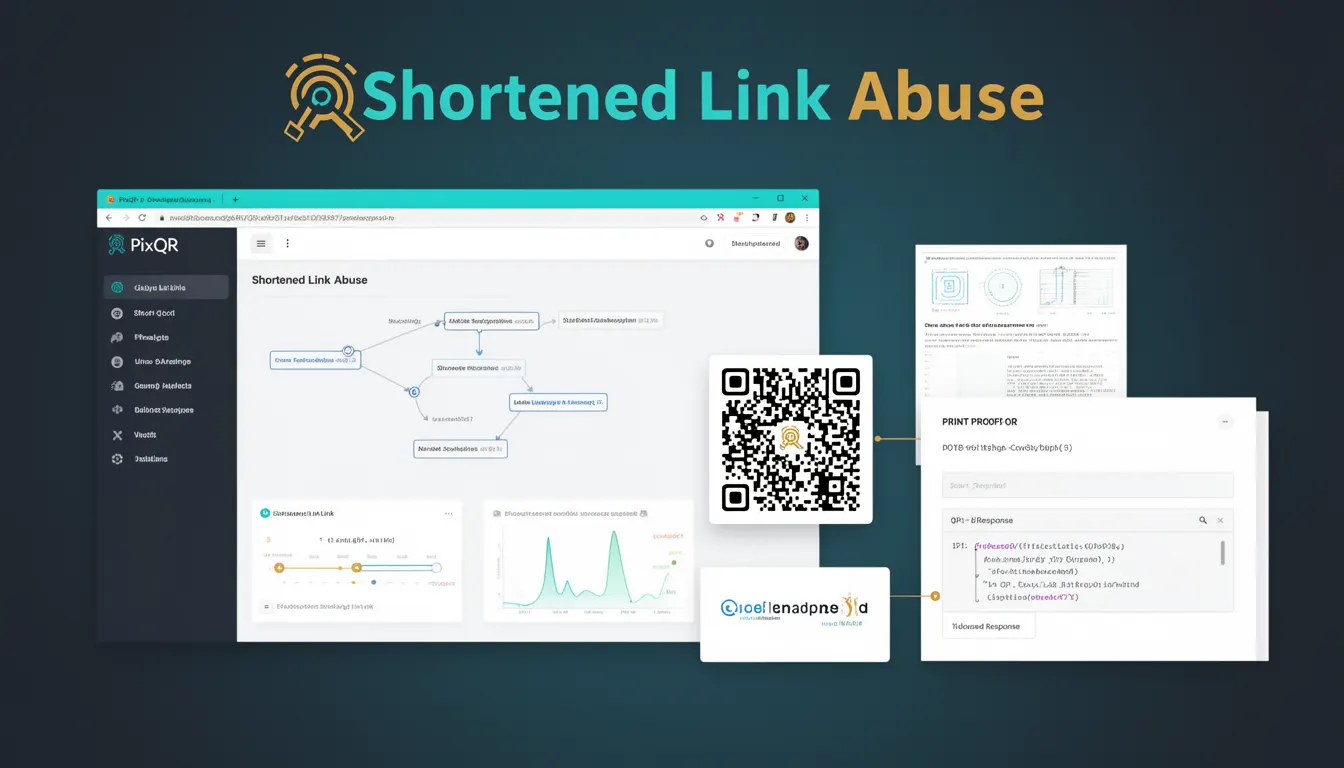
Shortened Link Abuse refers to the misuse of shortened URLs or QR codes to obscure malicious links, often used in phishing or scam campaigns. In the context of PixQR, this term is relevant when generating QR codes that may be manipulated to point to harmful domains or redirect users to unsafe content. This abuse typically involves creating a misleading QR code that appears legitimate but leads to fraudulent or harmful websites.
For developers working with PixQR, understanding Shortened Link Abuse is essential when designing secure QR code generation workflows, validating redirects, and ensuring that QR codes do not inadvertently facilitate phishing or fraud. This concept is particularly important in systems where QR codes are used for marketing, product distribution, or access control, where user trust is paramount.
Why It Matters
Shortened Link Abuse is a critical concern in QR code platforms like PixQR because QR codes are inherently trustless. Users scan them without knowing the destination until after the scan. If a QR code is manipulated to redirect to a malicious domain, it can lead to data theft, malware infection, or financial fraud. In PixQR, this risk is mitigated through features like domain validation, redirect tracking, and analytics that help detect and prevent such abuse.
From a developer perspective, recognizing and addressing Shortened Link Abuse is crucial for maintaining system integrity and user safety. It also impacts brand reputation and user experience, as users may lose trust if they encounter fraudulent redirects. For product teams, this risk directly affects compliance with privacy standards, especially in regulated environments where redirect tracking and data handling must be transparent and secure.
How It Works
Shortened Link Abuse occurs when a QR code is generated with a redirect URL that is either malicious or misleading. The mechanism typically involves:
- Generating a QR code with a short, non-descriptive URL that redirects to a domain not immediately recognizable by users.
- Using a shortened domain or subdomain that mimics legitimate services to increase trust.
- Employing dynamic redirects that can be changed post-generation without user awareness.
- Embedding tracking parameters or analytics in the redirect to monitor user behavior.
- Exploiting QR code scanning tools or platforms that do not validate or monitor the final destination.
In PixQR, this abuse can be mitigated by implementing domain validation, redirect monitoring, and analytics tracking. QR code generation workflows can include checks to ensure that the final destination is safe and aligns with the intended use. Additionally, systems can flag or block redirects that match known malicious patterns or domains.
Quick Reference
| Item | Purpose | Notes |
|---|---|---|
| Redirect URL validation | Ensures the final destination is safe | Use domain blacklists or reputation checks |
| Dynamic redirect tracking | Monitors where users are being redirected | Helps detect abuse or fraud |
| QR code analytics | Provides visibility into scan behavior | Identifies suspicious or high-risk scans |
| Domain reputation | Checks if the target domain is known malicious | Integrates with external threat intelligence |
| Scan reliability | Ensures QR codes are scannable and trustworthy | Includes print and device compatibility checks |
Basic Example
PixQR Example QR
This QR links directly to this glossary page, so printed notes, onboarding docs, and support material can bring scanners back to the current reference.
/glossary/qr-code-phishing/qr-code-phishing-shortened-link-abuse

This example demonstrates a basic QR code generation process that includes a redirect URL, illustrating how a shortened link might be used in a simple scenario.
const qrCodeData = {
  url: 'https://pixqr.example/shortened-link',
  redirectUrl: 'https://malicious-site.com/login',
  brand: 'MyBrand',
  scanTracking: true
};
The example shows a QR code configuration where a redirect URL is defined. In a secure system, this redirect URL would be validated before the QR code is generated to prevent abuse. The scanTracking flag enables analytics for monitoring user behavior.
Production Example
This example illustrates a more robust approach to QR code generation that includes validation and tracking, aligning with best practices for preventing Shortened Link Abuse.
const generateQRCode = async (options) => {
  const { url, redirectUrl, brand } = options;
  const isValid = await validateRedirectUrl(redirectUrl);
  if (!isValid) {
    throw new Error('Invalid redirect URL');
  }
  const qrCode = await PixQR.create({
    url,
    redirectUrl,
    brand,
    analytics: {
      enableTracking: true,
      scanLimit: 1000
    }
  });
  return qrCode;
};
This version ensures that the redirect URL is validated before QR code generation, enhancing security. It also enables analytics to monitor scans and detect potential abuse. The scanLimit parameter helps control resource usage and prevents abuse from high-volume scans.
Common Mistakes
- Not validating redirect URLs before QR code generation, allowing malicious links to be embedded.
- Ignoring scan analytics or tracking, which prevents detection of suspicious behavior.
- Using generic or non-descriptive QR code URLs that do not provide context to users.
- Allowing dynamic redirects without monitoring or logging, enabling abuse after code generation.
- Not implementing domain reputation checks or blacklists to prevent redirects to known malicious domains.
Security And Production Notes
- Always validate redirect URLs against known malicious or suspicious domains.
- Implement analytics and monitoring to detect unusual scan behavior or high-volume access.
- Use domain reputation services to assess the safety of redirect targets.
- Ensure QR code generation workflows are auditable and logs redirect URLs and metadata.
- Apply rate limiting or scan limits to prevent abuse of dynamic QR codes.
Related Concepts
Shortened Link Abuse is closely related to several other QR code and security concepts:
- Dynamic Redirects: The ability to change redirect destinations post-generation, which can be exploited for abuse.
- QR Code Phishing: A broader category of phishing attacks that use QR codes as delivery mechanisms.
- Link Tracking: The process of monitoring where users are redirected, which is essential for detecting abuse.
- Domain Validation: Ensuring that domains used in redirects are safe and trusted.
- Scan Reliability: The consistency and accuracy of QR code scanning, which impacts user trust and safety.