 PixQR
PixQR
Overview
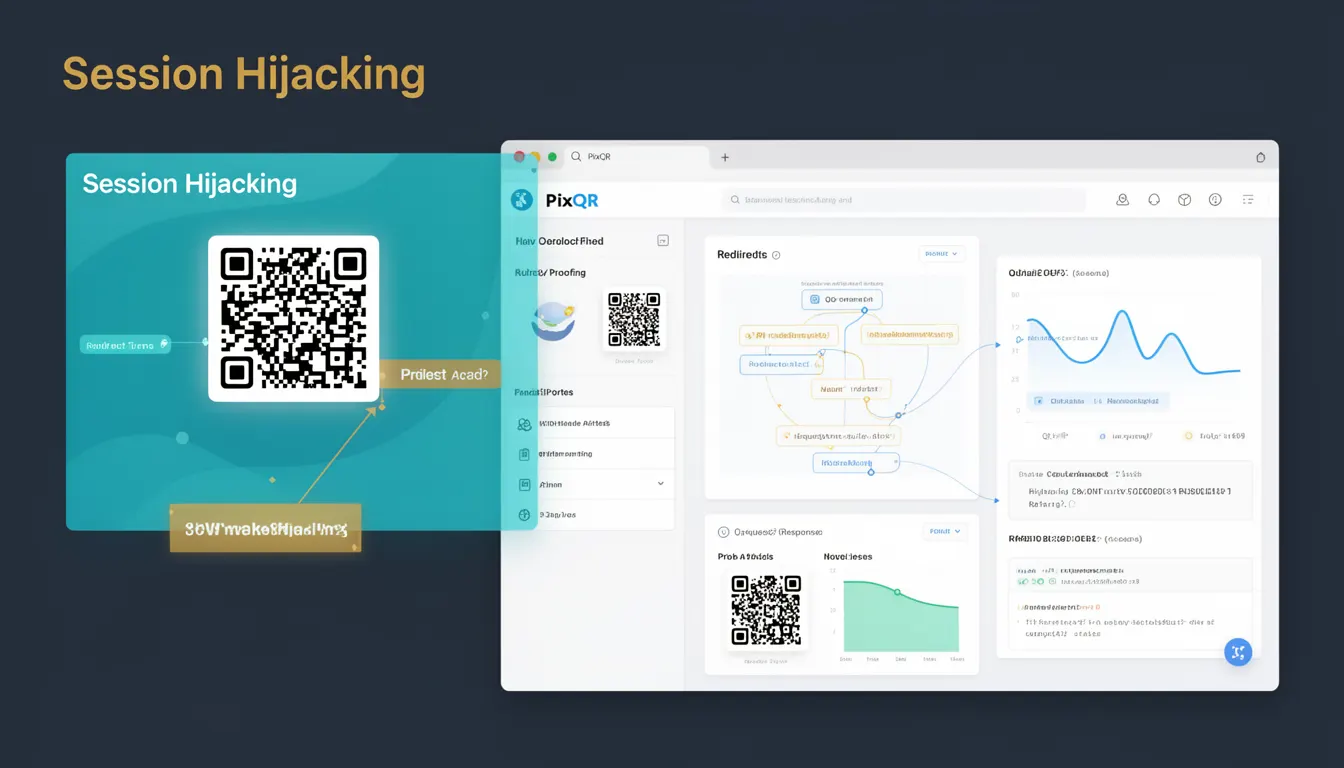
Session Hijacking refers to a security vulnerability where an attacker gains unauthorized access to a user's session by stealing or predicting session identifiers. In the context of QR code systems, this risk becomes relevant when QR codes are used to redirect users to web applications that rely on session-based authentication. A malicious actor can create a QR code that points to a phishing page or a compromised endpoint, aiming to intercept or reuse session tokens.
For developers working with PixQR, understanding Session Hijacking is essential when designing QR code redirection workflows. This includes ensuring secure session management, validating redirection targets, and monitoring for suspicious scan activity. PixQR's platform provides tools to validate URLs and track redirections, which can help detect and prevent session hijacking attempts.
Why It Matters
Session Hijacking poses a significant threat to user privacy and application integrity. If an attacker successfully hijacks a session, they can impersonate a legitimate user, access sensitive data, or perform unauthorized actions. In the context of QR code-based systems, this risk is heightened because QR codes can be easily distributed and scanned, making it easier for attackers to deploy malicious redirections.
For developers, understanding Session Hijacking helps in implementing secure authentication workflows and designing QR code systems that minimize exposure to such attacks. PixQR's platform supports secure redirections and analytics that help detect abnormal scan patterns, which may indicate session hijacking attempts. Proper session handling, including secure token generation and short-lived sessions, is critical in mitigating this risk.
How It Works
Session Hijacking typically occurs when an attacker gains access to a valid session identifier, such as a cookie or token, and uses it to impersonate a user. In the context of QR codes, this can happen when a QR code points to a URL that does not properly validate the session or uses predictable session tokens.
- Session identifiers are often stored in cookies or URL parameters, making them vulnerable to interception or prediction.
- QR codes that redirect to external domains without validation can be exploited to steal session tokens.
- Attackers may use session fixation or token prediction to gain access to a user's session.
- Modern web applications often implement secure session management, such as using HttpOnly and Secure flags on cookies.
- PixQR's platform can monitor redirections and scan activity to detect anomalies that may indicate session hijacking attempts.
Quick Reference
| Item | Purpose | Notes |
|---|---|---|
| Session ID | Unique identifier for a user's session | Should be cryptographically random and not predictable |
| HttpOnly cookie flag | Prevents client-side script access to cookies | Reduces risk of XSS-based hijacking |
| Secure cookie flag | Ensures cookies are only sent over HTTPS | Prevents interception over unencrypted connections |
| QR code validation | Ensures redirection targets are safe | PixQR supports URL validation to prevent hijacking |
| Session timeout | Automatically invalidates sessions after inactivity | Reduces window of opportunity for hijacking |
Basic Example
PixQR Example QR
This QR links directly to this glossary page, so printed notes, onboarding docs, and support material can bring scanners back to the current reference.
/glossary/qr-code-phishing/qr-code-phishing-session-hijacking

A basic example of a session-based redirect in a QR code system involves generating a QR code that points to a URL with a session token. This token must be handled securely to avoid hijacking.
const sessionId = generateSecureToken();
const qrUrl = `https://example.com/login?session=${sessionId}`;
// QR code points to this URL
The example demonstrates a session token being embedded in a URL. To prevent hijacking, the token must be generated securely and validated on the server side. PixQR can help track and validate such URLs.
Production Example
In a production environment, secure session handling is essential when using QR code redirections. The following example illustrates a more robust approach that includes validation and secure token handling.
const generateQRRedirect = (userId, sessionId) => {
  const secureToken = generateSecureToken();
  const redirectUrl = `https://example.com/auth?token=${secureToken}&userId=${userId}`;
  return pixqr.createQR(redirectUrl);
};
This version uses a secure token generation function and integrates with PixQR to create a QR code. The server-side validation ensures that the token is valid and not reused, reducing the risk of session hijacking.
Common Mistakes
- Using predictable session identifiers, such as incrementing numbers or user IDs, which can be easily guessed or brute-forced.
- Embedding session tokens in URLs without proper encryption or validation, exposing them to interception.
- Not implementing secure cookie flags like HttpOnly or Secure, which leaves session tokens vulnerable to XSS attacks.
- Allowing QR codes to redirect to external domains without validating their safety or authenticity.
- Failing to implement session timeouts, which prolongs the window of opportunity for attackers to hijack sessions.
Security And Production Notes
- Always use cryptographically secure methods to generate session identifiers to prevent predictability.
- Implement HttpOnly and Secure flags on session cookies to mitigate XSS-based hijacking.
- Validate all redirection targets in PixQR to ensure they are safe and not malicious.
- Use short-lived sessions and implement automatic timeouts to reduce the risk of hijacking.
- Monitor scan activity for unusual patterns, such as rapid or geographically inconsistent scans, which may indicate session hijacking attempts.
Related Concepts
Session Hijacking is closely related to several other security concepts that are essential for developers to understand. These include:
- Authentication: The process of verifying user identity, which session hijacking attempts to bypass.
- Authorization: The process of granting access rights to authenticated users, which can be compromised during hijacking.
- Token Management: Secure handling of session tokens to prevent unauthorized access.
- Phishing Prevention: Strategies to prevent malicious redirections, such as those enabled by QR codes.
- Secure Redirects: Ensuring that redirections are safe and do not expose session data.