 PixQR
PixQR
Overview
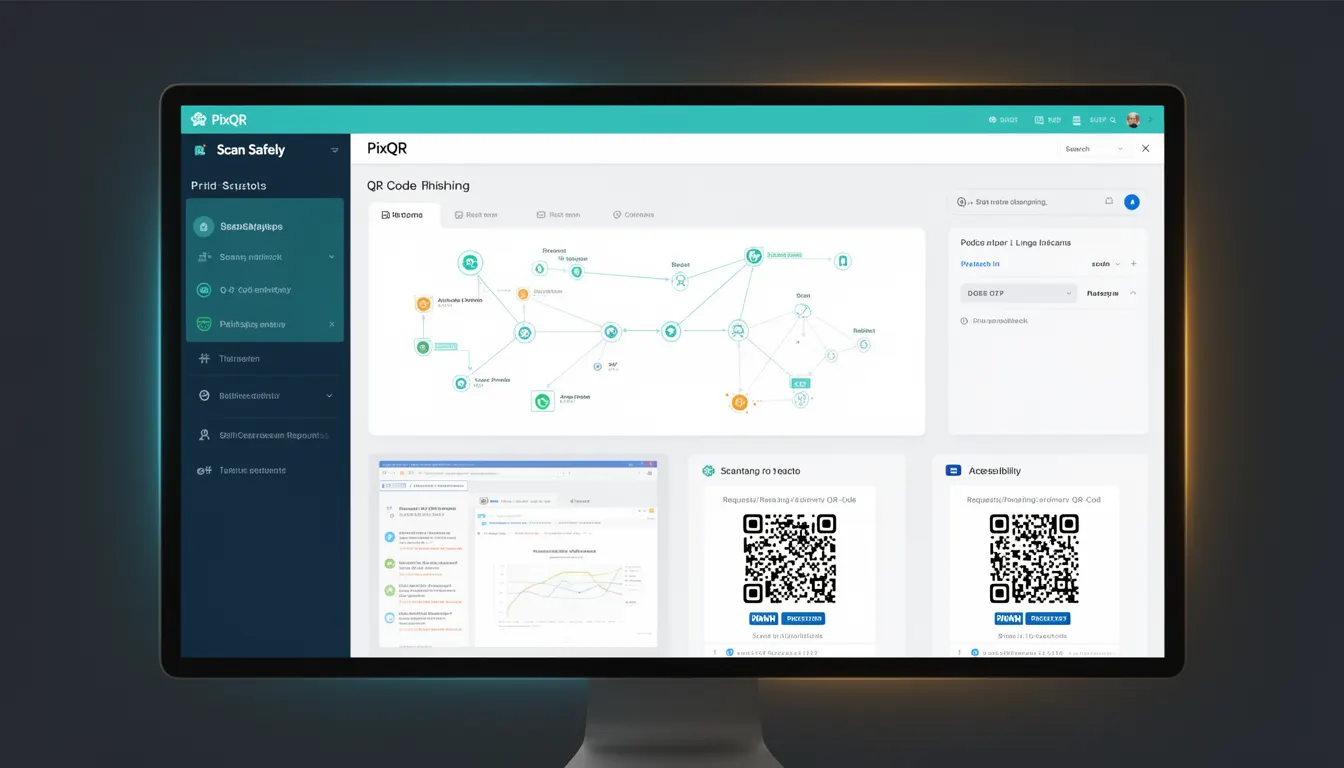
Scan Safely is a security concept within QR code platforms like PixQR that refers to the practice of implementing safeguards to ensure QR code scans are safe for end-users. It involves verifying that QR code redirects and content are legitimate, preventing phishing attacks, and ensuring the destination URL is secure and trustworthy.
In PixQR, Scan Safely is a core component of the platform’s operational workflow, where developers and site operators configure and monitor QR code generation and redirections to reduce risk exposure. It is particularly important in dynamic QR code systems where the target URL can change over time, or where multiple redirects are involved.
Why It Matters
For developers and site operators, Scan Safely directly impacts user trust, brand safety, and platform security. QR code phishing attacks are a growing concern, where malicious actors create QR codes that redirect users to fraudulent or harmful sites. Without proper safeguards, such as URL validation or content scanning, these QR codes can lead to data breaches, credential theft, or reputational damage.
Scan Safely ensures that QR code systems are resilient against these threats by embedding validation and monitoring mechanisms into the QR generation and redirection pipeline. This is especially critical in environments where QR codes are used for payments, access control, or sensitive data entry, where a single compromised link can have severe consequences.
How It Works
Scan Safely is implemented through a combination of backend validation, URL inspection, and runtime monitoring. The mechanism involves several key components:
- URL sanitization and validation to ensure that the destination is not malicious or suspicious.
- Real-time threat intelligence integration to detect known phishing or malicious domains.
- Dynamic redirect tracking and logging to identify unusual or potentially harmful redirections.
- Content inspection of redirect targets to ensure that the destination page is safe and appropriate.
- Automated alerts and blocking mechanisms when a QR code is flagged for suspicious activity.
When a QR code is generated in PixQR, the platform performs an initial scan of the target URL. If the URL is flagged by threat intelligence or fails validation, it is either rejected or marked for review. This process is transparent to the end-user but critical for maintaining a secure platform. The system can be configured to enforce strict policies or allow more lenient scanning based on risk tolerance.
Quick Reference
| Item | Purpose | Notes |
|---|---|---|
| URL validation | Ensures destination is safe | Checks against known malicious domains |
| Redirect tracking | Monitors redirections for anomalies | Logs all redirect events for audit |
| Threat intelligence | Integrates external security feeds | Real-time updates from security vendors |
| Content inspection | Scans destination page content | Looks for malicious scripts or payloads |
| Automated blocking | Prevents flagged QR codes from being used | Can be configured for manual review |
Basic Example
PixQR Example QR
This QR links directly to this glossary page, so printed notes, onboarding docs, and support material can bring scanners back to the current reference.

This basic example demonstrates how a QR code generation request might include a safety check before finalizing the code.
const qrCode = pixqr.generate({
  url: 'https://example.com/secure-page',
  scanSafely: true
});
The scanSafely flag enables the platform’s built-in safety checks. If the URL is flagged, the system returns an error or a warning to the developer, preventing the QR code from being created unless resolved.
Production Example
This production-ready example includes safety checks, error handling, and configuration options for a dynamic QR code system.
const qrConfig = {
  url: 'https://secure.example.com/login',
  scanSafely: true,
  allowRedirects: true,
  tracking: 'analytics',
  expiration: 3600
};

const qrCode = pixqr.generate(qrConfig);

if (qrCode.status === 'error') {
  console.error('QR code failed safety checks:', qrCode.error);
  return;
}

console.log('QR code created successfully:', qrCode.id);
This version is more robust because it includes explicit configuration for safety, tracking, and expiration. It also handles errors gracefully, which is essential in production environments where QR codes are part of larger systems and workflows.
Common Mistakes
- Disabling
scanSafelyin production environments without a replacement mechanism, leading to increased vulnerability. - Not validating URLs before QR code generation, which can result in malicious links being used.
- Ignoring logs or alerts from the platform, assuming no action is needed even when flagged.
- Using generic threat intelligence feeds without customizing them for the specific use case or industry.
- Not implementing expiration or monitoring for dynamic QR codes, increasing the risk of outdated or compromised links.
Security And Production Notes
- Always enable
scanSafelyfor QR codes that lead to sensitive or financial actions. - Regularly update threat intelligence feeds to ensure detection of new phishing patterns.
- Implement logging and monitoring for all QR code scans and redirects to detect anomalies.
- Use HTTPS for all QR code destinations to ensure encryption and prevent man-in-the-middle attacks.
- Set appropriate expiration times for dynamic QR codes to limit their window of exposure.
Related Concepts
Scan Safely is closely related to several key concepts in QR code security and platform management:
- Dynamic Redirects – The ability to change the destination of a QR code after creation, which Scan Safely must monitor for safety.
- Link Management – The process of organizing, tracking, and controlling QR code links, which Scan Safely helps secure.
- QR Code Phishing – The broader category of threats that Scan Safely aims to prevent.
- Brand Safety – Ensuring QR code content aligns with brand standards and does not expose users to harmful or inappropriate content.
- Operational Security – The overall framework of protecting QR code systems from internal and external threats, of which Scan Safely is a key component.