 PixQR
PixQR
Overview
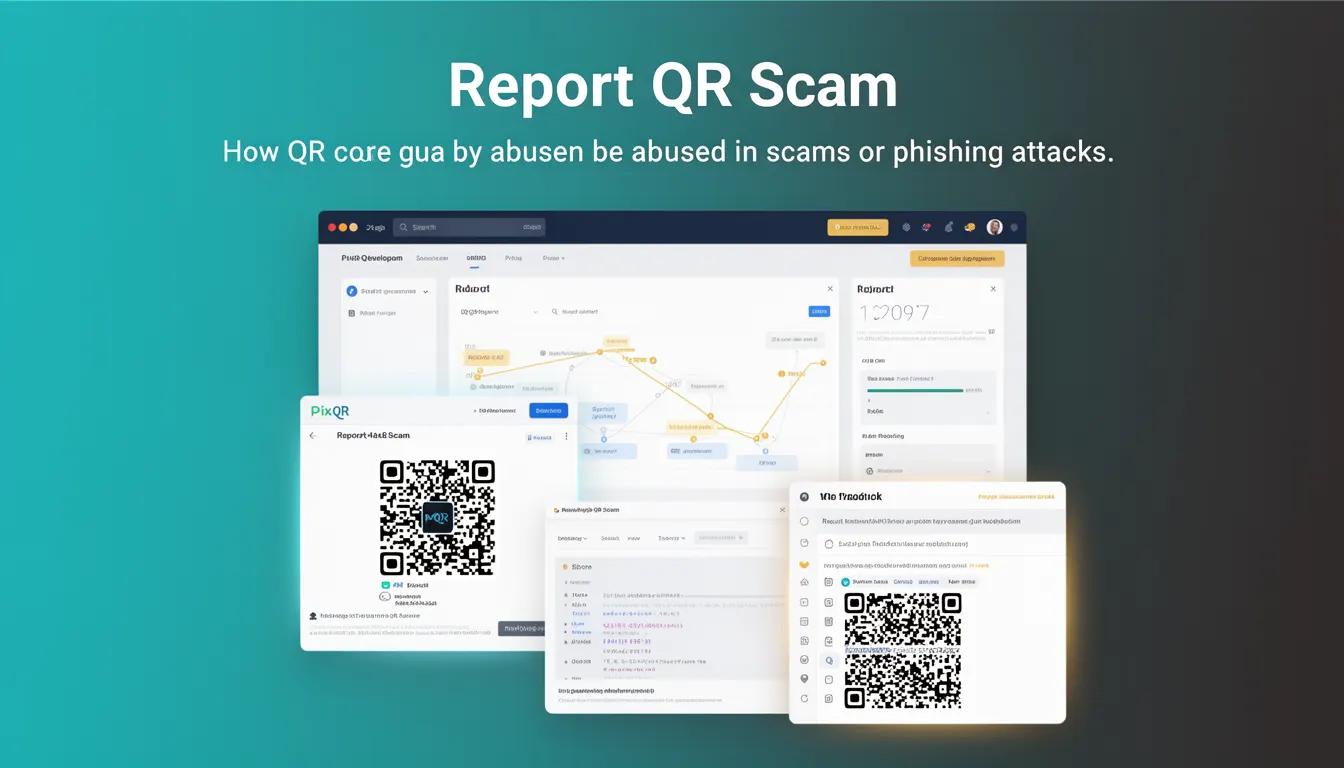
Report QR Scam is a term used in the context of QR code security and fraud prevention to describe the process of identifying, flagging, and reporting QR codes that are being used in phishing or scam operations. In the PixQR platform, this mechanism is part of a broader suite of tools designed to help users and administrators detect and mitigate fraudulent QR code usage, particularly when a QR code leads to malicious or unauthorized redirects.
QR codes are increasingly used in phishing attacks, where scammers generate QR codes that point to fraudulent websites or malicious payloads. Report QR Scam functionality allows platform users to submit a QR code for review by the PixQR team, who can then analyze the QR code's destination, validate its legitimacy, and take appropriate action such as blocking the code or notifying the creator.
Why It Matters
For developers and platform maintainers, the Report QR Scam feature is critical for ensuring the integrity and safety of the QR code ecosystem. In an environment where QR codes are used for everything from digital payments to product tracking, any abuse of the technology can lead to financial loss, privacy breaches, or reputational damage.
From a security perspective, the ability to flag and investigate suspicious QR codes allows for proactive mitigation of fraud. In production systems, such features are essential for maintaining trust with users and ensuring compliance with privacy and anti-fraud regulations. For end users, it provides a mechanism to protect themselves and others from potentially harmful QR code interactions.
How It Works
The Report QR Scam functionality in PixQR involves a multi-stage process that includes detection, submission, analysis, and action. The system is designed to be both user-friendly and technically robust, integrating seamlessly with existing QR code generation and tracking workflows.
- The user identifies a QR code that appears to be malicious or suspicious, either by scanning it or by reviewing a QR code in a dashboard.
- The user accesses the Report QR Scam interface, which typically involves submitting a QR code identifier or URL associated with the code.
- PixQR’s backend performs an automated analysis of the QR code's destination, checking for known malicious domains, URL patterns, or content.
- Human analysts may review flagged codes to determine whether they are part of a scam or phishing scheme.
- If a QR code is confirmed to be fraudulent, the system may block it, notify the creator, or take other appropriate measures.
The process also includes integration with analytics and tracking systems to monitor which QR codes are being reported and how often, allowing for the identification of trends or recurring scam patterns.
Quick Reference
| Item | Purpose | Notes |
|---|---|---|
| Report QR Scam API endpoint | Submits a QR code for review | Requires authentication and validation |
| QR code identifier | Uniquely identifies the QR code | Can be a hash, ID, or URL |
| Flag reason | Describes why the code is flagged | Options include phishing, malware, or fraud |
| Scan history | Tracks QR code usage and scans | Used to verify suspicious behavior |
| Automated analysis | Initial detection of malicious patterns | Based on domain reputation and URL checks |
Basic Example
PixQR Example QR
This QR links directly to this glossary page, so printed notes, onboarding docs, and support material can bring scanners back to the current reference.
This example demonstrates a simplified API call to report a QR code for scam analysis. It illustrates how a developer might integrate the reporting functionality into an application.
fetch('https://api.pixqr.com/report-scam', {
  method: 'POST',
  headers: {
    'Authorization': 'Bearer YOUR_API_TOKEN',
    'Content-Type': 'application/json'
  },
  body: JSON.stringify({
    qr_code_id: 'abc123xyz',
    reason: 'phishing',
    description: 'QR code leads to a fake login page'
  })
})
The example sends a POST request to the PixQR Report QR Scam endpoint with a QR code ID, a reason for the report, and an optional description. This enables the system to begin the analysis and review process.
Production Example
In a production environment, a more robust implementation of the Report QR Scam feature includes validation, logging, and error handling. This ensures that reports are properly processed and that system integrity is maintained.
const reportQRScam = async (qrCodeId, reason, description) => {
  try {
    const response = await fetch('https://api.pixqr.com/report-scam', {
      method: 'POST',
      headers: {
        'Authorization': `Bearer ${process.env.PIXQR_API_TOKEN}`,
        'Content-Type': 'application/json'
      },
      body: JSON.stringify({
        qr_code_id: qrCodeId,
        reason,
        description
      })
    });

    if (!response.ok) {
      throw new Error(`HTTP error! Status: ${response.status}`);
    }

    const result = await response.json();
    console.log('QR Scam report submitted:', result);
    return result;
  } catch (error) {
    console.error('Failed to submit QR scam report:', error);
    throw error;
  }
};
This version includes error handling, environment variable management, and logging for better traceability and system reliability. It also ensures that the API token is not exposed in client-side code.
Common Mistakes
- Not validating QR code identifiers before submission, leading to invalid or duplicate reports.
- Using generic reasons for reporting, such as “malicious,” without specific details, which delays analysis.
- Submitting reports without sufficient scan history or context, reducing the value of the report.
- Exposing API tokens in client-side code or logs, creating potential security vulnerabilities.
- Ignoring automated feedback from the system, such as duplicate detection or already flagged codes.
Security And Production Notes
- Always validate QR code identifiers and ensure they are unique and tied to a specific code.
- Implement rate limiting to prevent abuse of the reporting system.
- Use HTTPS and secure authentication methods for all API interactions.
- Log all report submissions for audit and trend analysis purposes.
- Ensure that flagged QR codes are immediately blocked or isolated to prevent further misuse.
Related Concepts
Report QR Scam is closely related to several other QR code security and management features. These include:
- QR Code Validation – Ensures that QR codes are generated and used within platform guidelines.
- Dynamic Redirects – Allows for real-time changes to QR code destinations, which must be monitored for malicious activity.
- Scan Analytics – Provides data on how QR codes are being used, helping to identify potential abuse.
- Brand Safety – Ensures QR codes are aligned with brand guidelines and do not lead to unsafe content.
- Privacy Controls – Manages user data collected through QR code scans, ensuring compliance with privacy regulations.