 PixQR
PixQR
Overview
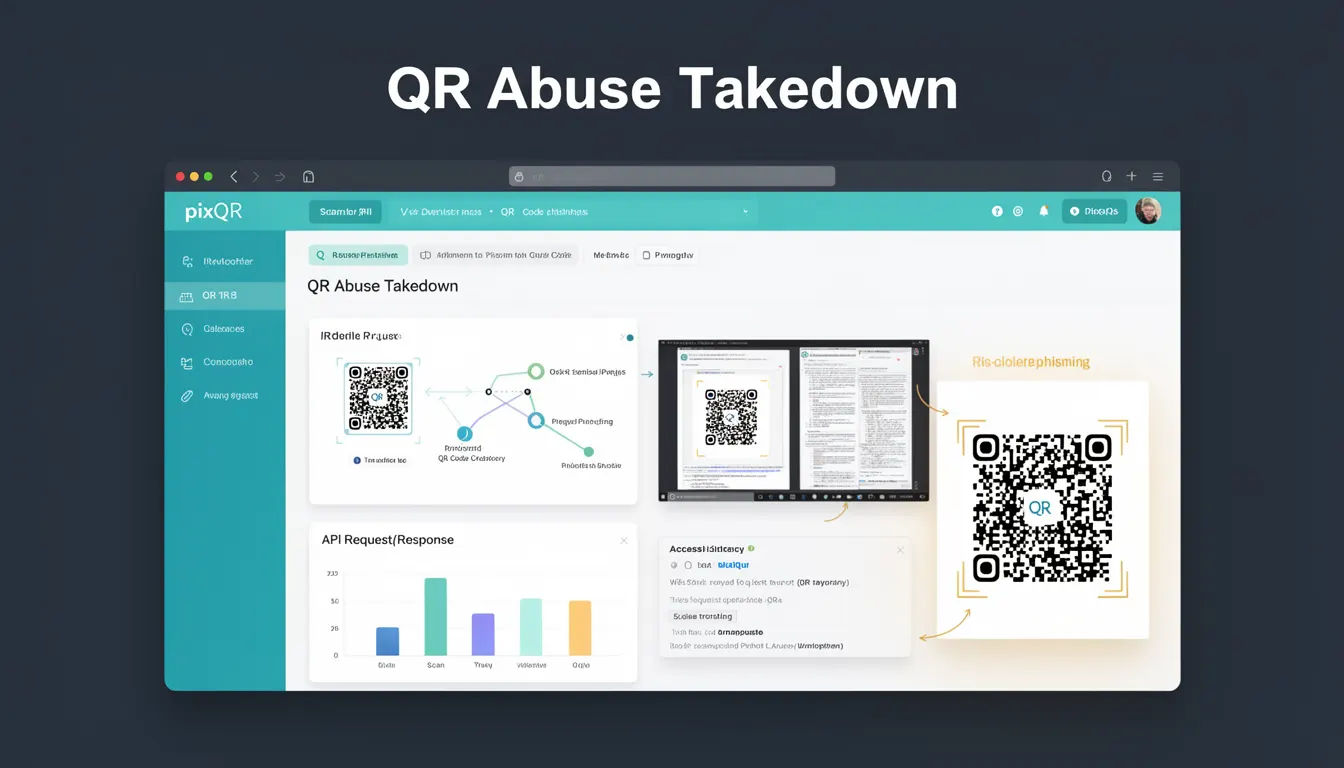
QR Abuse Takedown refers to a process within PixQR that identifies and neutralizes QR codes used in phishing, scams, or fraudulent activities. This term encapsulates the technical and operational workflows involved in detecting malicious QR code usage and removing or blocking such content from active distribution.
Developers working with PixQR’s platform, particularly those involved in link management, API integrations, or fraud monitoring, must understand how QR Abuse Takedown functions. It is a critical component in maintaining brand-safe QR code ecosystems and preventing misuse of QR generation capabilities.
Why It Matters
QR Abuse Takedown is crucial for developers because it directly impacts the integrity and security of QR code systems. When QR codes are misused for phishing or scam campaigns, they can erode user trust, expose brands to liability, and compromise platform reputation. This process ensures that malicious links are quickly identified and mitigated.
From a production standpoint, developers must be aware of how to detect, report, and respond to abuse. This includes integrating abuse reporting into API flows, configuring scan analytics to flag suspicious behavior, and ensuring that platform-level takedown mechanisms are functional. A failure to act on abuse can lead to compliance issues, brand damage, and loss of user confidence.
How It Works
The QR Abuse Takedown process in PixQR involves a combination of automated detection, manual review, and system-level takedown. The mechanism typically includes:
- Automated scan tracking and behavior analysis to identify unusual or suspicious traffic patterns associated with QR codes.
- Integration with external threat intelligence or abuse reporting systems to cross-reference QR code usage against known malicious domains or patterns.
- Platform-level blocking or disabling of QR codes flagged as abusive, either temporarily or permanently, based on severity.
- Reporting and logging capabilities that allow developers and administrators to audit abuse events and review takedown actions.
- Support for user-generated abuse reports, which can trigger an immediate review and takedown process.
When a QR code is flagged, the system may perform a redirect validation, checking if the target URL is safe, and whether it aligns with the user’s intent or brand guidelines. The platform also evaluates scan frequency, geographic distribution, and device types to detect anomalies.
Quick Reference
| Item | Purpose | Notes |
|---|---|---|
| Scan analytics | Identify suspicious QR code usage | Triggers abuse alerts based on traffic anomalies |
| Redirect validation | Verify safety of QR code destination | Checks against known malicious domains |
| Platform-level takedown | Disable malicious QR codes | Can be temporary or permanent |
| Abuse reporting | Allow user or admin reporting | Triggers review and takedown |
| Logging and audit | Record abuse events | Supports compliance and investigation |
Basic Example
PixQR Example QR
This QR links directly to this glossary page, so printed notes, onboarding docs, and support material can bring scanners back to the current reference.
/glossary/qr-code-phishing/qr-code-phishing-qr-abuse-takedown

This example demonstrates how a basic QR code creation might be flagged for abuse based on scan behavior. It is illustrative of how systems detect suspicious patterns.
const qrCode = pixqr.create({
  url: 'https://example.com/offer',
  scanLimit: 1000
});

// If scan volume exceeds limits or patterns are suspicious,
// the system may trigger a takedown process.
The example shows a QR code created with a scan limit. If scan behavior deviates from expected norms, the platform may initiate a takedown. This is a simplified illustration of how abuse detection can be integrated into QR generation.
Production Example
In a production environment, developers may use PixQR’s API to monitor QR code usage and respond to abuse events. This example shows how to configure abuse monitoring and take action on flagged QR codes.
const response = await pixqr.api.qr.update({
  id: 'qr-12345',
  status: 'disabled',
  reason: 'abuse_detected'
});

// Log the event for audit
console.log('QR Abuse Takedown executed for:', response.id);
This version is more production-ready as it includes explicit status updates, reason logging, and integration with an API endpoint. It allows developers to programmatically disable QR codes flagged for abuse, ensuring a responsive and secure platform.
Common Mistakes
- Not implementing scan analytics to detect abnormal usage patterns, leading to missed abuse events.
- Ignoring user abuse reports, which can delay or prevent takedown actions.
- Disabling QR codes without logging the event, making audits and investigations difficult.
- Using generic takedown messages instead of specific abuse reasons, reducing clarity for platform administrators.
- Failing to validate QR code destinations before activation, allowing malicious URLs to be used.
Security And Production Notes
- QR Abuse Takedown should be integrated into all QR code generation workflows to prevent malicious use.
- Implementing redirect validation helps avoid phishing or scam domains from being activated.
- Logging all abuse takedown actions is essential for compliance and platform transparency.
- Ensure that abuse reporting mechanisms are accessible to all users and administrators.
- Use consistent status values and reasons to maintain clarity in abuse handling.
Related Concepts
QR Abuse Takedown is closely related to several core PixQR concepts:
- Dynamic Redirects – QR codes that redirect to dynamic URLs must be validated for safety and abuse.
- Scan Analytics – Monitoring scan behavior is a key component in detecting abuse.
- Brand Safety – Takedown actions protect brand reputation by removing malicious QR codes.
- Privacy Controls – Abuse takedown can involve user data handling and compliance with privacy standards.
- Link Management – QR code lifecycle management includes abuse detection and takedown.