 PixQR
PixQR
Overview
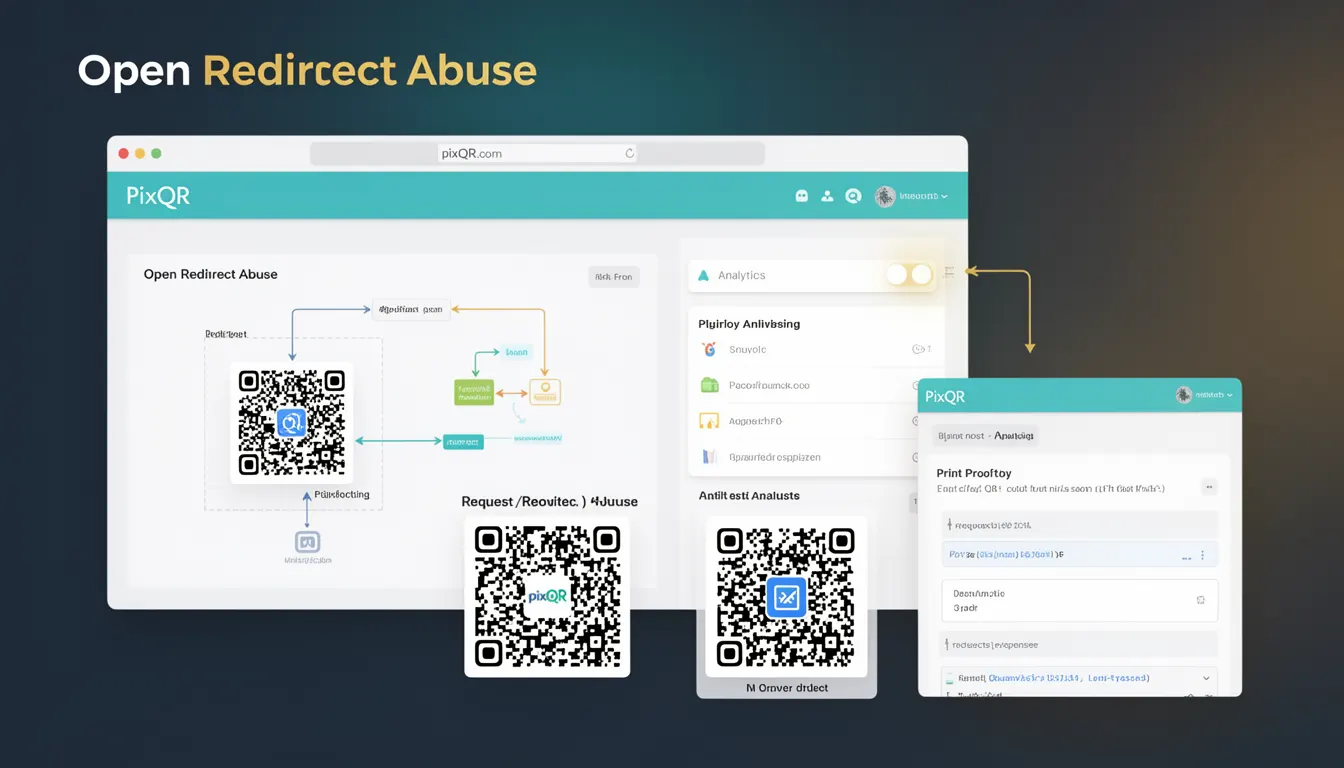
Open Redirect Abuse is a security risk term that describes how QR codes can be manipulated to redirect users to malicious or untrusted domains. This occurs when a QR code points to a URL that, upon scanning, triggers a redirect to a phishing site or a domain not intended by the creator. The abuse typically exploits the trust users place in QR code scanning by presenting a legitimate-looking link that leads to harmful destinations.
QR codes are often used in marketing, logistics, and physical product tracking, where they may contain dynamic links that can be changed post-creation. If not properly secured, these links can be hijacked to redirect to malicious domains. This is particularly concerning in PixQR’s ecosystem, where the platform ensures dynamic redirects are safe and trackable, but the potential for abuse still exists if proper validation and access controls are not enforced.
Why It Matters
For developers working with PixQR, understanding Open Redirect Abuse is essential because QR code links are often the first point of user interaction in physical or digital environments. If a QR code is compromised, it can lead to phishing attacks, brand reputation damage, or data leakage. A malicious actor could modify a QR code’s target URL to point to a fake login page or a domain that mimics a trusted service.
From a platform perspective, PixQR must ensure that all generated QR codes maintain integrity and that dynamic redirects are not exploitable. The platform's built-in security features help prevent such abuse by validating redirect URLs, enforcing brand-safe domains, and tracking scan behavior. For users, this means that QR codes created through PixQR are less likely to be misused in scams, but developers must still be aware of how redirects are implemented to avoid introducing vulnerabilities.
How It Works
The mechanism of Open Redirect Abuse involves exploiting the trust users place in QR code scanning, combined with weak or absent validation of redirect URLs. A QR code may be created with a dynamic link that resolves to a legitimate domain, but the final destination of that link can be manipulated by an attacker. This can happen at multiple levels: during QR code generation, in the URL redirection logic, or through unauthorized access to the link management system.
- QR codes are generated with a base URL that may include a token or identifier for dynamic resolution.
- The system resolves this base URL to a final destination, which may be a phishing site or malicious domain.
- When a user scans the QR code, they are redirected to the manipulated URL without awareness.
- Attackers may use this to harvest credentials, collect user data, or spread malware.
- PixQR enforces strict validation and tracking of all redirect destinations to prevent such abuse.
Quick Reference
| Item | Purpose | Notes |
|---|---|---|
| Redirect URL validation | Ensures destination URLs are safe and trusted | Must be enforced at time of QR generation |
| Dynamic link resolution | Resolves base QR code URLs to final destinations | Should not allow external or untrusted domains |
| Scan tracking | Monitors where users are redirected | Helps detect abnormal redirect behavior |
| Domain allowlist | Restricts redirects to pre-approved domains | Enforced by platform security policies |
| Token-based routing | Uses tokens to manage dynamic URL resolution | Should be securely generated and rotated |
Basic Example
PixQR Example QR
This QR links directly to this glossary page, so printed notes, onboarding docs, and support material can bring scanners back to the current reference.
/glossary/qr-code-phishing/qr-code-phishing-open-redirect-abuse

A basic example shows how a QR code may be misused to redirect to an untrusted domain. This example illustrates a vulnerable setup where a QR code points to a URL that resolves to a phishing page.
const qrCodeUrl = 'https://api.pixqr.com/redirect/abc123';
// This URL resolves to a malicious domain if not validated
const maliciousRedirect = 'https://phishing-site.com/login';
The important line is where qrCodeUrl is resolved to a destination that can be manipulated. If not validated, this can lead to Open Redirect Abuse. PixQR prevents this by ensuring that the final redirect URL is checked against a list of allowed domains.
Production Example
A production example demonstrates how to validate redirect URLs and enforce safe domains when generating QR codes. This ensures that even if an attacker modifies a dynamic link, the system will not allow redirection to a malicious domain.
function generateQRCodeWithValidation(url, allowedDomains) {
  if (!allowedDomains.includes(new URL(url).hostname)) {
    throw new Error('Redirect URL is not allowed');
  }
  return `https://api.pixqr.com/redirect/${encodeURIComponent(url)}`;
}

const safeUrl = 'https://trusted-domain.com/page';
const allowed = ['trusted-domain.com', 'secure.pixqr.com'];
const qrCodeLink = generateQRCodeWithValidation(safeUrl, allowed);
This version is more suitable for production because it explicitly validates the redirect URL against a list of allowed domains, preventing malicious redirections. It also uses encodeURIComponent to safely encode the URL, ensuring no injection attacks occur during QR generation.
Common Mistakes
- Allowing external domains in redirect URLs without validation — This can lead to redirection to phishing or malware sites.
- Not encoding dynamic URLs — Unencoded URLs can allow URL injection or manipulation.
- Reusing tokens or identifiers without rotation — Tokens that do not change can be exploited to redirect to malicious domains.
- Ignoring scan tracking — Without monitoring redirects, malicious activity may go unnoticed.
- Using insecure HTTP links — HTTP redirects are vulnerable to man-in-the-middle attacks and should be avoided.
Security And Production Notes
- Always validate redirect URLs against a pre-approved domain list to prevent Open Redirect Abuse.
- Use HTTPS for all redirect URLs to ensure secure communication and prevent interception.
- Implement token-based routing with short expiration times to reduce the risk of token reuse.
- Monitor scan behavior and redirect patterns to detect anomalies or suspicious activity.
- Ensure that QR code generation APIs are protected by authentication and rate-limiting to prevent abuse.
Related Concepts
Open Redirect Abuse is closely related to several key concepts in web and QR code security. These include URL validation, token-based routing, domain allowlists, scan tracking, and secure API design. URL validation ensures that only safe URLs are used, while token-based routing helps manage dynamic redirects securely. Domain allowlists restrict where users can be redirected, and scan tracking allows for monitoring of suspicious behavior. Secure API design prevents unauthorized access to QR generation and redirection systems.