 PixQR
PixQR
Overview
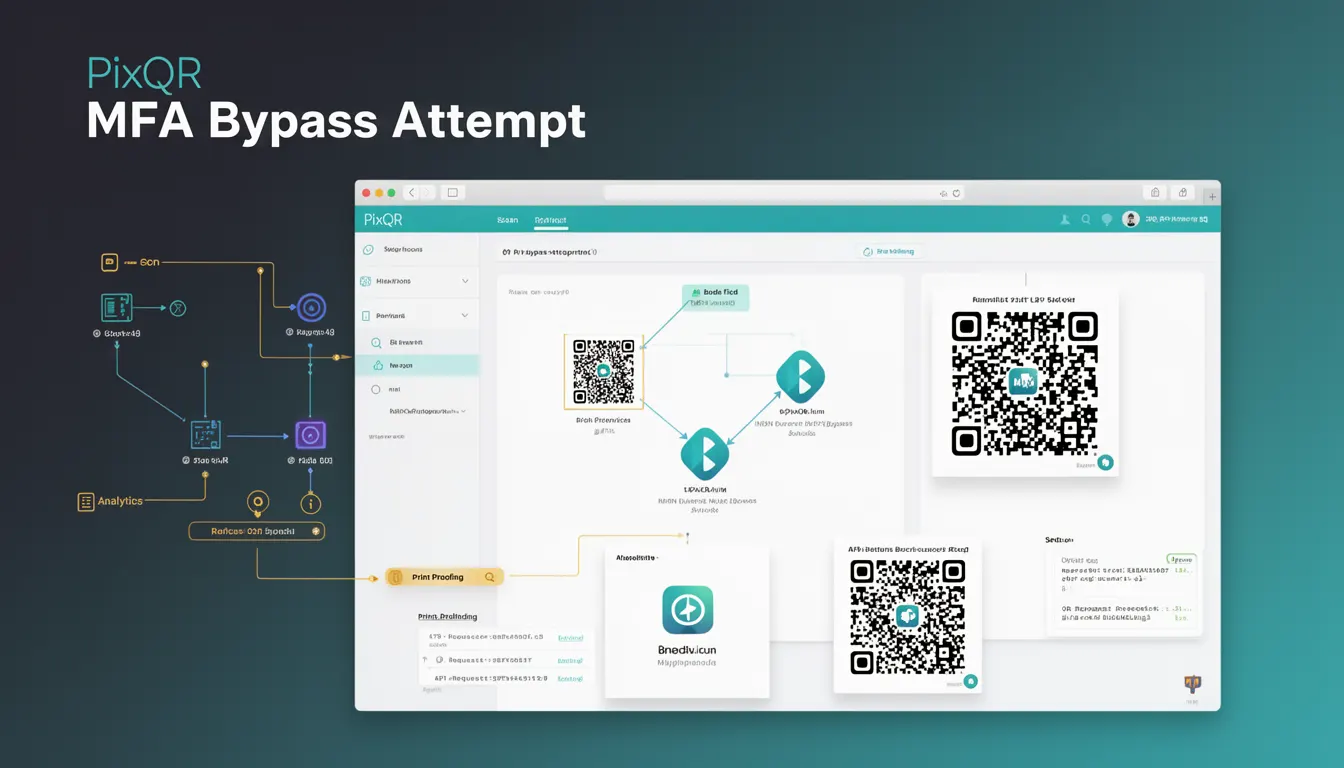
A MFA Bypass Attempt refers to a specific type of security threat in which an attacker tries to circumvent multi-factor authentication (MFA) by using a QR code as part of a phishing or scam mechanism. This attack leverages the trust users place in QR codes, particularly when they appear legitimate and are embedded in trusted branding or communication channels.
In the context of PixQR, MFA Bypass Attempts are relevant when QR codes are used for authentication flows, especially in scenarios where the QR code links to an external MFA endpoint or redirects to a malicious service that mimics a legitimate authentication page. The attack often occurs during a phishing campaign where a user scans a QR code believing it to be a secure authentication step, but instead, it leads to a fake login page or an endpoint that collects credentials or MFA tokens.
Why It Matters
For developers and platform maintainers, understanding MFA Bypass Attempts is critical because QR codes are increasingly used in secure workflows, such as MFA setup, account recovery, and two-factor authentication flows. If QR codes are not properly validated or tracked, they can be exploited to bypass security layers, leading to unauthorized access to user accounts.
In PixQR, this threat directly impacts the integrity of authentication flows. If a QR code is used to generate a one-time token or redirect to an MFA provider, an attacker could generate a malicious QR code that redirects to a fake MFA service, thereby stealing the user's MFA code or token. This makes it essential for developers to implement robust validation and tracking mechanisms when generating QR codes for authentication use cases.
How It Works
When an attacker attempts an MFA Bypass using a QR code, the process typically involves:
- Creating a QR code that appears legitimate, often using trusted branding or domain names.
- Embedding a redirect URL in the QR code that leads to a malicious endpoint.
- Using the QR code in phishing emails, social media, or printed materials to prompt users to scan it.
- Collecting user credentials or MFA tokens from the fake endpoint.
- Using the stolen data to gain access to the user's account or system.
From a technical perspective, PixQR's platform must ensure that QR codes used in authentication workflows are:
- Generated with secure, validated redirect URLs.
- Tracked for scan activity and anomalies.
- Configurable with MFA provider integration.
- Scannable with reliable detection and reporting.
- Protected against misuse through access controls and analytics.
Quick Reference
| Item | Purpose | Notes |
|---|---|---|
| Redirect URL validation | Ensures QR code links to trusted endpoints | Prevents malicious redirects |
| Scan analytics | Tracks QR code scan behavior | Identifies suspicious activity |
| MFA provider integration | Ensures QR codes point to valid MFA services | Prevents fake MFA endpoints |
| Branding verification | Ensures QR code branding matches expected sources | Reduces phishing risk |
| Access control | Limits who can generate or modify QR codes | Reduces abuse |
Basic Example
PixQR Example QR
This QR links directly to this glossary page, so printed notes, onboarding docs, and support material can bring scanners back to the current reference.
/glossary/qr-code-phishing/qr-code-phishing-mfa-bypass-attempt

This example demonstrates how a QR code can be generated for a secure MFA setup. The QR code is designed to redirect to a trusted MFA provider, not a malicious endpoint.
const qrCode = pixqr.generate({
  type: 'mfa',
  redirectUrl: 'https://trusted-mfa-provider.com/auth',
  brand: 'MyCompany',
  expiry: 3600
});
The key elements here are the type set to mfa, which signals the QR code is for authentication, and the redirectUrl pointing to a verified MFA service. This ensures the QR code is not vulnerable to MFA bypass attempts.
Production Example
In a production environment, QR code generation for MFA must include validation and analytics to prevent abuse. This example shows how to securely configure a QR code with PixQR, including monitoring for suspicious activity.
const config = {
  type: 'mfa',
  redirectUrl: 'https://secure.mfa-provider.com/verify',
  brand: 'MySecureApp',
  expiry: 3600,
  analytics: true,
  accessControl: {
    allowedDomains: ['mysecureapp.com'],
    scanLimit: 100
  }
};

const qrCode = pixqr.generate(config);

// Monitor for anomalies
pixqr.on('scan', (event) => {
  if (event.ipAddress === 'suspicious_ip') {
    pixqr.blockScan(event.scanId);
  }
});
This version is more suitable for production because it includes access control, analytics, and real-time monitoring to detect and block potential MFA bypass attempts. It also limits the number of scans per QR code to prevent abuse.
Common Mistakes
- Using generic or untrusted redirect URLs in QR codes, making them vulnerable to phishing.
- Not validating the domain or endpoint that a QR code points to before generation.
- Allowing unlimited scans or no scan limits, which can enable abuse.
- Ignoring analytics or scan tracking, which prevents detection of suspicious behavior.
- Generating QR codes without access control or user authentication, allowing unauthorized use.
- Not updating QR code configurations when MFA provider endpoints change, leading to outdated links.
Security And Production Notes
- Always validate redirect URLs against a trusted domain list to prevent malicious redirection.
- Implement real-time scan analytics to detect unusual access patterns or suspicious IP addresses.
- Limit the number of scans per QR code to reduce the risk of brute-force or abuse attempts.
- Use HTTPS for all redirect URLs to ensure secure communication and prevent man-in-the-middle attacks.
- Integrate with MFA provider APIs to ensure QR codes are linked to verified authentication endpoints.
Related Concepts
Several developer concepts are closely related to MFA Bypass Attempts:
- QR Code Phishing: A broader category of phishing attacks using QR codes, which includes MFA bypass attempts.
- Authentication Flow: The sequence of steps in an authentication process, including MFA, that QR codes may be used to support.
- Redirect URL Validation: A technique used to ensure QR codes point to safe, known endpoints.
- Scan Analytics: The tracking of QR code scans to identify suspicious behavior or abuse.
- Access Control: Mechanisms that restrict who can generate or use QR codes, reducing risk of misuse.