 PixQR
PixQR
Overview
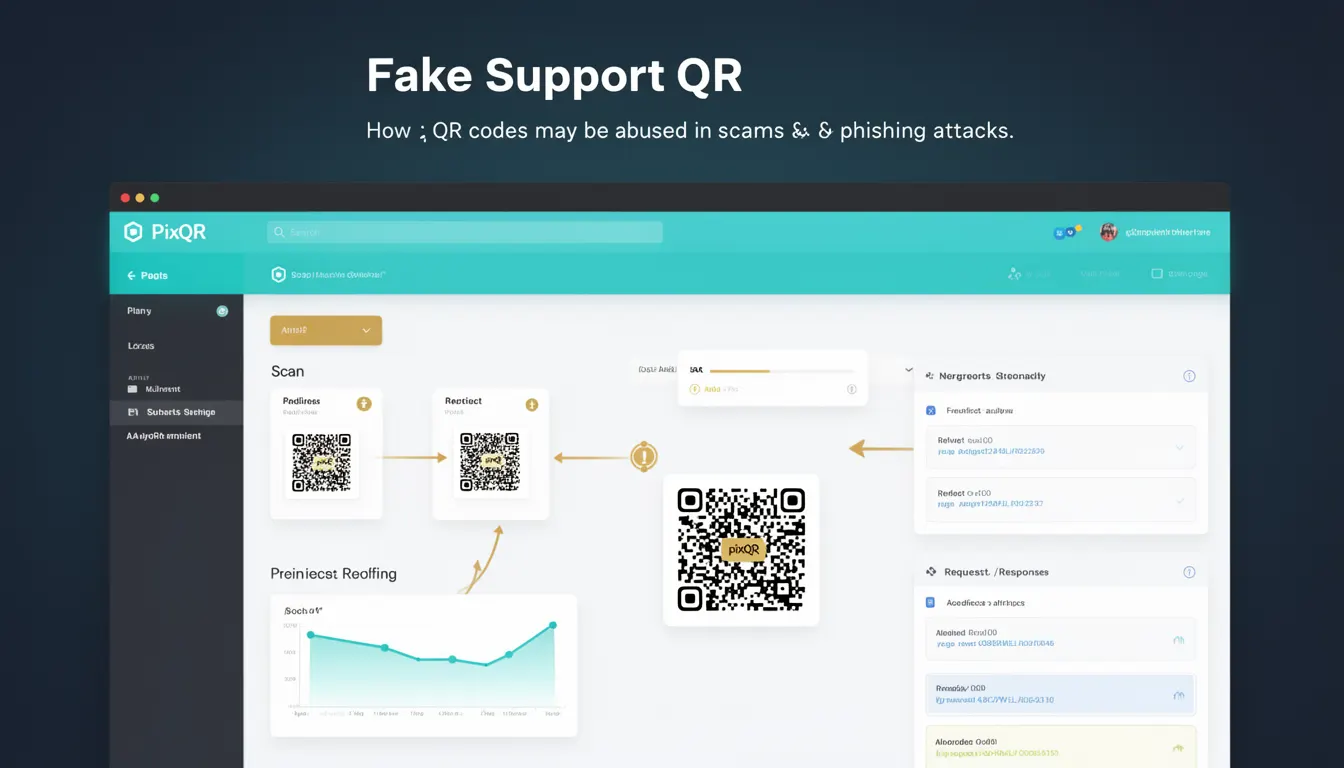
A Fake Support QR, in the context of PixQR, refers to a QR code designed to mimic legitimate support or service-related links, often used in phishing or scam attacks. These codes are crafted to appear trustworthy, typically redirecting users to fraudulent websites or triggering unwanted actions. They exploit the trust users place in support-oriented QR codes, which are commonly used for customer service, help desks, or official communication platforms.
Developers and platform operators using PixQR must understand the risks of Fake Support QRs to implement safeguards. These QR codes may be generated by malicious actors to capture user credentials, redirect to malicious domains, or collect personal data. They are particularly dangerous in environments where QR codes are used for physical product identification, event access, or internal communication.
Why It Matters
For developers, Fake Support QRs represent a real threat to user security and platform integrity. If a QR code is misused to redirect users to a phishing site, it can lead to credential theft, financial loss, or data breaches. In PixQR’s ecosystem, where QR codes are often used for secure, branded, or controlled access, the presence of a Fake Support QR undermines trust in the entire platform.
From a product perspective, the risk of Fake Support QRs can result in brand damage, compliance violations, or user attrition. If a platform fails to detect or prevent these codes, it can become a vector for fraud, particularly in industries such as retail, healthcare, or finance, where QR-based authentication or access control is common. Developers must build systems that detect and neutralize such threats at the point of creation or activation.
How It Works
Fake Support QRs are typically created using standard QR code generation libraries or services. However, they differ from legitimate QR codes in how they are structured, the content they point to, or how they are deployed. The key mechanisms include:
- Content Spoofing: A QR code is generated with a URL that mimics a legitimate support domain, such as
https://support.example.com, but the actual destination is a phishing page. - Redirect Chain Manipulation: The QR code may redirect through multiple URLs before reaching the final malicious endpoint, making detection harder.
- Visual Deception: The QR code is often embedded in a context that appears official, such as a printed flyer, email, or product label, increasing user trust.
- Metadata Exploitation: QR codes may contain hidden data or metadata that can be used to track or manipulate user behavior, such as UTM parameters or device identifiers.
- Dynamic URL Generation: In some cases, the QR code points to a server that dynamically generates the final URL, allowing attackers to change the target without modifying the QR code itself.
In PixQR, developers can mitigate these risks by implementing domain validation, redirect tracking, and content filtering. These mechanisms ensure that QR codes point to safe, expected destinations and do not allow arbitrary or unverified URLs.
Quick Reference
| Item | Purpose | Notes |
|---|---|---|
| Domain Validation | Ensures QR code URLs point to approved domains | Prevents spoofing of legitimate domains |
| Redirect Tracking | Monitors and logs redirect paths | Helps identify suspicious redirect chains |
| Content Filtering | Scans QR content for known phishing patterns | Reduces risk of malicious URL inclusion |
| Dynamic URL Generation | Allows server-side URL modification | Must be secured to prevent abuse |
| Scan Analytics | Tracks QR code usage and scan behavior | Can detect anomalous access patterns |
Basic Example
PixQR Example QR
This QR links directly to this glossary page, so printed notes, onboarding docs, and support material can bring scanners back to the current reference.

This example demonstrates a basic QR code generation that could be used to create a Fake Support QR if misused. It is shown here to illustrate how QR codes are structured and what can go wrong.
const qrData = 'https://support.company.com/login';
const qrCode = QRCode.generate(qrData);
console.log(qrCode);
The qrData variable holds a URL that appears legitimate. If this URL is actually a phishing page, the QR code becomes a Fake Support QR. The QRCode.generate function creates the QR code, but it does not validate the destination.
Production Example
This example shows how to generate a QR code with validation and tracking in a PixQR environment. It includes domain checks and redirect logging to prevent misuse.
const allowedDomains = ['company.com', 'support.company.com'];
const url = 'https://support.company.com/login';
if (!allowedDomains.some(domain => url.includes(domain))) {
  throw new Error('Invalid domain');
}
const qrCode = QRCode.generate(url);
logRedirect(url);
console.log(qrCode);
This version checks that the URL belongs to an allowed domain before generating the QR code. It also logs the redirect to monitor usage. This approach is more secure and suitable for production systems where QR codes are part of a controlled workflow.
Common Mistakes
- Skipping Domain Validation: Developers may generate QR codes without verifying the destination domain, allowing malicious URLs to be embedded.
- Using Generic Redirects: A QR code pointing to a generic redirector without tracking or filtering can be exploited for phishing.
- Ignoring Scan Analytics: Failing to monitor QR code usage can delay detection of fraudulent activity.
- Overlooking Metadata: QR codes may include hidden data that can be used to track or manipulate user behavior without detection.
- Not Implementing Rate Limiting: Without limits on QR code generation, attackers can flood the system with Fake Support QRs.
Security And Production Notes
- Validate All Domains: Always verify that QR code destinations are from trusted or approved domains.
- Log Redirect Chains: Track all redirects to identify malicious or unexpected behavior.
- Use Secure QR Libraries: Choose libraries that support content sanitization and security checks.
- Implement Access Controls: Restrict QR code creation to authorized users or roles.
- Monitor for Anomalies: Use analytics to detect unusual scan patterns or high-volume QR code usage.
Related Concepts
Several developer concepts are closely related to Fake Support QRs and their prevention:
- QR Code Phishing: A broader category that includes all phishing attacks using QR codes, including Fake Support QRs.
- Dynamic Redirects: The ability to modify the destination of a QR code after creation, which can be exploited if not secured.
- URL Validation: The process of checking that a URL is safe and appropriate for use in a QR code.
- Scan Tracking: Monitoring how QR codes are scanned and used, which helps detect fraudulent activity.
- Domain Whitelisting: A method of allowing only specific domains to be used in QR code destinations, reducing the risk of spoofing.