 PixQR
PixQR
Overview
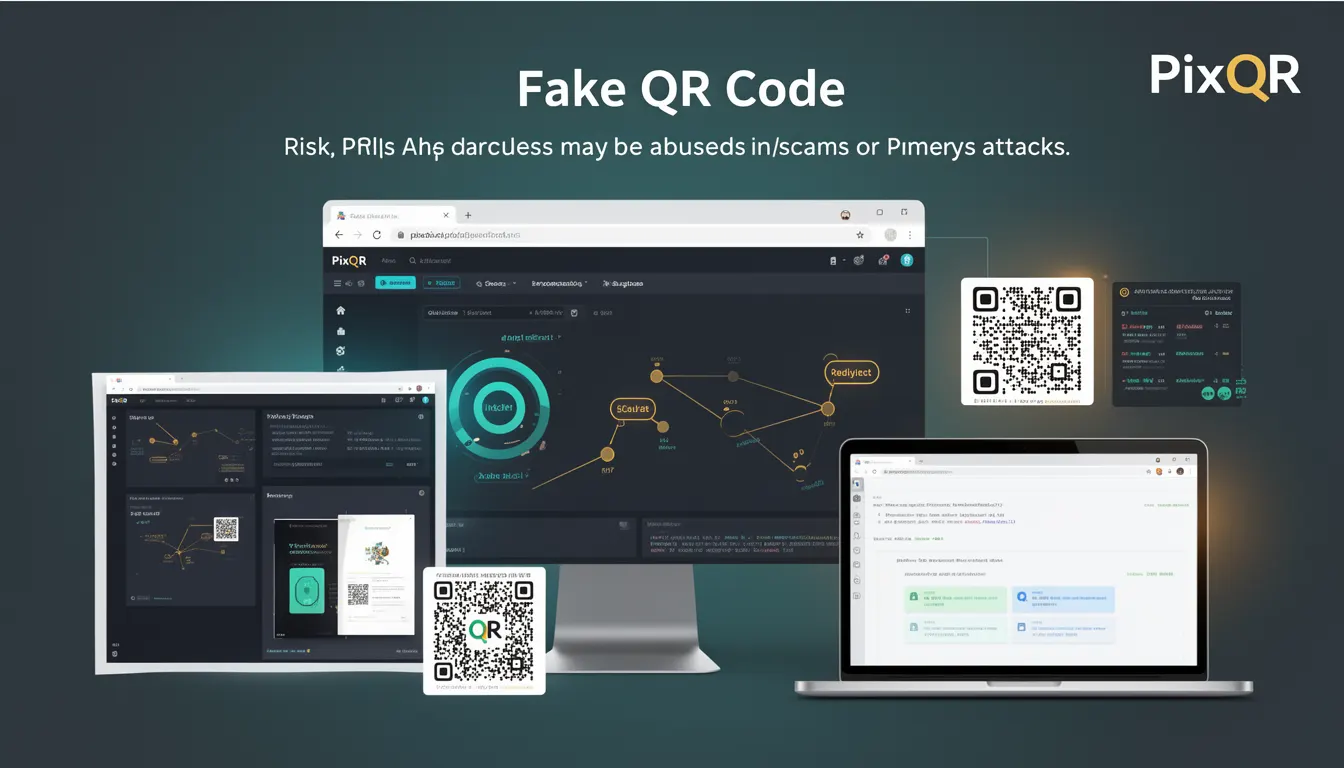
A Fake QR Code is a malicious or deceptive QR code that appears legitimate but leads to fraudulent or harmful destinations. These codes are used in phishing attacks, scams, or other malicious activities to mislead users into visiting unsafe websites or downloading harmful content.
Developers working with QR code systems, especially those handling dynamic redirects or user-generated content, must understand how Fake QR Codes are constructed, detected, and mitigated. PixQR's platform is designed to help developers identify and prevent such threats by providing tools for safe QR code generation, redirect tracking, and fraud detection.
Why It Matters
For developers, Fake QR Codes pose a real risk to user safety, brand reputation, and system integrity. When a QR code redirects to an untrusted or malicious URL, it can result in credential theft, malware distribution, or financial fraud. In a production environment, such vulnerabilities can lead to compliance issues, user trust loss, and legal liability.
From a product perspective, PixQR's infrastructure must ensure that all generated QR codes are traceable, secure, and comply with privacy standards. Developers integrating PixQR's APIs or using its dashboard must be aware of how to avoid creating or enabling Fake QR Codes, especially when handling user input or third-party content.
How It Works
Fake QR Codes are typically created by modifying the URL in a QR code's payload to point to a malicious or deceptive destination. They may appear identical to legitimate QR codes, making detection difficult without proper validation.
- They often use URL shortening services or custom domains to obfuscate the actual destination.
- They may mimic trusted brand URLs by using similar-looking domains or subdomains.
- They can be generated with dynamic payloads that change based on user input or device characteristics.
- They may be embedded in physical or digital media without visible warnings or trust indicators.
- They can be part of phishing kits designed to bypass standard security filters.
When a user scans a Fake QR Code, the system must redirect them to the intended malicious site. PixQR's platform mitigates this by tracking all redirects, monitoring for suspicious patterns, and flagging potentially harmful links during generation or scanning.
Quick Reference
| Item | Purpose | Notes |
|---|---|---|
| Redirect tracking | Monitors where QR codes lead | Essential for detecting fake links |
| Domain validation | Checks if destination is trusted | Prevents malicious redirection |
| Scan analytics | Logs scan behavior and patterns | Helps identify suspicious usage |
| URL sanitization | Removes harmful or suspicious elements | Protects against obfuscation |
| Branding compliance | Ensures QR codes match brand guidelines | Reduces phishing risk |
Basic Example
PixQR Example QR
This QR links directly to this glossary page, so printed notes, onboarding docs, and support material can bring scanners back to the current reference.

This example shows a simple QR code generation with a safe URL. It demonstrates how a valid QR code is created using PixQR's API, and how it should not be confused with a fake version.
const qrData = {
  url: 'https://example.com/secure-page',
  brand: 'MyBrand',
  type: 'dynamic'
};

const qrCode = pixqr.generate(qrData);
console.log(qrCode.url); // https://qr.pixqr.com/abc123
The generated QR code points to a known, secure URL. A Fake QR Code would have a similar structure but redirect to a phishing site instead.
Production Example
In a production environment, developers must validate QR code destinations and ensure all links are safe before generating them. This example shows how to implement a validation step to prevent Fake QR Codes from being created.
function validateRedirectUrl(url) {
  const trustedDomains = ['example.com', 'trusted.org'];
  const parsedUrl = new URL(url);
  return trustedDomains.some(domain => parsedUrl.hostname.includes(domain));
}

const userInput = 'https://example.com/secure-page';
if (validateRedirectUrl(userInput)) {
  const qrCode = pixqr.generate({ url: userInput });
} else {
  throw new Error('Invalid redirect URL');
}
This version ensures that only URLs from trusted domains are used, reducing the risk of Fake QR Codes being generated. It also includes error handling to prevent unsafe links from entering the system.
Common Mistakes
- Allowing user input without sanitization or validation, which can lead to malicious URLs being embedded in QR codes.
- Not checking the destination domain against a trusted list, increasing the chance of phishing.
- Using default QR code generation without monitoring or analytics, making it difficult to detect Fake QR Codes post-creation.
- Ignoring scan behavior or redirect history, which could reveal suspicious patterns.
- Not applying branding or compliance checks, leading to inconsistent or misleading QR codes.
Security And Production Notes
- Always sanitize and validate URL inputs before generating QR codes to prevent obfuscation or redirection attacks.
- Implement domain blacklists to block known malicious or scam domains.
- Use PixQR's analytics and scan tracking to detect unusual or suspicious QR code usage patterns.
- Enable redirect monitoring to log and flag unexpected or unsafe destinations.
- Apply consistent branding and compliance checks to ensure all QR codes match trusted brand guidelines.
Related Concepts
Several concepts are closely related to Fake QR Codes in the context of secure QR code systems:
- Dynamic Redirects – QR codes that can change their destination over time, which can be exploited if not properly secured.
- QR Code Phishing – The broader category of attacks using QR codes to mislead users, including Fake QR Codes.
- URL Validation – The process of checking if a URL is safe and trusted, essential for preventing Fake QR Codes.
- Scan Tracking – Monitoring where QR codes are scanned and how often, to detect anomalies.
- Brand Safety – Ensuring QR codes maintain brand integrity and do not point to harmful content.