 PixQR
PixQR
Overview
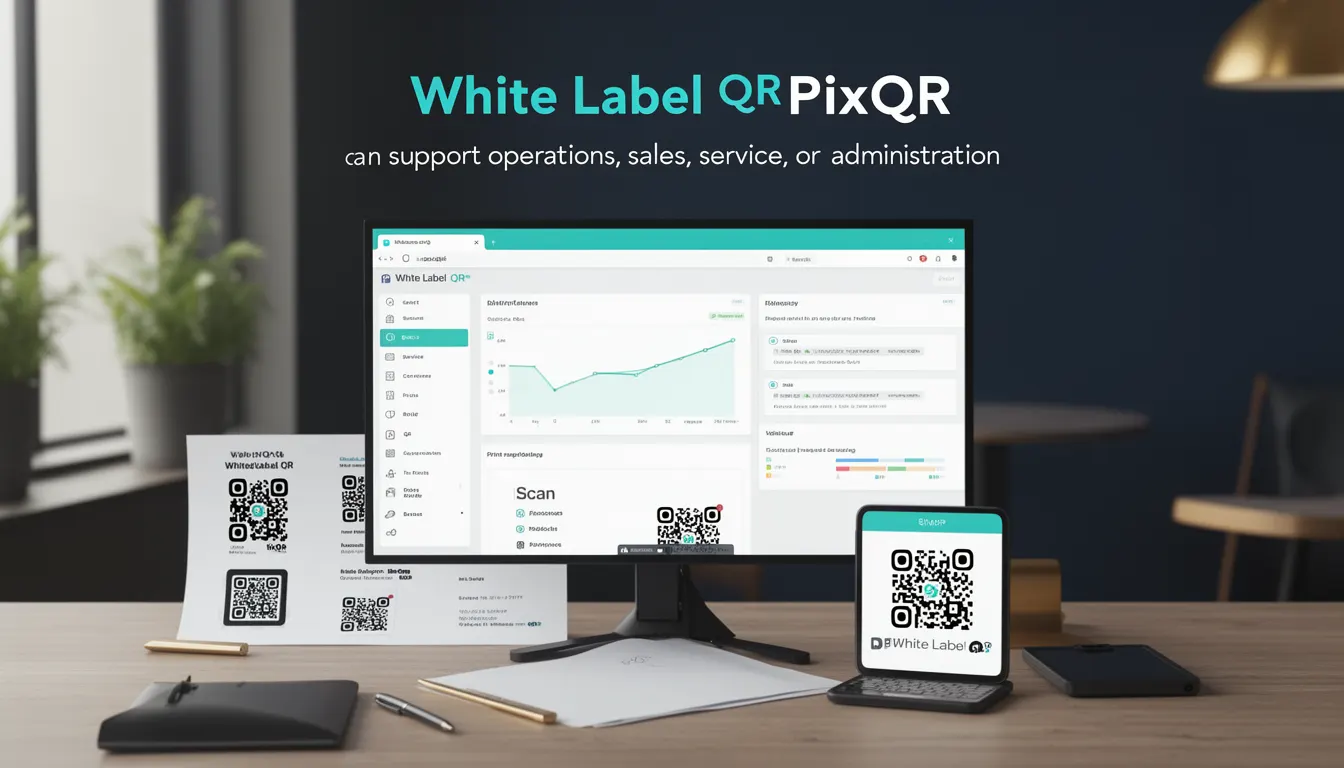
White Label QR refers to a business model and operational approach where a company provides QR code generation, management, and tracking services under its own brand, without exposing the underlying PixQR platform infrastructure. This enables partners or clients to offer QR-based solutions as their own product, maintaining their brand identity and operational control.
White Label QR is especially relevant in contexts where businesses want to offer QR-based services to their customers without revealing internal systems. This includes resellers, white-label providers, SaaS platforms, and enterprises that want to extend their offerings with QR functionality.
Why It Matters
White Label QR allows companies to maintain control over their brand, customer experience, and service delivery while leveraging the PixQR platform’s capabilities. This is crucial for businesses that want to avoid technical complexity, reduce time-to-market, and offer scalable QR solutions without building infrastructure from scratch.
From a security and operational perspective, it reduces the risk of exposing internal systems or data to end-users. It also allows for more granular control over analytics, tracking, and compliance, as the client or partner controls the data flow and usage within their own ecosystem.
How It Works
The PixQR White Label QR system operates through a set of APIs, SDKs, and configuration options that allow partners to integrate QR generation and management directly into their own platforms. It supports dynamic QRs, branded redirects, and analytics, all while maintaining the partner’s branding and user experience.
- Partners configure their branding and settings via the PixQR API or dashboard, including logo, color schemes, and redirect domains.
- QR codes are generated and managed using a shared API key or token, enabling integration with internal systems or external platforms.
- Analytics and tracking data are isolated to the partner’s account, ensuring data privacy and ownership.
- Dynamic QRs support real-time updates to the target URL, enabling flexible campaigns and marketing strategies.
- Each QR can be associated with a unique identifier or metadata that allows for campaign tracking and attribution.
Quick Reference
| Item | Purpose | Notes |
|---|---|---|
| API Key | Authentication for QR generation and management | Each partner must have a unique key for access |
| Branding Options | Customization of QR appearance and redirect page | Includes logo, color, and domain settings |
| Dynamic Redirect | Update target URL without changing QR code | Supports real-time campaign adjustments |
| Analytics Isolation | Separate tracking and reporting for each partner | Prevents cross-account data leakage |
| Metadata Support | Attach campaign or user-specific data to QR | Enables advanced tracking and attribution |
Basic Example
PixQR Example QR
This QR links directly to this glossary page, so printed notes, onboarding docs, and support material can bring scanners back to the current reference.
/glossary/qr-code-for-business/qr-codes-for-business-white-label-qr

This example demonstrates a minimal QR generation request using PixQR’s API, where branding and redirect are set by the partner.
{
  "target_url": "https://example.com/product",
  "branding": {
    "logo_url": "https://partner.com/logo.png",
    "domain": "qr.partner.com"
  },
  "metadata": {
    "campaign_id": "12345"
  }
}
The request sets the target URL, applies partner branding, and attaches metadata for tracking. The resulting QR code is fully branded and points to the specified URL.
Production Example
This example shows a more complete production setup with error handling, validation, and integration with a partner’s internal systems.
const generateQR = async (options) => {
  const { targetUrl, branding, metadata } = options;
  const response = await fetch('https://api.pixqr.com/qr/generate', {
    method: 'POST',
    headers: {
      'Authorization': 'Bearer ' + partnerApiKey,
      'Content-Type': 'application/json'
    },
    body: JSON.stringify({
      target_url: targetUrl,
      branding: branding,
      metadata: metadata
    })
  });

  if (!response.ok) {
    throw new Error('QR generation failed');
  }

  const data = await response.json();
  return data.qr_code_url;
};
This version includes authentication, input validation, error handling, and structured data output. It is suitable for integration into larger applications and systems.
Common Mistakes
- Using a single API key across multiple partners, leading to data leakage and unauthorized access.
- Not validating or sanitizing input URLs, which can lead to security vulnerabilities or broken redirects.
- Ignoring metadata or branding settings, resulting in inconsistent user experience or tracking issues.
- Reusing QR codes without updating the target URL, causing outdated or incorrect redirects.
- Not implementing proper error handling, which can cause silent failures or unhandled exceptions in production systems.
Security And Production Notes
- Always use secure, HTTPS-only API endpoints to protect sensitive data during transmission.
- Validate all input parameters, especially URLs and metadata, to prevent injection or misuse.
- Ensure that API keys are stored securely and never exposed in client-side code or logs.
- Implement rate limiting and access controls to prevent abuse or excessive usage by a single partner.
- Use isolated analytics and tracking for each partner to ensure data privacy and compliance with regulations.
Related Concepts
White Label QR is closely related to several other developer and business concepts:
- API Integration – White Label QR is a form of API-based service delivery that allows partners to embed QR functionality into their platforms.
- Dynamic Redirects – Allows for real-time updates to QR targets, which is a core feature of White Label QR.
- Brand Safety – Ensures that QR codes and redirects maintain a consistent and secure brand identity.
- QR Analytics – Provides insights into how QR codes are used, which is critical for campaign tracking and optimization.
- Operational Workflows – White Label QR supports automation and integration into larger business and operational systems.