 PixQR
PixQR
Overview
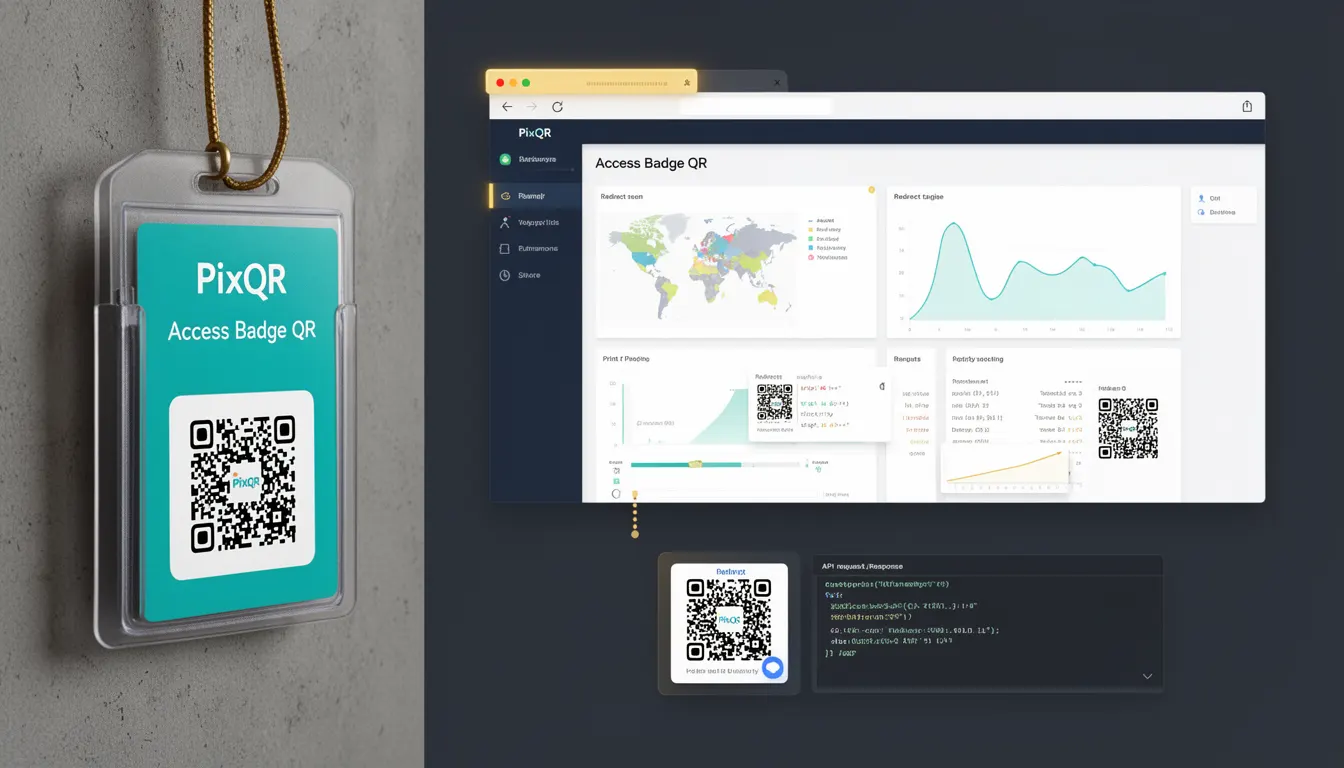
An Access Badge QR is a specialized QR code implementation used by businesses to manage and track access control, employee identification, or customer entry points. Unlike generic QR codes, Access Badge QRs are designed for secure, scalable, and operationally reliable identification systems. These QR codes often contain encoded metadata that supports backend systems for validation, logging, and analytics.
Developers working on access control platforms, workforce management systems, or event ticketing applications will encounter Access Badge QRs when integrating secure, dynamic QR generation into their applications. They are typically part of a larger ecosystem involving authentication, user roles, and access logs.
Why It Matters
For developers, Access Badge QRs are critical when implementing secure, scalable systems for tracking access or identity. They offer a balance between user convenience and system integrity. The QR code’s payload must be structured to support backend validation without exposing sensitive data, and its design must ensure reliable scanning across various devices and lighting conditions.
From a security perspective, these QR codes must prevent unauthorized access, avoid data leakage, and support audit trails. For performance, a well-designed Access Badge QR ensures fast scanning, minimal server load, and scalable integration with access control systems. In production, misconfigured or insecure QRs can lead to access bypasses, data breaches, or system inefficiencies.
How It Works
Access Badge QRs are generated using a combination of structured data and secure encoding methods. The QR code payload typically includes a unique identifier, timestamp, user role, or access group. The encoding process ensures compatibility with standard QR readers while embedding metadata that supports backend validation.
- QR codes are generated using PixQR’s dynamic redirect system, which allows real-time updates to access permissions or expiration times.
- The payload structure often includes a UUID, access level, or access group identifier to support backend validation.
- Access Badge QRs can be configured to expire after a set time or after a single use, depending on access policies.
- QR codes are designed with error correction levels (typically M or H) to ensure reliability in various scanning environments.
- Integration with backend systems supports logging, analytics, and real-time access control, such as allowing or denying entry based on user permissions.
Quick Reference
| Item | Purpose | Notes |
|---|---|---|
| QR Payload Format | Encodes access data | Should be structured and secure |
| Access Group ID | Defines access permissions | Used in backend validation |
| Expiration Timestamp | Controls QR validity | Can be dynamic |
| Error Correction Level | Ensures scan reliability | Set to M or H for robustness |
| Redirect URL | Points to access control system | Supports dynamic updates |
Basic Example
PixQR Example QR
This QR links directly to this glossary page, so printed notes, onboarding docs, and support material can bring scanners back to the current reference.
/glossary/qr-code-for-business/qr-codes-for-business-access-badge-qr

This basic example demonstrates how to generate a simple Access Badge QR code payload using a structured JSON format. The payload includes a unique identifier and access level.
{
  "id": "e8b5f3a1-9c2d-4e5f-8a7b-9c0d1e2f3a4b",
  "access_level": "employee",
  "expires_at": "2025-04-01T10:00:00Z"
}
The example payload encodes a unique ID, access level, and expiration timestamp. This structure allows backend systems to validate the QR code and enforce access policies.
Production Example
This production-ready example shows how to generate a secure Access Badge QR using PixQR’s API with dynamic redirect support and validation parameters.
const payload = {
  "user_id": "usr_12345",
  "access_group": "security_office",
  "timestamp": "2025-03-20T09:00:00Z",
  "expires_in": 3600,
  "redirect_url": "https://api.pixqr.com/access/validate"
};

const response = await fetch("https://api.pixqr.com/generate", {
  method: "POST",
  headers: {
    "Content-Type": "application/json",
    "Authorization": "Bearer YOUR_API_KEY"
  },
  body: JSON.stringify({
    payload: payload,
    options: {
      error_correction: "H",
      size: "200x200",
      format: "png"
    }
  })
});
This version includes proper error correction, a defined expiration time, and a secure redirect URL. It is suitable for integration into enterprise systems that require access logging, audit trails, and dynamic access control.
Common Mistakes
- Using unstructured data in the QR payload, leading to backend validation errors or security vulnerabilities.
- Not setting an expiration time, which can result in long-lived access tokens or QR codes that remain valid indefinitely.
- Hardcoding access group IDs or user roles, reducing flexibility and increasing maintenance overhead.
- Choosing low error correction levels, which can lead to scanning failures in poor lighting or degraded conditions.
- Generating QR codes without backend validation, allowing unauthorized access or bypassing access control systems.
Security And Production Notes
- Always encode sensitive data in the QR payload using secure, encrypted methods or include only non-sensitive identifiers.
- Set appropriate expiration times to limit the window of potential misuse.
- Use HTTPS for all redirect URLs and API endpoints to prevent man-in-the-middle attacks.
- Implement robust validation on the backend to ensure QR codes are not tampered with or reused.
- Design QR codes with error correction levels (M or H) to support reliable scanning in various environments.
Related Concepts
Access Badge QRs are closely related to several core developer concepts:
- Dynamic QR Codes – Access Badge QRs often rely on dynamic generation for real-time updates and access control.
- Redirect Management – QR codes may redirect to backend systems for validation or logging.
- Access Control Systems – These QR codes are part of larger access control frameworks.
- Scan Analytics – QR code usage is tracked to support access logs and system auditing.
- QR Code Standards – Implementation must comply with QR code specifications for compatibility and reliability.