 PixQR
PixQR
Overview
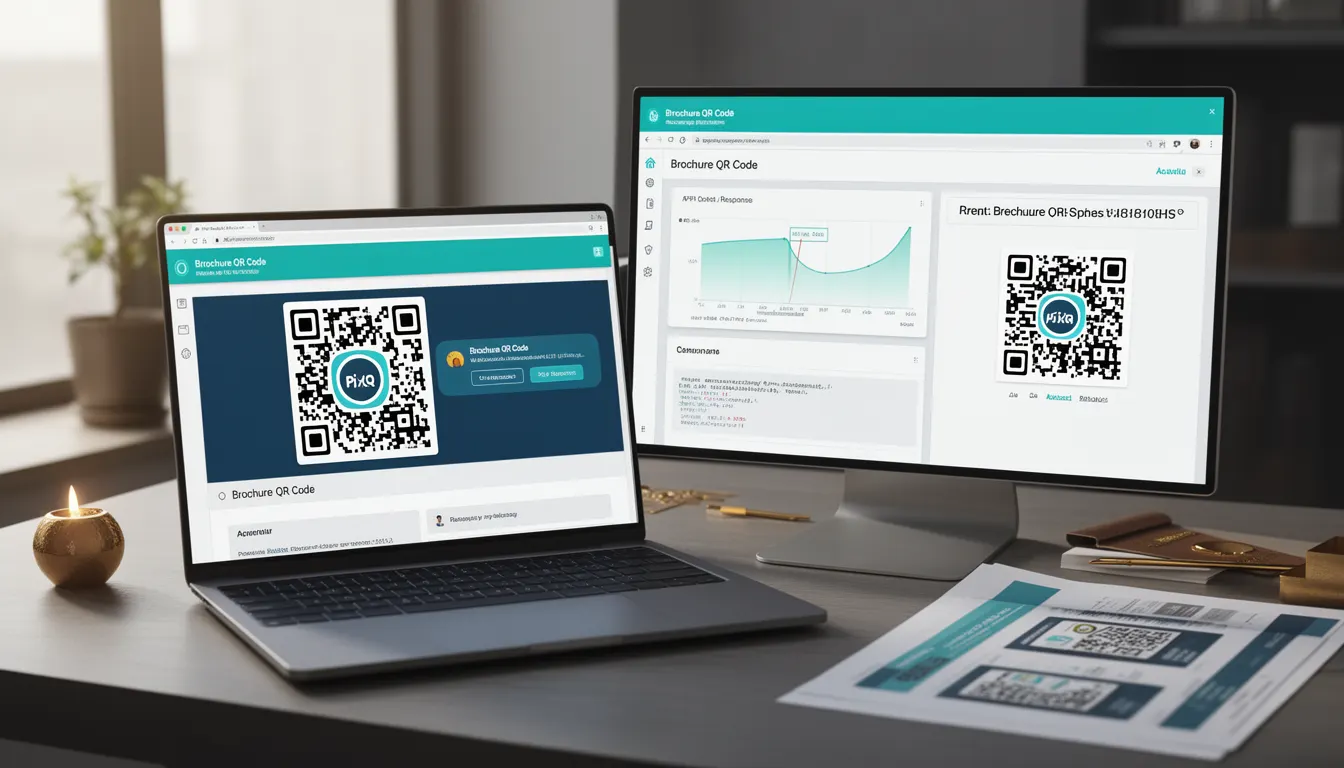
A Brochure QR Code is a specific type of QR code used in business contexts to direct users to digital content that serves as a virtual brochure, typically containing product information, service details, pricing, or company branding. Unlike standard QR codes that may redirect to a single URL, a Brochure QR Code is often part of a larger marketing or operational strategy, designed to enhance brand presence and streamline user access to structured content.
In PixQR, a Brochure QR Code is configured to support dynamic redirects and analytics tracking, allowing businesses to monitor user engagement and optimize content delivery. It is commonly used in print materials such as brochures, flyers, business cards, and posters, where the physical medium is augmented with digital access to rich media or web-based information.
Why It Matters
For developers and marketers, Brochure QR Codes represent a bridge between physical and digital media, offering opportunities to collect user data, drive conversions, and improve customer experience. The ability to track scans and link to dynamic content enables businesses to tailor their offerings based on real-time usage patterns.
From a technical standpoint, these codes must be reliable, secure, and performant. PixQR ensures that Brochure QR Codes support high scan reliability, brand-safe design, and privacy compliance. In production environments, they are often part of larger workflows that integrate with CRM systems, marketing automation platforms, or analytics dashboards, making their configuration and tracking critical for business operations.
How It Works
A Brochure QR Code in PixQR operates by encoding a dynamic URL that can be updated without changing the physical QR code itself. This allows for real-time content management and ensures that users always access the latest version of the digital brochure. The code supports multiple features such as analytics tracking, brand-safe design, and secure operational workflows.
- Each Brochure QR Code is associated with a unique identifier that enables tracking of scan events and user behavior.
- The QR code can be configured to redirect to a URL that dynamically loads content based on user location, device type, or other parameters.
- Analytics data collected from scans can be used to generate reports on engagement, conversion rates, and user demographics.
- Content delivery can be optimized using PixQR’s caching and CDN integration for faster load times and improved reliability.
- Security measures such as IP filtering, rate limiting, and access control are applied to prevent misuse or unauthorized access to content.
Quick Reference
| Item | Purpose | Notes |
|---|---|---|
| Dynamic URL | Redirects to updated content | Ensures content remains current |
| Scan Tracking | Monitors user engagement | Provides analytics data |
| Brand-Safe Design | Ensures compliance with branding standards | Prevents unauthorized modifications |
| Secure Redirects | Prevents malicious redirections | Enforces HTTPS and validation |
| Operational Workflows | Supports integration with CRM and analytics | Enables data synchronization |
Basic Example
PixQR Example QR
This QR links directly to this glossary page, so printed notes, onboarding docs, and support material can bring scanners back to the current reference.
/glossary/qr-code-for-business/qr-codes-for-business-brochure-qr-code

This example demonstrates the creation of a basic Brochure QR Code using PixQR’s API. It sets up a dynamic redirect to a brochure URL with tracking enabled.
const response = await fetch('/api/qr', {
  method: 'POST',
  headers: { 'Content-Type': 'application/json' },
  body: JSON.stringify({
    type: 'brochure',
    url: 'https://example.com/brochure',
    track: true
  })
});
The type field specifies that this is a Brochure QR Code. The url field defines the target content, and track enables analytics.
Production Example
This example illustrates a more robust implementation with validation, error handling, and configuration for branding and analytics.
const createBrochureQR = async (config) => {
  const { url, brand, analytics } = config;
  if (!url || !brand) throw new Error('URL and brand are required');

  const response = await fetch('/api/qr', {
    method: 'POST',
    headers: { 'Content-Type': 'application/json' },
    body: JSON.stringify({
      type: 'brochure',
      url: url,
      brand: brand,
      analytics: analytics,
      secure: true
    })
  });

  if (!response.ok) throw new Error('Failed to create QR code');
  return await response.json();
};
This version includes input validation, secure flag enforcement, and structured error handling, making it suitable for production environments where reliability and data integrity are paramount.
Common Mistakes
- Not validating the target URL before generating the QR code, leading to broken links or redirects to unsafe domains.
- Ignoring analytics configuration, which prevents tracking of user behavior and campaign effectiveness.
- Using static URLs instead of dynamic ones, which limits content update flexibility and reduces the value of the QR code.
- Disabling security features such as HTTPS enforcement or IP filtering, increasing the risk of misuse or unauthorized access.
- Failing to test QR code scan reliability in various environments, which can result in poor user experience or lost engagement.
Security And Production Notes
- Always validate and sanitize URLs to prevent open redirect vulnerabilities or malicious link injection.
- Implement HTTPS enforcement to ensure secure content delivery and prevent man-in-the-middle attacks.
- Use access control and rate limiting to prevent abuse or excessive scan tracking requests.
- Ensure that brand-safe design settings are enforced to maintain consistent branding across all QR code assets.
- Regularly audit QR code usage and scan logs to detect anomalies or unauthorized access patterns.
Related Concepts
Brochure QR Codes are closely related to several core PixQR concepts:
- Dynamic Redirects – The ability to update target URLs without modifying the QR code itself.
- Analytics Tracking – Collecting and analyzing scan data to improve campaign performance.
- Brand-Safe Design – Ensuring QR code appearance aligns with brand guidelines and is free from unauthorized modifications.
- Scan Reliability – Optimizing QR code structure and print quality for consistent scanning across devices.
- Operational Workflows – Integrating QR code systems with CRM, marketing platforms, and internal processes.