 PixQR
PixQR
Overview
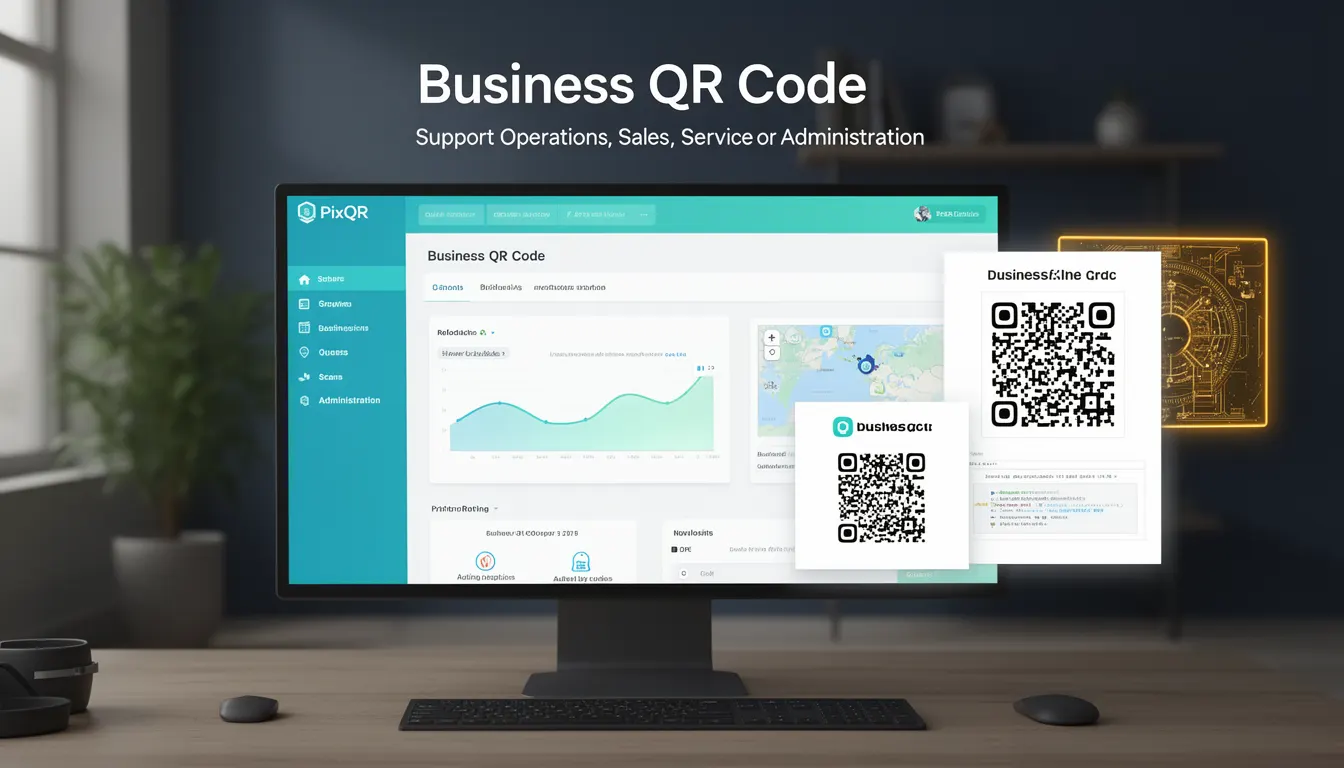
A Business QR Code is a specialized QR code implementation used by organizations to streamline business operations, enhance customer engagement, and manage digital workflows. Unlike generic QR codes, Business QR Codes are typically configured with dynamic redirect rules, analytics tracking, brand-safe design elements, and secure operational workflows to align with enterprise requirements.
In PixQR, a Business QR Code is a managed resource that encapsulates a redirect destination, optional scan tracking, and branding configurations. It is used across sales, marketing, service delivery, and administrative systems to support tasks such as lead capture, product promotion, staff check-ins, and digital asset access. The code itself is designed for high scan reliability and supports both static and dynamic content.
Why It Matters
For developers and product teams, Business QR Codes represent a critical tool for bridging physical and digital experiences. They are essential in environments where operational workflows require integration with digital systems, such as in retail, hospitality, logistics, and event management. The ability to dynamically redirect, track scans, and maintain brand integrity is crucial for enterprise-grade applications.
From a security perspective, Business QR Codes must be designed with operational integrity, ensuring that redirects do not expose systems to unauthorized access or phishing risks. The platform's focus on privacy and scan reliability means that developers must consider how to configure and validate QR code content to prevent misuse or misdirection.
How It Works
Business QR Codes in PixQR are generated and managed through a structured API or UI, allowing for configuration of redirect targets, tracking parameters, branding, and access controls. The core functionality includes:
- Dynamic redirect rules that support URL parameter injection and conditional routing.
- Scan analytics and tracking to monitor usage, geographic data, and engagement metrics.
- Brand-safe design templates and customizable QR code aesthetics to align with corporate identity.
- Secure operational workflows that support access control, audit trails, and compliance with privacy regulations.
- Support for both static and dynamic content, enabling integration with backend systems or content management platforms.
Each Business QR Code is associated with a unique identifier (ID) and can be configured to support multiple redirect targets, depending on scan context or user segment. The system tracks each scan event with metadata including timestamp, IP address, device type, and optional custom fields. This data can be retrieved via API or dashboard for reporting and analysis.
Quick Reference
| Item | Purpose | Notes |
|---|---|---|
| redirect_url | Target destination for scan redirect | Must be valid HTTPS or HTTP URL |
| scan_tracking | Enable or disable scan analytics | Default: enabled |
| branding | Customize QR code appearance | Supports color, logo, and layout |
| access_control | Restrict QR code access | Supports user roles or IP-based rules |
| dynamic_content | Allow parameter injection in redirect | Supports URL query and POST parameters |
Basic Example
PixQR Example QR
This QR links directly to this glossary page, so printed notes, onboarding docs, and support material can bring scanners back to the current reference.
/glossary/qr-code-for-business/qr-codes-for-business-business-qr-code

This example demonstrates a basic Business QR Code configuration with a static redirect and scan tracking enabled.
{
  "redirect_url": "https://example.com/product/123",
  "scan_tracking": true,
  "branding": {
    "color": "#000000",
    "logo": "https://example.com/logo.png"
  }
}
The redirect_url specifies where a user is directed upon scanning. The scan_tracking parameter enables analytics. The branding section customizes the QR code’s visual appearance.
Production Example
This example shows a more complete Business QR Code configuration, including dynamic content, access control, and analytics.
{
  "redirect_url": "https://example.com/sales/lead",
  "scan_tracking": true,
  "branding": {
    "color": "#007BFF",
    "logo": "https://example.com/company-logo.png",
    "size": "medium"
  },
  "dynamic_content": {
    "parameters": ["utm_source", "user_id"],
    "mapping": {
      "utm_source": "event-2024",
      "user_id": "{user_id}"
    }
  },
  "access_control": {
    "allowed_ips": ["192.168.1.0/24"],
    "roles": ["sales", "marketing"]
  },
  "analytics": {
    "custom_fields": ["event_id", "location"]
  }
}
This version includes dynamic content support for tracking UTM parameters, access control to restrict usage, and custom analytics fields. It is suitable for enterprise-grade applications that require data integrity, compliance, and operational control.
Common Mistakes
- Using untrusted or non-HTTPS redirect URLs, which can lead to phishing or security vulnerabilities.
- Disabling scan tracking without understanding the impact on analytics and business insights.
- Ignoring access control settings, allowing unauthorized users to scan or modify QR codes.
- Not validating dynamic content parameters, which can expose backend systems to injection attacks.
- Choosing branding options that conflict with brand guidelines or accessibility standards.
Security And Production Notes
- Always validate redirect URLs to prevent open redirect vulnerabilities.
- Use HTTPS for all redirect targets to ensure secure communication.
- Implement access control for sensitive QR codes to prevent unauthorized usage.
- Sanitize dynamic content parameters to avoid injection or XSS attacks.
- Regularly audit scan analytics and access logs to detect misuse or anomalies.
Related Concepts
Business QR Codes are closely related to several developer and operational concepts:
- Dynamic Redirect: The ability to modify QR code behavior at scan time using parameters or conditions.
- Scan Analytics: Tracking of QR code usage for business intelligence and optimization.
- Brand Safety: Ensuring QR code design and content align with brand identity and compliance.
- Operational Workflows: Integration of QR codes into business processes such as check-ins or lead capture.
- Privacy Controls: Mechanisms to protect user data and comply with privacy regulations like GDPR or CCPA.