 PixQR
PixQR
Overview
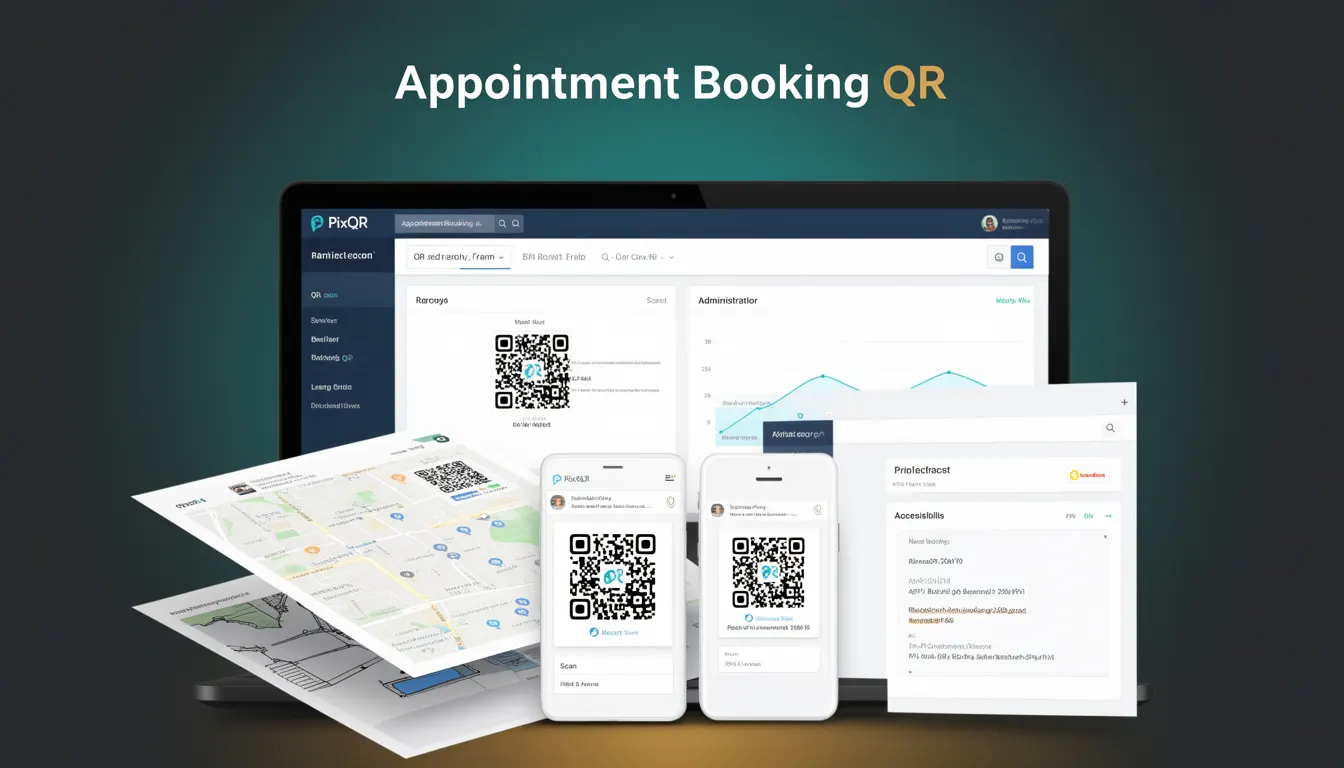
An Appointment Booking QR is a specialized QR code variant used by businesses to streamline customer engagement and scheduling. It encodes a redirect URL that points to an online booking system or form, allowing users to instantly access appointment scheduling functionality through a mobile scan.
This type of QR code is particularly useful in environments where physical presence is required, such as medical clinics, salons, retail stores, or service providers. It bridges the gap between offline marketing and digital booking systems, offering a seamless transition from physical to digital workflows.
Why It Matters
For developers, Appointment Booking QR codes are a practical tool that integrates with existing scheduling infrastructure. They support scalable, low-friction user engagement, reducing the friction between marketing materials and actual booking actions.
From a performance standpoint, these QR codes help reduce abandoned booking flows by ensuring users are directed directly to the booking interface. They also contribute to better analytics, as scan tracking can be tied to specific campaigns or locations.
Security is enhanced when the QR code redirects to a secure booking portal, as it ensures that sensitive user data is transmitted through encrypted channels and managed by trusted systems.
How It Works
The Appointment Booking QR operates as a dynamic redirect mechanism, embedding a URL that points to a booking platform or form. The QR code is generated using PixQR's platform, which supports dynamic URL routing and scan tracking.
- The QR code encodes a redirect URL that points to a booking system, such as a calendar or form endpoint.
- When scanned, the QR code initiates a redirect to the configured URL, typically via a browser or mobile app.
- Support for dynamic content allows the QR code to be updated without re-printing, enabling changes to booking times, locations, or service offerings.
- Scan analytics are collected and can be tied to campaign performance or location-based tracking.
- Optional branding elements, such as logos or custom colors, can be applied to the QR code for brand consistency.
Quick Reference
| Item | Purpose | Notes |
|---|---|---|
| Redirect URL | Points to booking platform | Must be HTTPS for security |
| Dynamic update | Allows content changes | Does not require re-printing |
| Scan tracking | Records user engagement | Supports analytics integration |
| Brand-safe design | Supports brand consistency | Logo and color customization |
| Privacy compliance | Ensures data protection | Supports GDPR and CCPA |
Basic Example
PixQR Example QR
This QR links directly to this glossary page, so printed notes, onboarding docs, and support material can bring scanners back to the current reference.
/glossary/qr-code-for-business/qr-codes-for-business-appointment-booking-qr
This example demonstrates a minimal Appointment Booking QR code setup using PixQR's API. It encodes a URL that points to a booking form.
const bookingQR = {
  url: "https://example.com/book",
  type: "appointment",
  branding: {
    logo: "https://example.com/logo.png"
  }
};
The url property specifies the destination for the scan. The type attribute identifies it as an appointment booking QR. The branding section adds a logo for visual consistency.
Production Example
This example shows a production-ready implementation that includes validation, error handling, and analytics integration.
const createAppointmentQR = (options) => {
  const { url, campaignId, tracking } = options;
  if (!url || !url.startsWith('https://')) {
    throw new Error('Invalid URL');
  }
  return {
    url: url,
    type: 'appointment',
    analytics: {
      campaignId,
      tracking
    }
  };
};
This version ensures the URL is secure and validates input before QR generation. It also integrates analytics for campaign tracking, making it suitable for production workflows.
Common Mistakes
- Using HTTP URLs in QR codes can lead to security warnings or redirects being blocked by modern browsers.
- Not validating the destination URL can expose users to phishing or malicious content.
- Ignoring scan analytics can prevent tracking of campaign performance or user behavior.
- Overlooking branding consistency can dilute brand identity or reduce trust.
- Using static QR codes without dynamic update capabilities limits flexibility in managing schedules or promotions.
Security And Production Notes
- Always use HTTPS URLs to ensure secure data transmission and prevent man-in-the-middle attacks.
- Validate all URLs before QR generation to avoid redirecting users to untrusted domains.
- Implement scan tracking with privacy controls to comply with data protection regulations.
- Ensure QR code branding does not conflict with accessibility standards or visual impairments.
- Use dynamic QR codes to allow real-time updates without re-printing, improving operational flexibility.
Related Concepts
Appointment Booking QR codes are closely related to several other developer concepts. Dynamic QR codes provide the flexibility needed to update content without re-printing. Redirect safety ensures that users are not exposed to malicious links. Scan tracking offers insights into campaign effectiveness. Brand-safe design ensures consistency across marketing materials. Privacy compliance is essential for protecting user data and maintaining trust.