 PixQR
PixQR
Overview
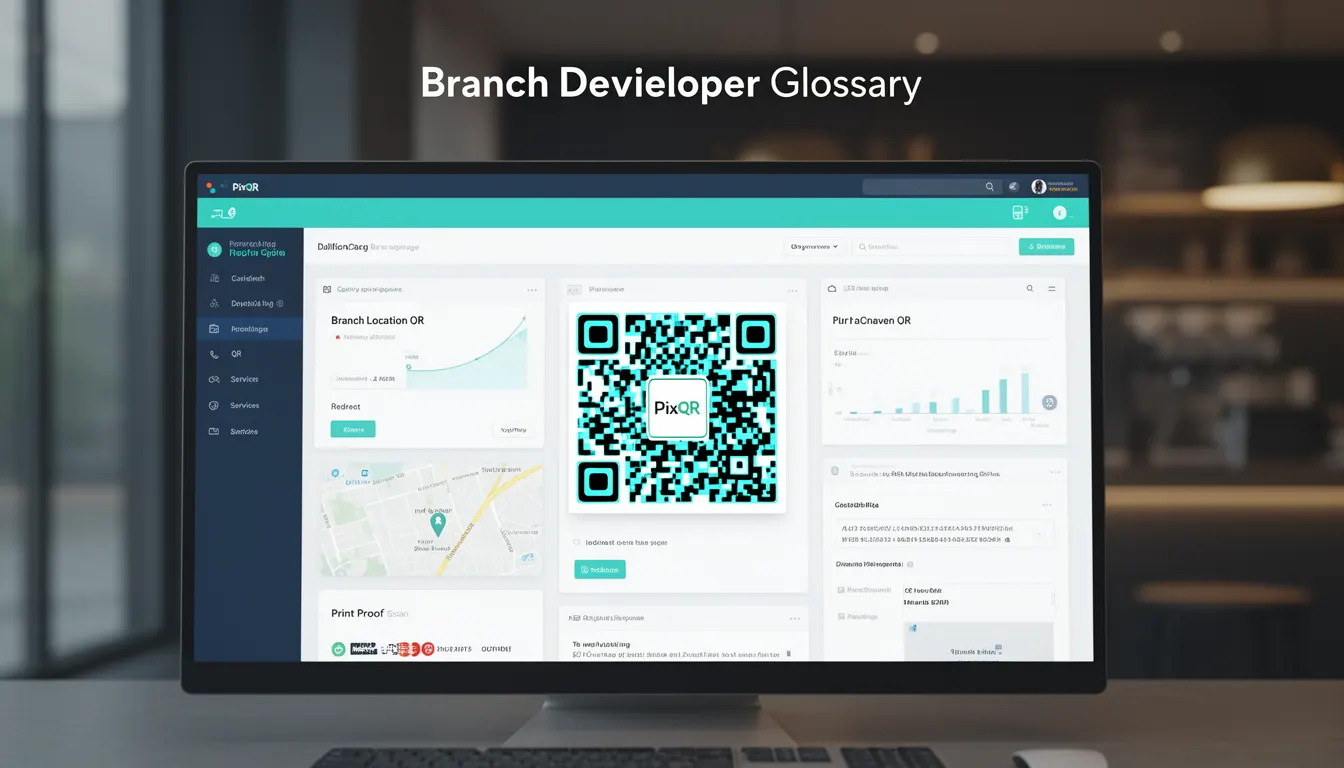
A Branch Location QR is a specific type of QR code used by businesses to direct users to a particular physical or digital location within a larger organization or network of locations. These QR codes are designed to provide precise navigation, service access, or administrative functionality, depending on the business use case.
They are most commonly deployed in retail, hospitality, logistics, and enterprise environments where accurate location routing is required. A Branch Location QR can be static or dynamic, and often integrates with backend systems to enable analytics, redirection, or access control.
Why It Matters
For developers, Branch Location QR codes offer a scalable way to manage location-based access and user routing without requiring physical signage or complex infrastructure. They support rapid deployment, centralized management, and real-time updates to location information, which is especially valuable in dynamic business environments.
From a security standpoint, Branch Location QRs help prevent unauthorized access by enabling controlled redirections and tracking. They also improve user experience by reducing confusion and errors in location identification, particularly in large or multi-branch organizations. Performance-wise, they can be optimized for fast scan reliability and low-latency redirects.
How It Works
The mechanism behind a Branch Location QR involves encoding a specific identifier or URL that maps to a known location within a business network. This identifier can be a unique branch ID, a database reference, or a dynamic redirect endpoint. The QR code itself is generated using standard QR encoding protocols but is tailored to a specific business context.
- Branch Location QRs are typically generated using a PixQR API or dashboard where the developer specifies the target location and associated metadata.
- The QR code may be static or dynamic, with dynamic versions allowing updates without regenerating the code.
- Each QR code can include optional parameters such as redirect URL, analytics tags, or access control rules.
- Scanning a Branch Location QR triggers a redirect or action that is defined by the backend system, often using a location ID to fetch relevant data.
- These QR codes can integrate with existing systems such as CRM, inventory, or location management platforms for enhanced functionality.
Quick Reference
| Item | Purpose | Notes |
|---|---|---|
| Branch ID | Uniquely identifies a location | Used in URL or redirect logic |
| Redirect URL | Defines where the QR code points | Can be static or dynamic |
| Analytics Tags | Tracks scan behavior | Used for business insights |
| Access Control | Restricts or enables access | Can be based on user role |
| Scan Timestamp | Records when a QR was scanned | Used for tracking and reporting |
Basic Example
PixQR Example QR
This QR links directly to this glossary page, so printed notes, onboarding docs, and support material can bring scanners back to the current reference.
/glossary/qr-code-for-business/qr-codes-for-business-branch-location-qr

This basic example shows how a Branch Location QR might be generated with a simple identifier and redirect URL.
{
  "qr_type": "branch_location",
  "branch_id": "BR001",
  "redirect_url": "https://company.com/locations/BR001",
  "label": "Main Branch"
}
The example defines a QR code for a branch with ID BR001, which redirects to a specific URL. The label provides a human-readable name for internal reference.
Production Example
This production example includes validation, access control, and analytics tracking to support a real-world deployment.
{
  "qr_type": "branch_location",
  "branch_id": "BR001",
  "redirect_url": "https://api.company.com/redirect/BR001",
  "analytics_tags": ["location", "branch", "sales"],
  "access_control": {
    "roles": ["customer", "employee"],
    "restrictions": ["geo", "time"]
  },
  "scan_tracking": true,
  "validity_period": "2025-06-30"
}
This version includes access control rules, analytics tags, and a validity period. It is suitable for production because it supports backend integration, user role validation, and data tracking.
Common Mistakes
- Using static QR codes for dynamic locations without updating the backend logic can cause incorrect redirects.
- Not validating branch IDs can lead to broken links or unauthorized access to incorrect locations.
- Ignoring scan tracking or analytics configuration can result in missing data for business insights.
- Overlooking access control settings may allow unauthorized users to access sensitive branches or services.
- Not setting a validity period can lead to outdated QR codes remaining active, posing security risks.
Security And Production Notes
- Always validate branch identifiers before generating or redirecting to prevent injection or spoofing attacks.
- Use HTTPS for all redirect URLs to ensure secure communication and prevent man-in-the-middle issues.
- Implement access control logic to restrict QR code usage based on user roles or permissions.
- Log all QR scan events for audit and troubleshooting purposes.
- Set expiration dates on dynamic QR codes to prevent long-term unauthorized use.
Related Concepts
Branch Location QRs are closely related to several core QR code and location management concepts:
- Dynamic QR Code – A QR code that can be updated without regenerating the physical code, often used for Branch Location QRs to enable real-time changes.
- Location-Based Redirect – The core functionality of directing users to a specific location based on QR scan input.
- QR Analytics – The ability to track and analyze scan behavior, which is critical for optimizing Branch Location QR deployment.
- Access Control – A system that defines who can access what based on roles or permissions, often integrated with Branch Location QRs.
- Scan Tracking – The process of logging QR code scans for reporting and operational insights.