 PixQR
PixQR
Overview
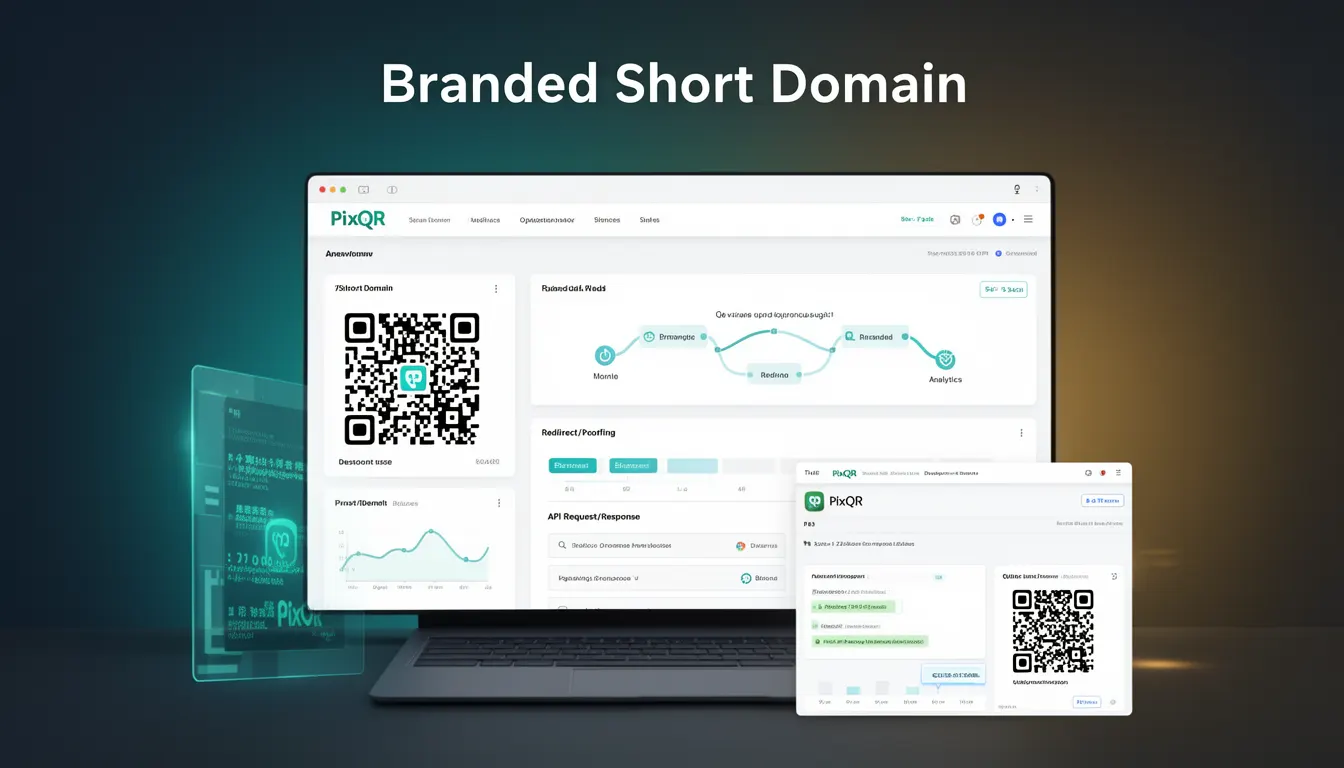
A Branded Short Domain in the context of PixQR refers to a custom, concise, and recognizable URL structure used for generating QR codes. These domains are typically short, memorable, and associated with a brand or business. They allow organizations to maintain consistent branding in their QR code outputs, ensuring that when users scan a QR code, they are directed to a branded landing page or a dynamic redirect that aligns with their marketing or operational goals.
Branded Short Domains are particularly valuable for businesses that rely on QR codes for promotions, product tracking, customer engagement, or service delivery. They help establish trust and reduce user confusion by providing a consistent and recognizable entry point for QR-generated links.
Why It Matters
From a developer perspective, Branded Short Domains are essential for maintaining operational consistency and user experience. They ensure that QR code scans result in predictable and secure redirects, which is critical for preventing phishing or malicious redirections. Additionally, they support analytics tracking by providing a stable identifier for link performance and user behavior.
For product teams and site operators, Branded Short Domains offer a scalable solution for managing large volumes of QR codes without sacrificing brand integrity or security. They also enable integration with marketing platforms, loyalty programs, and internal systems, allowing for more sophisticated tracking and automation.
How It Works
The mechanism behind Branded Short Domains in PixQR involves the creation and management of a custom subdomain or top-level domain that is used to generate QR codes. When a QR code is created, it points to a URL under this branded domain, which then redirects to the intended destination.
- Branded domains are configured through the PixQR dashboard or API, where a domain name is registered and validated.
- Each QR code generated under a Branded Short Domain is assigned a unique identifier, typically a short path or token, to distinguish it from others.
- When a user scans a QR code, the system resolves the short domain to a dynamic redirect endpoint that retrieves the target URL from a database or configuration.
- Redirects are typically implemented using HTTP 301 or 302 status codes to ensure compatibility and proper SEO handling.
- Branded Short Domains support analytics integration, allowing developers to track scan behavior, redirections, and user engagement with the QR codes.
Quick Reference
| Item | Purpose | Notes |
|---|---|---|
| Domain registration | Creates a custom branded domain for QR code generation | Must be validated before use |
| Short path/token | Unique identifier for each QR code | Used in URL path for tracking |
| Dynamic redirect | Routes QR scan to intended destination | Supports HTTP 301/302 redirects |
| Analytics integration | Tracks scan behavior and engagement | Provides insights into QR code performance |
| Security validation | Ensures safe redirection | Prevents malicious or unsafe URLs |
Basic Example
PixQR Example QR
This QR links directly to this glossary page, so printed notes, onboarding docs, and support material can bring scanners back to the current reference.
/glossary/qr-code-for-business/qr-codes-for-business-branded-short-domain
A basic Branded Short Domain example demonstrates how a QR code can be generated with a custom URL structure. This example shows the configuration of a domain and how a QR code is created using it.
const qrConfig = {
  domain: 'go.company.com',
  path: '/promo-2025',
  targetUrl: 'https://company.com/promo-2025',
  brand: 'Company'
};

const qrCode = pixqr.generate(qrConfig);
This example configures a QR code to use the domain go.company.com with a path /promo-2025, directing users to a promotional landing page. The QR code will resolve to https://go.company.com/promo-2025, ensuring a branded experience.
Production Example
In a production environment, Branded Short Domains must be robust, secure, and scalable. This example shows how to implement a Branded Short Domain with validation, error handling, and analytics.
const pixqr = require('pixqr-sdk');

const config = {
  domain: 'scan.company.com',
  path: '/product-12345',
  targetUrl: 'https://company.com/products/12345',
  analytics: {
    enabled: true,
    trackingId: 'UA-123456789-1'
  },
  security: {
    validateTarget: true,
    allowUnsafe: false
  }
};

try {
  const qr = pixqr.generate(config);
  console.log('QR Code generated:', qr.url);
} catch (error) {
  console.error('QR generation failed:', error.message);
}
This version includes analytics and security features, making it suitable for enterprise use. It ensures that the target URL is validated and that scan data is collected for performance analysis.
Common Mistakes
- Using unvalidated domains can lead to security vulnerabilities and misdirected scans.
- Not configuring analytics can result in missed opportunities for performance optimization.
- Ignoring URL validation may expose users to unsafe redirections or phishing attacks.
- Overlooking domain consistency across platforms can dilute brand recognition and trust.
- Failure to implement proper error handling can cause silent failures in QR code generation.
Security And Production Notes
- Always validate domain ownership before allowing QR code generation under a Branded Short Domain.
- Implement strict URL validation to prevent unsafe or malicious redirects.
- Use HTTPS for all Branded Short Domains to ensure secure communication.
- Ensure that analytics data is collected in compliance with privacy regulations like GDPR or CCPA.
- Monitor and log redirections to detect potential abuse or unauthorized use of the domain.
Related Concepts
Branded Short Domains are closely related to several key concepts in QR code and link management:
- Dynamic Redirects: The mechanism by which a QR code resolves to a destination URL.
- QR Code Generation API: The interface used to create QR codes with specific configurations.
- Scan Analytics: Tools for tracking and analyzing QR code usage and user behavior.
- Brand Safety: Practices that ensure QR code links are trustworthy and aligned with brand values.
- Domain Validation: Processes to confirm that a domain is valid and authorized for use.