 PixQR
PixQR
Overview
A vCard QR Code is a specific type of QR code designed to encode contact information in a standardized digital format. It enables quick and reliable sharing of personal or business contact details through a single scan, without requiring manual data entry. This format is particularly useful in professional environments for networking, lead generation, employee directories, and marketing campaigns.
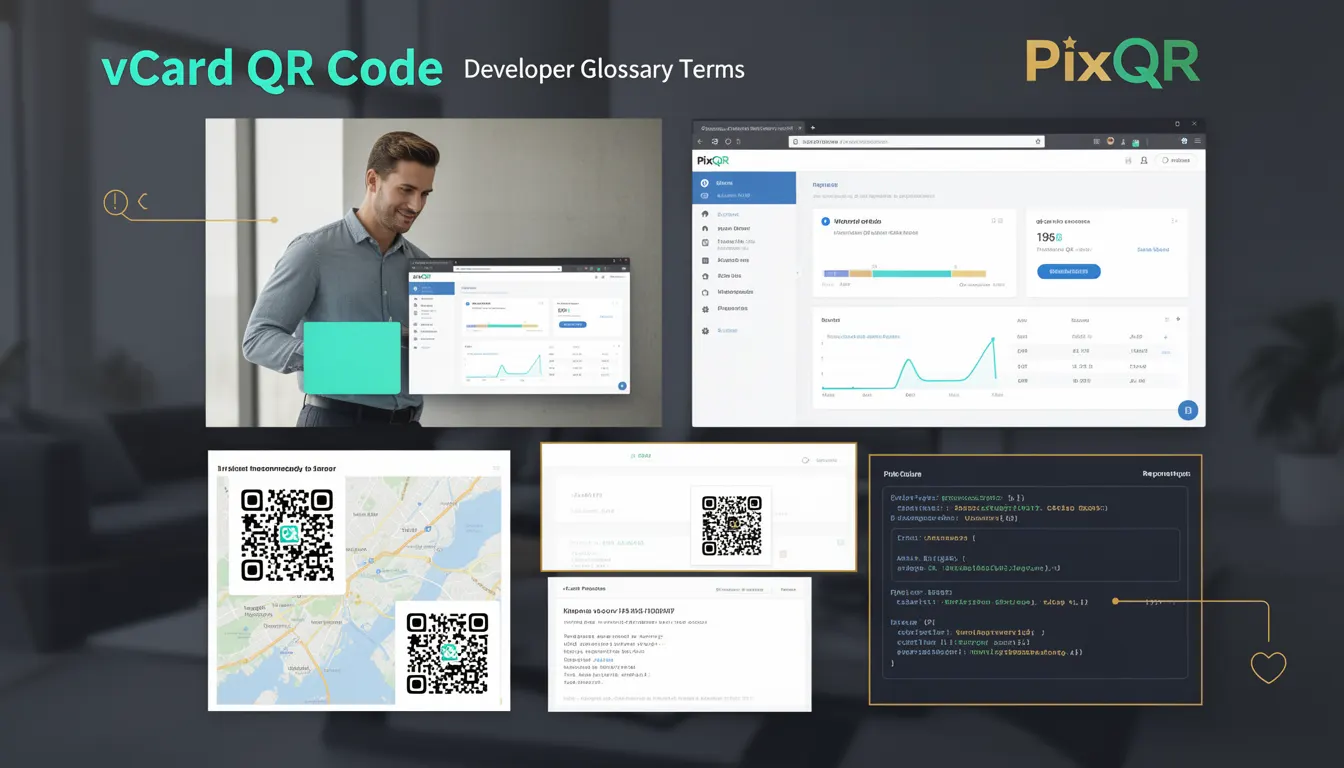
In the context of PixQR, vCard QR codes are generated using a structured data format that supports standard vCard specifications. The platform ensures that these codes are optimized for reliable scanning, brand-safe design, and secure handling of contact data. They are often used in conjunction with dynamic redirects to allow for updates without re-generating physical assets.
Why It Matters
For developers and product teams, vCard QR codes are valuable because they streamline contact data exchange in both digital and physical environments. They reduce errors from manual data entry, increase engagement in marketing efforts, and improve operational efficiency in sales and service workflows. From a security perspective, PixQR ensures that vCard data is not only encoded properly but also transmitted securely, reducing risks associated with data exposure or tampering.
For site operators and administrators, vCard QR codes provide an accessible, scalable solution for contact sharing. They integrate well with analytics tools, allowing tracking of scan activity and user behavior. Additionally, PixQR supports versioning and dynamic updates to vCard content, which is essential for maintaining accuracy over time without requiring physical reprints or new code generation.
How It Works
A vCard QR code encodes data using the vCard standard, typically version 3.0 or 4.0. The data is structured in a way that is both machine-readable and human-readable, allowing for seamless integration with contact management systems. PixQR generates these codes using a controlled data pipeline that ensures compliance with vCard specifications and platform security policies.
- The vCard data is serialized into a structured format, such as
vcard, with defined fields likeN(name),FN(formatted name),TEL(telephone), andEMAIL. - PixQR supports dynamic updates of vCard content, allowing users to modify contact details without re-printing or re-generating the QR code.
- Generated codes are optimized for scanning reliability, using error correction levels that ensure readability even under poor lighting or partial damage.
- QR codes can be embedded in various media formats, including digital assets, print materials, and marketing collateral, with support for scalable design and brand-safe rendering.
- The platform supports analytics integration, enabling tracking of scan events, geographic data, and user behavior for business insights.
Quick Reference
| Item | Purpose | Notes |
|---|---|---|
| vCard version | Defines format compatibility | Version 3.0 or 4.0 recommended |
| Field encoding | Maps contact data to structured fields | Use N, FN, TEL, EMAIL |
| Dynamic update | Allows content modification post-generation | Uses PixQR's backend API for updates |
| Error correction | Ensures reliable scanning | Level M (medium) or higher recommended |
| Analytics support | Tracks scan activity | Integrates with PixQR dashboard |
Basic Example
PixQR Example QR
This QR links directly to this glossary page, so printed notes, onboarding docs, and support material can bring scanners back to the current reference.
/glossary/qr-code-for-business/qr-codes-for-business-vcard-qr-code

This example demonstrates a minimal vCard QR code generated for a contact with name, email, and phone.
BEGIN:VCARD
VERSION:3.0
N:Smith;John;;;
FN:John Smith
EMAIL:john.smith@example.com
TEL:+1-555-123-4567
END:VCARD
The BEGIN:VCARD and END:VCARD markers define the structure. Each line represents a field, such as N for name and EMAIL for email address. This format is compatible with most QR code readers and contact management systems.
Production Example
This example shows a more robust implementation of a vCard QR code, including validation, dynamic content, and error handling for use in a PixQR-generated environment.
const vCardData = {
  version: '4.0',
  name: 'Smith;John;;;',
  formattedName: 'John Smith',
  email: 'john.smith@example.com',
  phone: '+1-555-123-4567',
  organization: 'PixQR Inc.',
  jobTitle: 'Product Developer'
};

const vCardString = `BEGIN:VCARD
VERSION:${vCardData.version}
N:${vCardData.name}
FN:${vCardData.formattedName}
EMAIL:${vCardData.email}
TEL:${vCardData.phone}
ORG:${vCardData.organization}
TITLE:${vCardData.jobTitle}
END:VCARD`;

// PixQR API call to generate QR code
const qrCodeUrl = await fetch('/api/qr/generate', {
  method: 'POST',
  headers: { 'Content-Type': 'application/json' },
  body: JSON.stringify({
    content: vCardString,
    type: 'vcard',
    analytics: true
  })
}).then(res => res.json());
This version includes dynamic fields, structured data handling, and integration with PixQR’s API for QR generation. It ensures compatibility with vCard standards, supports analytics, and allows for future updates without regenerating physical codes.
Common Mistakes
- Using outdated vCard version (e.g., version 2.1) can lead to compatibility issues with modern contact managers and QR readers.
- Incorrectly encoding special characters or using unsupported field types can cause scanning failures or data corruption.
- Not validating input data before encoding can result in malformed vCard strings, leading to errors during QR code generation or scanning.
- Ignoring dynamic update capabilities can lead to outdated contact information being shared, reducing effectiveness in sales or service contexts.
- Overlooking analytics integration can prevent tracking of QR code performance, limiting insights for marketing or operational decisions.
Security And Production Notes
- Always validate and sanitize vCard data to prevent injection attacks or malformed content.
- Use secure HTTPS endpoints for API calls to PixQR to protect sensitive data during transmission.
- Implement access controls and audit logs for dynamic vCard updates to prevent unauthorized modifications.
- Ensure QR code designs are brand-safe and do not include sensitive or proprietary information.
- Test QR code reliability under various conditions (lighting, damage, resolution) to ensure consistent scanning behavior.
Related Concepts
Several concepts are closely related to vCard QR codes in the context of PixQR and digital contact management. These include:
- Dynamic Redirects: Used to update QR code content without re-printing physical assets, ensuring contact data remains current.
- QR Code Analytics: Enables tracking of scan events, user behavior, and geographic data for marketing and operational insights.
- Scan Reliability: Ensures QR codes are readable under various conditions, using error correction and optimized design.
- Privacy Controls: Ensures that contact data is handled in compliance with privacy regulations and platform policies.
- Brand-Safe Design: Ensures QR codes are visually consistent with brand guidelines and do not include unauthorized or sensitive elements.