 PixQR
PixQR
Overview
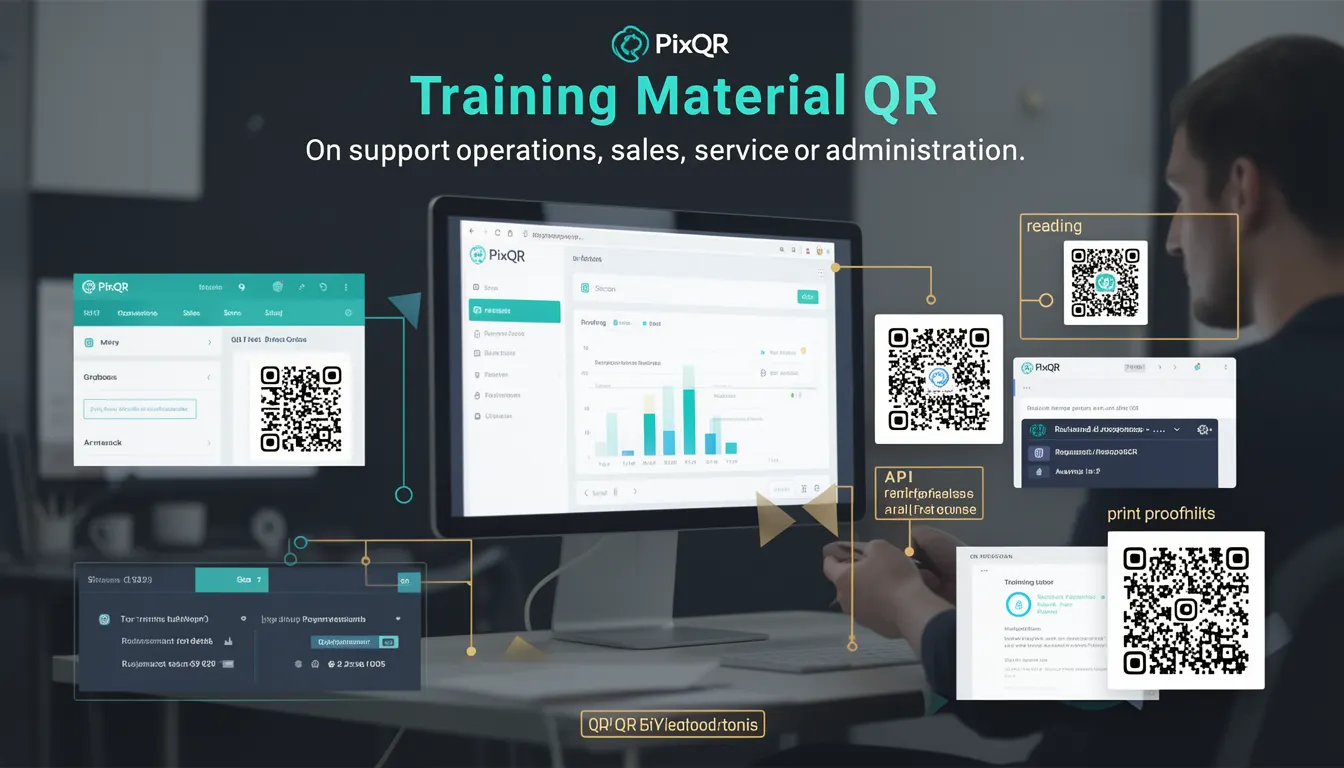
A Training Material QR is a QR code specifically designed for distributing educational or instructional content in business environments. These QR codes are used to streamline access to training documentation, videos, interactive modules, or digital assets that support workforce development, compliance, or skill-building initiatives.
In a production context, a Training Material QR typically links to a dynamic redirect endpoint managed by PixQR, which can be configured to track scans, enforce access controls, or serve different content based on user attributes or device types. This makes them a powerful tool for organizations looking to maintain centralized, secure, and measurable training delivery systems.
Why It Matters
For developers and system maintainers, Training Material QRs are significant because they integrate with operational workflows, analytics, and security protocols. They enable organizations to track how often and by whom training content is accessed, which is crucial for compliance reporting and performance optimization.
From a security standpoint, these QRs must be designed to prevent unauthorized access or content tampering. PixQR's support for brand-safe design, privacy controls, and scan tracking ensures that training materials are both accessible and secure. For accessibility, QR codes must be scannable across various devices and environments, including low-light conditions or with assistive technologies.
How It Works
A Training Material QR is created using PixQR's API or dashboard, where a unique redirect link is generated and embedded into a QR code. This redirect can be configured to support multiple features, including:
- Dynamic content delivery based on user roles or device type.
- Scan analytics and tracking for reporting purposes.
- Access control via token-based or session-based authentication.
- Integration with Learning Management Systems (LMS) or internal portals.
- Support for multiple languages or localized content delivery.
Internally, the QR code points to a PixQR-managed endpoint that evaluates scan conditions and redirects to the appropriate training resource. This endpoint supports HTTPS, custom headers, and can enforce privacy policies or data retention rules.
Quick Reference
| Item | Purpose | Notes |
|---|---|---|
| Redirect URL | Points to training resource | Must be HTTPS |
| Scan tracking | Logs access events | Includes device, time, IP |
| Access control | Restricts content access | Supports token or session auth |
| Dynamic content | Serves different content | Based on user or device |
| Analytics dashboard | Reports on usage | Real-time or batch |
Basic Example
PixQR Example QR
This QR links directly to this glossary page, so printed notes, onboarding docs, and support material can bring scanners back to the current reference.
/glossary/qr-code-for-business/qr-codes-for-business-training-material-qr
The following example shows a basic QR code configuration for a training module, using PixQR's API to generate a redirect URL:
{
  "url": "https://training.example.com/module1",
  "scan_tracking": true,
  "brand_safe": true,
  "redirect_type": "dynamic"
}
This configuration sets up a dynamic redirect to a training URL, enables scan tracking, and ensures the QR code is brand-safe. The QR code will point to a PixQR-managed endpoint that logs each scan and redirects to the specified URL.
Production Example
In a production environment, a Training Material QR may include access control, localization, and analytics:
{
  "url": "https://training.example.com/module1",
  "scan_tracking": true,
  "access_control": {
    "require_auth": true,
    "roles": ["employee", "manager"]
  },
  "localization": {
    "default_language": "en",
    "supported_languages": ["en", "es", "fr"]
  },
  "analytics": {
    "reporting": "realtime",
    "data_retention": "90_days"
  }
}
This configuration ensures that only authenticated users with appropriate roles can access the content, and that analytics are collected in real-time with data retention policies applied. It also supports multilingual delivery, which is important for global organizations.
Common Mistakes
- Not validating redirect URLs, leading to broken or insecure links.
- Disabling scan tracking when compliance reporting is required.
- Using static QR codes instead of dynamic ones, limiting scalability and analytics.
- Ignoring localization settings, causing confusion in multilingual environments.
- Overlooking access control, resulting in unauthorized content exposure.
- Not configuring data retention policies, leading to compliance risks.
Security And Production Notes
- Always use HTTPS for redirect URLs to ensure secure content delivery.
- Implement access control to restrict training content to authorized users.
- Enable scan tracking to monitor usage and detect anomalies.
- Validate all redirect URLs to prevent open redirect vulnerabilities.
- Apply data retention policies to comply with privacy regulations like GDPR or CCPA.
Related Concepts
Training Material QRs are closely related to several core concepts in QR code management and digital content delivery:
- Dynamic Redirects – The mechanism by which QR codes can route to different content based on context or user.
- Scan Analytics – The data collected on QR code usage, critical for reporting and optimization.
- Access Control – The ability to restrict content access, often using tokens or session-based authentication.
- Brand-Safe Design – Ensuring QR codes align with brand guidelines and are scannable in various environments.
- Privacy Controls – Mechanisms to protect user data and comply with data protection regulations.