 PixQR
PixQR
Overview
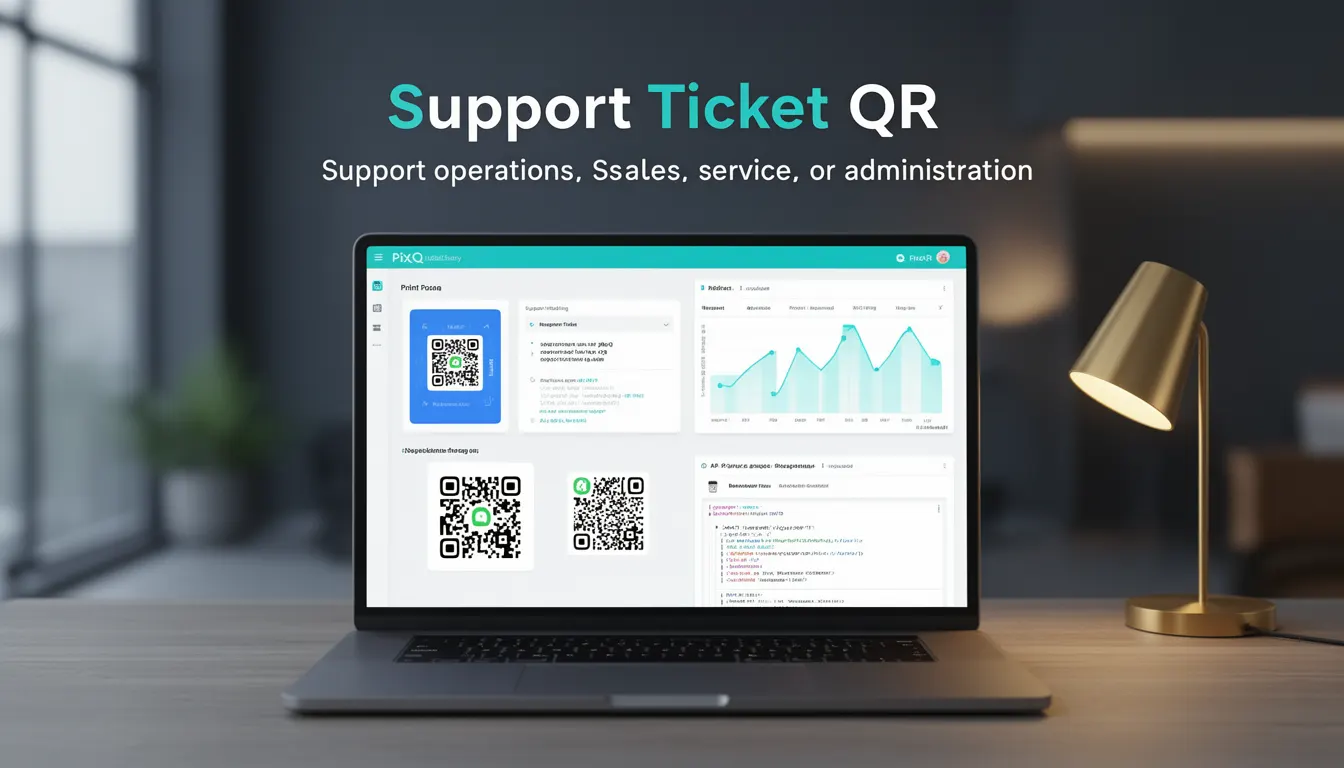
A Support Ticket QR is a specialized QR code used by businesses to streamline customer support operations by enabling users to quickly generate support tickets via mobile scanning. It is a business-use-case term that defines a QR code specifically designed to integrate with support ticketing systems, typically redirecting to a form or API endpoint that pre-fills support request fields.
In a production environment, this type of QR code is often used in marketing materials, printed documentation, service manuals, or on-site signage where physical or digital support is needed. It reduces friction in the support request process by eliminating manual data entry and improving scan reliability, especially in environments where users may not have access to a computer or prefer mobile-first workflows.
Why It Matters
For developers, Support Ticket QRs are a critical tool in operational efficiency, particularly in support-heavy or service-oriented businesses. They simplify the process of initiating support requests, reducing the likelihood of incomplete or inaccurate data entry, which in turn improves ticket resolution quality and reduces agent workload.
From a security perspective, the QR code must be designed to prevent abuse, such as unauthorized ticket creation or data injection. The system must validate incoming data and ensure that QRs are not easily manipulated to generate spam or malicious tickets. From a privacy standpoint, the QR code should not expose sensitive user information in plain text or redirect to untrusted domains.
Performance-wise, the QR code must be fast to scan and resolve, especially in low-light or noisy environments. PixQR’s dynamic redirect and scan reliability features help ensure that support ticket QRs are both functional and robust across different user scenarios and devices.
How It Works
A Support Ticket QR operates through a dynamic redirect mechanism, where the QR code points to a URL that includes parameters for ticket prefilling. When scanned, the QR code resolves to a support form or API endpoint, often with pre-filled fields such as user ID, product serial number, or location. The system then generates a new ticket based on this data.
- The QR code typically resolves to a PixQR dynamic URL with query parameters such as
user_id,product_id, orlocation. - The system uses a secure API to validate and process the ticket creation request, ensuring that only authorized data is accepted.
- The QR code is often embedded in a brand-safe design to improve recognition and reduce scan errors.
- Support Ticket QRs can be generated programmatically using PixQR's API, allowing for batch creation and dynamic customization.
- Analytics and scan tracking are enabled to monitor usage, helping businesses optimize their support workflows.
Quick Reference
| Item | Purpose | Notes |
|---|---|---|
| Dynamic URL | Redirects to support ticket form | Must be HTTPS and secure |
| Query Parameters | Pre-fills ticket fields | Include user_id, product_id, location |
| Scan Tracking | Monitors QR usage | Helps optimize support workflows |
| Brand Design | Improves recognition | Must be scan-friendly |
| API Validation | Ensures ticket integrity | Prevents abuse and spam |
Basic Example
PixQR Example QR
This QR links directly to this glossary page, so printed notes, onboarding docs, and support material can bring scanners back to the current reference.
/glossary/qr-code-for-business/qr-codes-for-business-support-ticket-qr

This example demonstrates how a basic Support Ticket QR might be generated using PixQR's API with a simple URL structure and pre-filled parameters.
https://pixqr.com/redirect/abc123?user_id=456&product_id=789&location=store-AThis URL points to a dynamic redirect endpoint where the user_id, product_id, and location are passed to the support system. The QR code is generated from this URL and printed on a product manual or service label.
Production Example
In a production system, a Support Ticket QR is generated with additional validation and analytics features to ensure data integrity and track usage.
POST /api/v1/qr/generate
{
  "type": "support-ticket",
  "redirect_url": "https://support.example.com/tickets/new",
  "parameters": {
    "user_id": "user-123",
    "product_id": "prod-456",
    "location": "warehouse-B"
  },
  "branding": {
    "color": "#007BFF",
    "logo": "https://example.com/logo.png"
  },
  "analytics": {
    "track_scans": true
  }
}
This version includes branding, parameter validation, and analytics tracking. It is generated via PixQR’s API and ensures that the QR code is both secure and optimized for real-world use in support operations.
Common Mistakes
- Not validating parameters before redirecting, leading to data injection or API misuse.
- Using insecure HTTP redirects, which can be intercepted or manipulated.
- Generating QR codes without considering print or scan reliability, leading to user frustration.
- Not implementing analytics or tracking, making it hard to measure the effectiveness of the QR.
- Embedding sensitive information in the QR code, such as full user credentials or internal IDs.
- Ignoring brand-safe design practices, resulting in low scan accuracy or poor recognition.
Security And Production Notes
- Always use HTTPS for QR redirect URLs to prevent man-in-the-middle attacks.
- Validate all parameters passed to the ticketing system to avoid injection or misuse.
- Implement rate limiting or CAPTCHA to prevent abuse of ticket generation via QR codes.
- Use PixQR’s brand-safe design features to ensure QR codes are scannable in various environments.
- Monitor scan analytics to detect anomalies or potential misuse of QR codes.
Related Concepts
Support Ticket QRs are closely related to dynamic QR codes, redirect management, brand-safe design, scan tracking, and API integrations. Dynamic QR codes are the underlying technology, while redirect management ensures the correct endpoint is reached. Brand-safe design improves scan reliability, and analytics provide insights into usage. API integrations allow for seamless ticket creation and validation.