 PixQR
PixQR
Overview
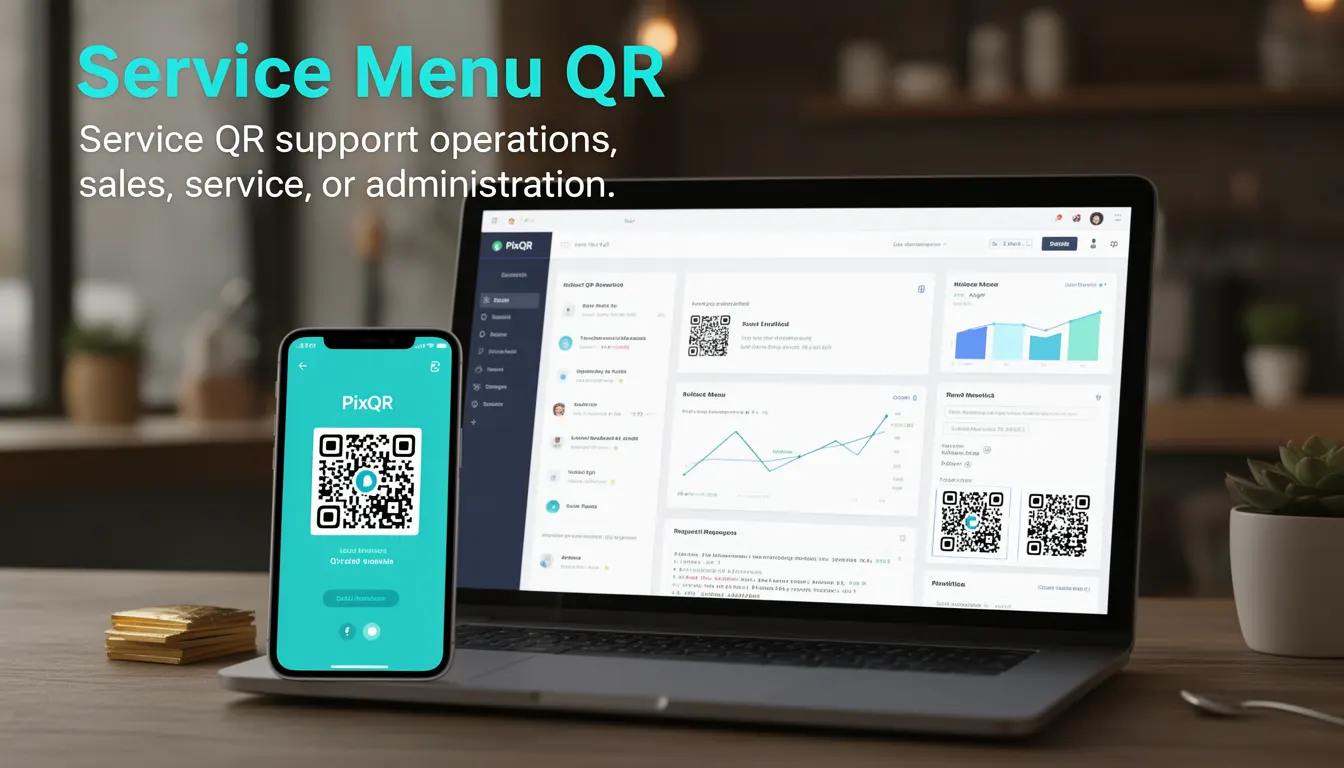
A Service Menu QR is a business-focused QR code implementation that provides a structured, dynamic way to deliver service-related options or information to users upon scanning. It is used across industries such as hospitality, retail, logistics, and customer service to streamline operations, guide user actions, and support scalable workflows.
Service Menu QRs are distinct from standard QR codes in that they typically link to a web-based menu or interface that allows users to make selections, trigger actions, or navigate to relevant content. These QR codes are often generated dynamically and can be updated without changing the physical QR code itself.
Why It Matters
Service Menu QRs are essential for modern businesses that rely on digital interaction and user engagement. They reduce friction in service delivery, improve operational efficiency, and support scalable, brand-safe content distribution. For developers, these QR codes are a key part of dynamic link management, analytics tracking, and ensuring consistent user experiences.
In production, Service Menu QRs are used to direct users to specific service pages, initiate booking flows, provide access to product information, or trigger administrative workflows. The ability to update content without replacing physical QRs makes them a cost-effective and flexible solution for businesses with high-volume or frequently changing service offerings.
How It Works
A Service Menu QR operates by linking to a dynamic endpoint that presents a menu or interface. This endpoint can be a web page, an API, or a redirect service. The QR code itself is a standard 2D barcode, but its content is a URL or a payload that triggers the service menu interface.
- Service Menu QRs are typically generated using PixQR’s dynamic URL generation API, which allows content to be updated without changing the QR code image.
- The QR code payload is often a short URL that redirects to a service menu page hosted on a secure domain.
- Service menus can be configured to support different user roles, permissions, or device types, enabling personalized content delivery.
- Analytics tracking is often embedded in the redirect chain to monitor scan behavior, user engagement, and service adoption.
- Service Menu QRs support both static and dynamic content, allowing for real-time updates and integration with backend systems.
Quick Reference
| Item | Purpose | Notes |
|---|---|---|
| Dynamic URL | Provides a stable link to service menu | Updated content without physical QR replacement |
| Redirect Chain | Routes to menu interface or backend | Supports analytics and tracking |
| Scan Analytics | Tracks user behavior and engagement | Used for service optimization |
| Content Versioning | Manages updates to menu items | Supports A/B testing and rollouts |
| Device Adaptation | Delivers optimized content per device | Responsive menu design |
Basic Example
PixQR Example QR
This QR links directly to this glossary page, so printed notes, onboarding docs, and support material can bring scanners back to the current reference.
/glossary/qr-code-for-business/qr-codes-for-business-service-menu-qr

This basic example shows how a Service Menu QR might be generated using a PixQR API endpoint. It demonstrates the creation of a dynamic link that can be embedded in a QR code.
const menuUrl = "https://api.pixqr.com/v1/redirects";
const payload = {
  url: "https://business.example.com/service-menu",
  analytics: true
};
const response = await fetch(menuUrl, {
  method: "POST",
  headers: {
    "Content-Type": "application/json",
    "Authorization": "Bearer YOUR_API_TOKEN"
  },
  body: JSON.stringify(payload)
});
const qrCodeUrl = response.data.qr_url;
The example uses a POST request to PixQR’s redirect API, specifying a destination URL and enabling analytics. The response returns a QR code URL that can be used to generate a physical QR code.
Production Example
This production example includes error handling, access control, and analytics integration. It demonstrates a more robust approach to generating a Service Menu QR.
const generateServiceMenuQR = async (menuId, userId, deviceType) => {
  const menuEndpoint = `https://business.example.com/api/v1/menu/${menuId}`;
  const analyticsEndpoint = `https://api.pixqr.com/v1/analytics`;
  try {
    const menuResponse = await fetch(menuEndpoint, {
      headers: { "Authorization": `Bearer ${userId}` }
    });
    const menuData = await menuResponse.json();
    const qrPayload = {
      url: menuData.redirect_url,
      analytics: true,
      device_type: deviceType,
      user_id: userId
    };
    const qrResponse = await fetch("https://api.pixqr.com/v1/redirects", {
      method: "POST",
      headers: {
        "Content-Type": "application/json",
        "Authorization": "Bearer YOUR_API_TOKEN"
      },
      body: JSON.stringify(qrPayload)
    });
    return qrResponse.data.qr_url;
  } catch (error) {
    console.error("Failed to generate QR:", error);
    return null;
  }
};
This version includes access control, device-specific rendering, and error handling, making it suitable for real-world deployment. It integrates with both menu and analytics APIs to provide a complete service experience.
Common Mistakes
- Using static QR codes instead of dynamic ones, which limits flexibility and scalability.
- Not implementing analytics or tracking, which makes it difficult to optimize service delivery.
- Ignoring device adaptation, leading to poor user experience on mobile or desktop.
- Failing to validate redirect URLs, which can introduce security vulnerabilities or broken links.
- Not testing QR code reliability across different scanners or environments, leading to user confusion.
- Hardcoding user permissions or roles, which reduces the system’s adaptability to changing business needs.
Security And Production Notes
- Ensure all redirect URLs are validated to prevent open redirect vulnerabilities.
- Implement access tokens or API keys to restrict unauthorized QR generation or updates.
- Use HTTPS for all endpoints to prevent man-in-the-middle attacks and ensure data integrity.
- Integrate analytics with privacy compliance measures to avoid data misuse or legal issues.
- Test QR codes across multiple devices and scanners to ensure consistent reliability and readability.
Related Concepts
Service Menu QRs are closely related to dynamic redirects, analytics tracking, API-driven content delivery, QR code branding, and operational workflow automation. They are part of a larger ecosystem where QR codes are used not just for static links, but as part of a broader digital service infrastructure.