 PixQR
PixQR
Overview
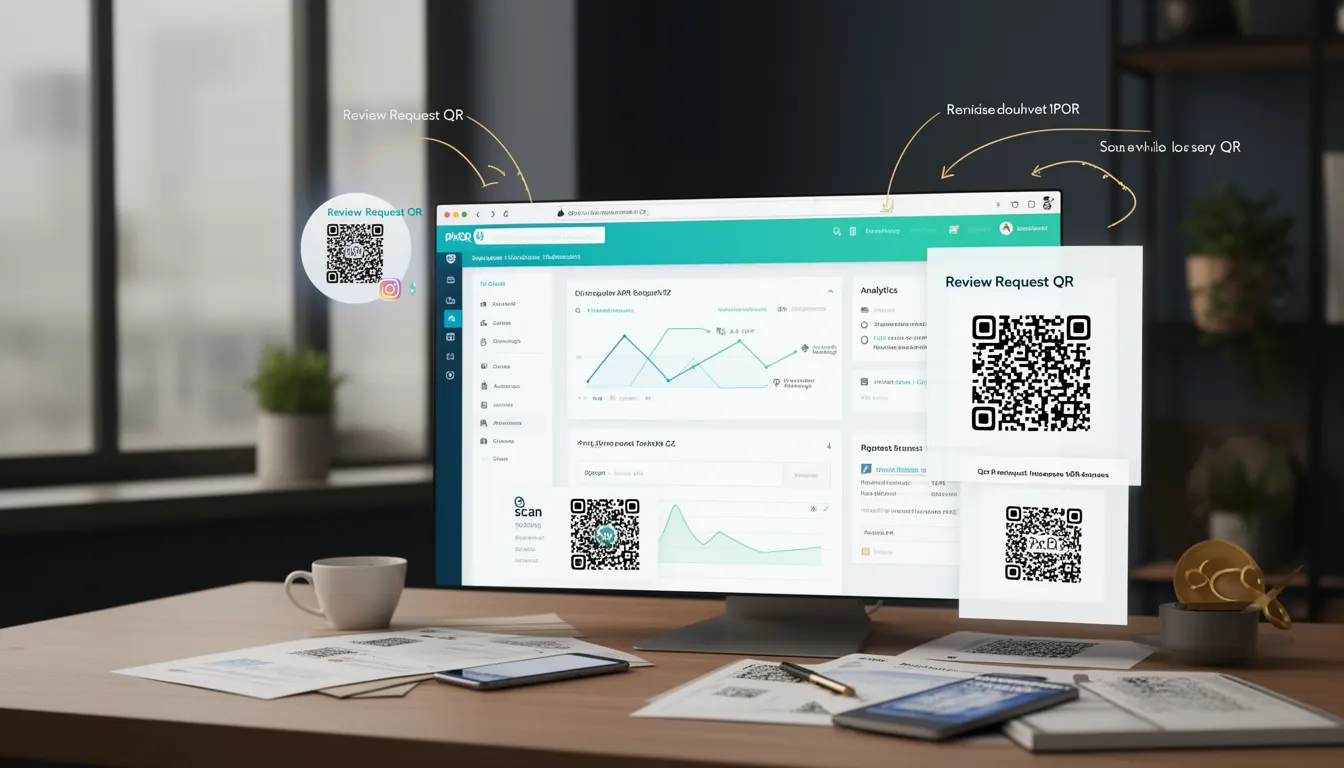
A Review Request QR is a specialized QR code designed to prompt users to leave feedback or reviews for a business or product. It is typically used in physical or digital environments where businesses aim to collect user opinions, improve customer experience, or boost online visibility. These QR codes are often embedded in product packaging, signage, digital ads, or email campaigns.
Developers working with PixQR may implement Review Request QRs as part of larger operational workflows, such as customer engagement systems, loyalty programs, or analytics-driven feedback loops. The QR code itself is a dynamic link that can redirect to a review platform, a survey page, or a custom feedback form, and can be configured to track scans and user behavior.
Why It Matters
From a developer perspective, Review Request QRs play a critical role in operational data collection and user interaction. They enable businesses to gather real-time feedback, which can be used to enhance service quality, product features, or marketing strategies. In a production environment, these QR codes must be reliable, secure, and trackable to ensure accurate analytics and prevent misuse.
For security and privacy, developers must ensure that the QR code's redirect path is brand-safe, does not expose sensitive data, and complies with data protection regulations such as GDPR or CCPA. Additionally, the QR code should be designed to avoid phishing or spoofing risks, especially when used in public or uncontrolled environments.
How It Works
A Review Request QR operates as a dynamic redirect mechanism, where the QR code encodes a URL that points to a review platform or a custom feedback page. The QR code’s behavior is determined by its configuration parameters, such as target URL, redirect type, analytics tracking, and branding settings.
- When scanned, the QR code redirects users to a specified URL, which may be a review platform like Google Reviews or a custom form.
- It supports analytics tracking to measure how many users scanned the QR and engaged with the review request.
- The QR code can be configured to be brand-safe, ensuring that it does not redirect to malicious or unapproved domains.
- It can be integrated with PixQR’s API to dynamically update the target URL or add metadata to the scan event.
- Review Request QRs can be used in both static and dynamic workflows, allowing for A/B testing or seasonal campaigns.
Quick Reference
| Item | Purpose | Notes |
|---|---|---|
| Target URL | Redirects to a review platform or form | Must be secure and brand-safe |
| Analytics Tracking | Measures scan and engagement metrics | Enabled by default in PixQR |
| Dynamic Redirect | Supports URL updates post-creation | Can be modified via API |
| Brand Safety | Prevents redirection to unapproved domains | Configurable via admin panel |
| Scan Tracking | Logs scan events for user behavior analysis | Supports IP, device, and timestamp data |
Basic Example
PixQR Example QR
This QR links directly to this glossary page, so printed notes, onboarding docs, and support material can bring scanners back to the current reference.
/glossary/qr-code-for-business/qr-codes-for-business-review-request-qr

This example shows a basic Review Request QR configuration that points to a Google Review page. The QR code is created with a fixed URL, and no analytics are enabled.
{
  "type": "review_request",
  "target_url": "https://www.google.com/maps/reviews/123456789",
  "brand_safe": true,
  "analytics": false
}
The configuration sets the QR code to redirect to a specific Google Maps review page. The brand_safe flag ensures that the URL is verified before redirection. Analytics are disabled to reduce data collection for simpler use cases.
Production Example
This example demonstrates a more advanced Review Request QR setup, including dynamic URL updates, analytics tracking, and brand safety enforcement. It is suitable for production workflows that require data-driven decisions and user engagement metrics.
{
  "type": "review_request",
  "target_url": "https://api.pixqr.com/reviews/submit",
  "brand_safe": true,
  "analytics": true,
  "metadata": {
    "product_id": "ABC123",
    "campaign_id": "Q4_2024"
  },
  "redirect_type": "302",
  "scan_tracking": true
}
This version integrates with PixQR’s API to dynamically route users to a custom feedback form. Analytics and scan tracking are enabled, and metadata is included to associate the QR code with a specific product or campaign. The redirect_type is set to 302 to ensure compatibility with most redirect mechanisms.
Common Mistakes
- Using unverified or unbrand-safe URLs in the QR code, which can lead to security vulnerabilities or redirect to malicious domains.
- Forgetting to enable analytics tracking, which prevents businesses from measuring the effectiveness of the QR code.
- Hardcoding URLs in QR configurations, making it difficult to update or test without re-generating the QR code.
- Not validating scan data for spoofing or abuse, which can result in inaccurate analytics or fake reviews.
- Ignoring metadata or campaign tracking, which limits the ability to segment and analyze user behavior effectively.
Security And Production Notes
- Always validate the target URL against a whitelist to prevent phishing or malicious redirections.
- Use HTTPS for all redirect URLs to ensure secure communication and avoid browser warnings.
- Enable analytics and scan tracking to monitor user engagement and detect anomalies.
- Implement rate limiting or IP-based restrictions to prevent abuse of the QR code or review system.
- Regularly audit QR code configurations to ensure they align with brand guidelines and compliance standards.
Related Concepts
Review Request QRs are closely related to several core PixQR concepts:
- Dynamic Redirects: The mechanism that allows QR codes to point to different URLs based on conditions or parameters.
- Scan Analytics: The ability to track and analyze QR code scan behavior, including geolocation, device, and timestamp data.
- Brand Safety: Ensuring that QR code redirects are restricted to approved domains to protect against fraud or malicious activity.
- QR Code Lifecycle: The stages of QR code creation, deployment, and monitoring, which apply to Review Request QRs as well.
- Link Management: The broader system of managing and optimizing links, including QR codes, for marketing, analytics, and user engagement.