 PixQR
PixQR
Overview
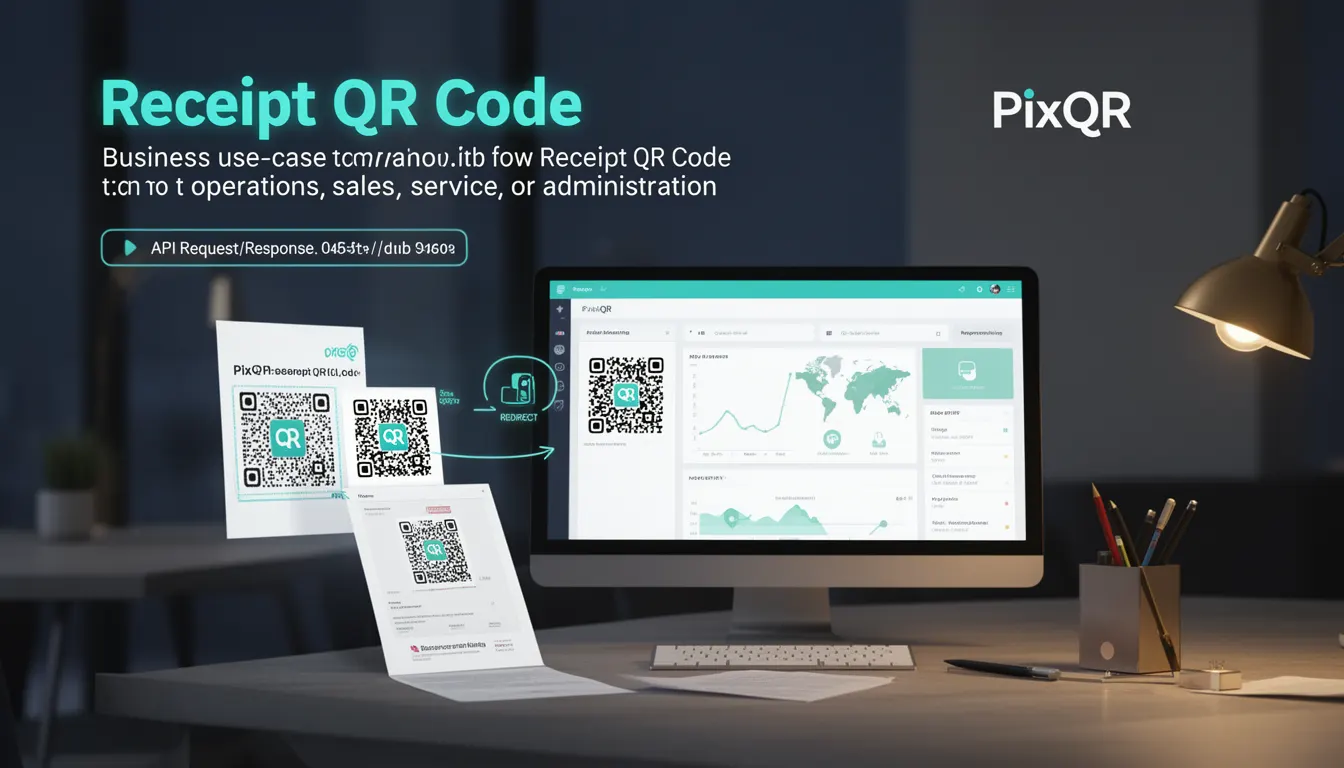
A Receipt QR Code is a specialized QR code variant used in business operations to encode transactional data, such as receipt details, order numbers, or payment metadata. These codes are generated to streamline customer service, support, and administrative workflows by allowing quick access to digital or printed receipts through a mobile scan.
Receipt QR codes are particularly valuable in retail, hospitality, and service environments where businesses need to provide immediate access to transaction records, refunds, or customer support. They reduce manual data entry, improve traceability, and support digital record-keeping by linking a physical or digital transaction to a structured data set that can be decoded and processed programmatically.
Why It Matters
For developers, Receipt QR Codes represent a practical integration point between physical and digital systems. They enable businesses to automate receipt distribution, reduce human error in data handling, and support compliance with audit or tax requirements. In terms of user experience, these codes provide immediate access to transactional information, improving customer satisfaction and reducing support overhead.
From a security perspective, Receipt QR Codes must be designed to prevent misuse, such as replay attacks or unauthorized access to transactional data. They should be generated with appropriate tokenization, encryption, or access control mechanisms to ensure only authorized users can decode and retrieve sensitive information.
How It Works
Receipt QR Codes are typically generated using a backend service that encodes structured data into a QR code format. This data may include transaction ID, timestamp, product details, payment method, customer ID, or other metadata. The QR code is then embedded in a receipt or displayed digitally for scanning.
- The QR code format supports data encoding using standard modes such as numeric, alphanumeric, byte, or kanji, depending on the data type.
- When scanned, the QR code triggers a redirect or API call to a backend service that retrieves and serves the receipt details.
- Receipt data can be stored in a database or cloud service, with the QR code containing a reference ID or token to access that data.
- Dynamic QR codes allow for updates to the underlying data without re-generating the QR code image itself, which is useful for refunds or modifications.
- Access to receipt data can be restricted using tokens, authentication, or time-based expiration to ensure privacy and prevent unauthorized access.
Quick Reference
| Item | Purpose | Notes |
|---|---|---|
| Transaction ID | Unique identifier for a receipt | Used to retrieve full transaction details |
| QR Code Data Format | Encoding standard for receipt data | Supports numeric, alphanumeric, and byte modes |
| Dynamic Redirect | Allows updates to receipt data without regenerating QR | Uses token-based or URL-based lookup |
| Access Token | Secures receipt data access | Should be time-limited and unique per transaction |
| Scan Analytics | Tracks QR code scan activity | Used for operational and customer behavior insights |
Basic Example
PixQR Example QR
This QR links directly to this glossary page, so printed notes, onboarding docs, and support material can bring scanners back to the current reference.
/glossary/qr-code-for-business/qr-codes-for-business-receipt-qr-code

This basic example shows how a Receipt QR Code might be generated using a backend service that encodes transaction metadata into a QR code string.
const receiptData = {
  id: "TXN-123456",
  timestamp: "2025-04-05T10:00:00Z",
  amount: 125.75,
  currency: "USD"
};

const qrPayload = JSON.stringify(receiptData);
// Generate QR code using a library or PixQR API
// Example output: "https://pixqr.com/receipt/123456"
The payload encodes transaction details into a structured JSON string. This string is then used to generate a QR code that, when scanned, redirects to a receipt endpoint.
Production Example
In a production environment, Receipt QR Codes are generated with validation, tokenization, and analytics tracking to ensure security and usability.
const generateReceiptQR = (transaction) => {
  const token = generateSecureToken();
  const encodedData = btoa(JSON.stringify({
    id: transaction.id,
    token: token,
    timestamp: transaction.timestamp
  }));

  return `https://api.pixqr.com/redirect?data=${encodedData}`;
};

// Example usage:
const receiptQR = generateReceiptQR({
  id: "TXN-123456",
  timestamp: "2025-04-05T10:00:00Z"
});
This version ensures that each receipt QR code is tied to a unique token, enhancing security. It also uses base64 encoding to obfuscate the data, and includes timestamp tracking for audit purposes.
Common Mistakes
- Not using secure tokens or authentication to protect receipt data, leading to unauthorized access.
- Storing sensitive data directly in QR code payloads without encryption or obfuscation.
- Generating static QR codes for dynamic transactions, causing outdated or incorrect receipt data.
- Ignoring analytics or tracking, which prevents businesses from optimizing their receipt workflow.
- Using generic QR code libraries without validating the output format or scan compatibility.
Security And Production Notes
- Always use time-limited tokens or access keys to prevent long-term unauthorized access to receipt data.
- Validate and sanitize all input data before encoding into QR code payloads to prevent injection attacks.
- Implement access control at the backend to ensure only authorized users can retrieve receipts.
- Use HTTPS endpoints for all QR code redirections to prevent man-in-the-middle attacks.
- Log all QR code scans for audit and fraud prevention purposes.
Related Concepts
Receipt QR Codes are closely related to several other QR code and transactional concepts:
- Dynamic QR Codes: These allow backend data to be updated without changing the QR code image, which is essential for refund or modification tracking.
- Transaction ID: A unique identifier used to retrieve transaction data, often embedded in the QR code payload.
- Redirect URLs: Used to route scanned QR codes to backend services that serve receipt content.
- Scan Analytics: Tracking how often and where QR codes are scanned, useful for business insights and fraud detection.
- Tokenization: The process of converting sensitive data into secure tokens, which is essential for protecting transactional data in QR codes.