 PixQR
PixQR
Overview
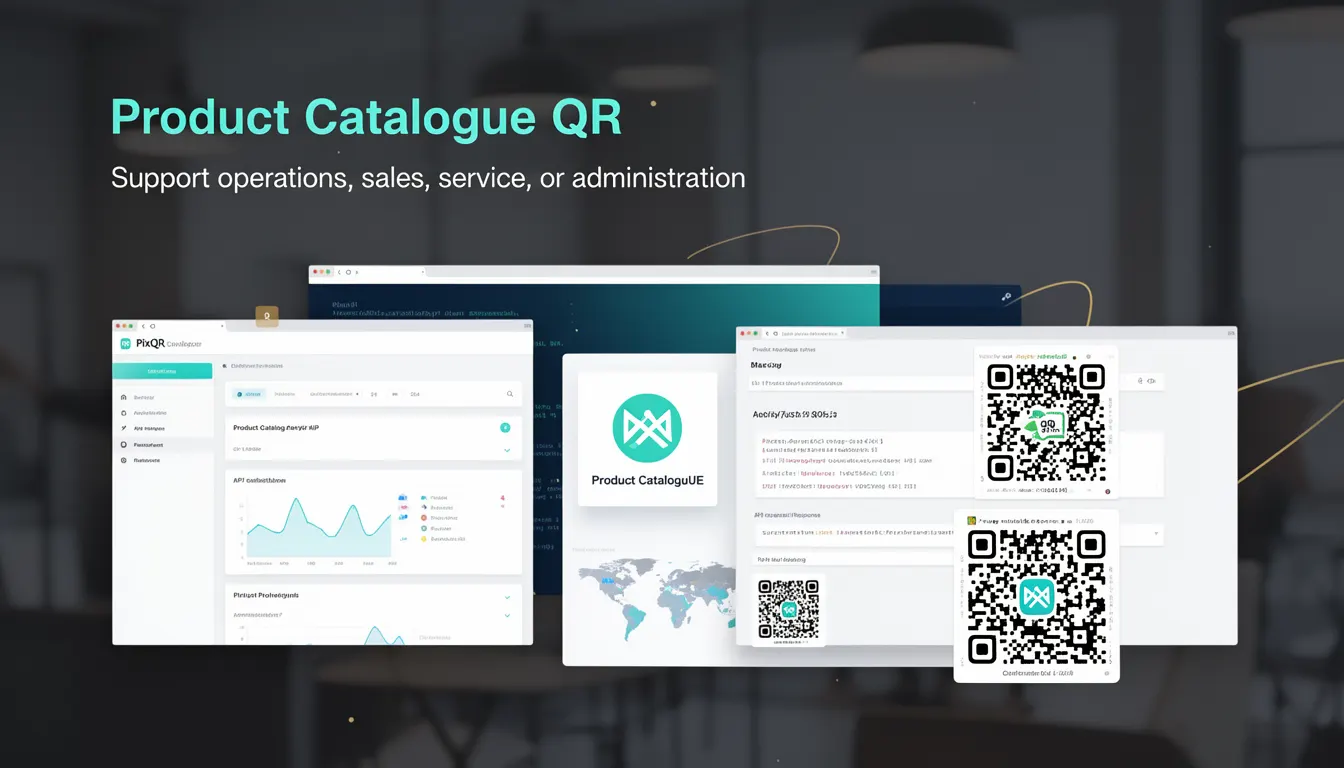
A Product Catalogue QR is a specific type of QR code used in business environments to provide structured access to product information, typically for retail, e-commerce, or inventory management workflows. Unlike generic QR codes, this implementation is purpose-built to support operations, sales, service, or administration by embedding structured data that links directly to a product’s digital profile or catalog entry.
In PixQR, a Product Catalogue QR is generated with parameters that ensure compatibility with product management systems, support dynamic redirects, and maintain data integrity across platforms. These QRs are commonly used in point-of-sale systems, marketing campaigns, or warehouse operations where rapid access to product details is required. A developer or operations team might generate these QR codes to streamline inventory updates, enable real-time stock tracking, or facilitate customer engagement with product-specific content.
Why It Matters
Product Catalogue QRs are essential for developers working in retail, logistics, or e-commerce systems. They bridge physical and digital product data, enabling real-time access to information that supports sales, inventory, and service workflows. For example, a sales associate scanning a QR code can instantly retrieve a product’s price, availability, features, and reviews, reducing customer wait times and improving service quality.
From a security and operational perspective, these QRs must be designed to prevent unauthorized access or data manipulation. PixQR ensures that generated QR codes are secure, traceable, and can be configured with expiration, access control, or analytics tracking. For developers, understanding how to configure and manage these QRs is critical to maintaining system integrity and user trust.
How It Works
Product Catalogue QRs function by encoding structured data that maps to a product entry in a database or content management system. This data can include product identifiers, URLs to product pages, or metadata such as SKU, price, or category. The QR code itself is generated using a standardized format, often with dynamic content that allows updates without regenerating the QR code.
- Product Catalogue QRs are generated with a specific data schema, such as JSON or a URL with query parameters.
- They support dynamic redirects, allowing backend systems to update content without changing the physical QR code.
- Each QR code can be assigned metadata, including tags, access permissions, and expiration dates.
- Analytics can be enabled to track scan behavior, geographic location, and user engagement with the product.
- These QR codes are designed for print and digital distribution, ensuring reliability across different scanning environments.
Quick Reference
| Item | Purpose | Notes |
|---|---|---|
| Product ID | Unique identifier for a product | Used to map QR to backend database |
| Redirect URL | Target for QR scan | Can be dynamic or static |
| Metadata | Additional data for analytics or access control | Includes tags, categories, and permissions |
| Expiration | Time limit for QR validity | Can be set to days, weeks, or never |
| Scan Analytics | Tracking for usage and engagement | Includes geographic and timestamp data |
Basic Example
PixQR Example QR
This QR links directly to this glossary page, so printed notes, onboarding docs, and support material can bring scanners back to the current reference.
/glossary/qr-code-for-business/qr-codes-for-business-product-catalogue-qr

This example demonstrates how a basic Product Catalogue QR might be generated using PixQR’s API, encoding a product ID and a static URL to a product page.
const productQR = {
  "product_id": "SKU-12345",
  "redirect_url": "https://shop.example.com/product/12345",
  "type": "catalogue"
};
The product_id field links the QR to a specific product in the backend. The redirect_url ensures the scan leads to the correct product page. The type field specifies that this QR is intended for catalog use.
Production Example
This example shows a more robust implementation of a Product Catalogue QR, including metadata, expiration, and analytics settings. It is suitable for production workflows where data integrity and traceability are important.
const productQR = {
  "product_id": "SKU-12345",
  "redirect_url": "https://shop.example.com/product/12345",
  "metadata": {
    "category": "Electronics",
    "brand": "TechCorp",
    "tags": ["smartphone", "mobile", "5G"]
  },
  "expires_in_days": 30,
  "analytics_enabled": true,
  "scan_tracking": true,
  "type": "catalogue"
};
This version includes metadata for better categorization, an expiration date to manage lifecycle, and analytics tracking to monitor user engagement. These features ensure that the QR code is not only functional but also secure and maintainable in a business environment.
Common Mistakes
- Not validating product IDs before QR generation, leading to broken links or incorrect data.
- Using static URLs instead of dynamic redirects, which prevents content updates without QR regeneration.
- Ignoring expiration settings, causing outdated QRs to remain active and potentially mislead users.
- Failing to include metadata, which reduces the usefulness of analytics and tracking systems.
- Not testing QRs across different scanning tools or environments, resulting in poor reliability.
Security And Production Notes
- Always validate product identifiers to ensure they map to valid entries in the backend system.
- Use dynamic redirects to allow backend systems to update content without re-generating QRs.
- Set expiration dates to manage QR lifecycle and reduce risk of stale or invalid links.
- Enable analytics and scan tracking to monitor usage and detect anomalies or fraud.
- Ensure QR codes are designed for print and digital environments to maintain scan reliability.
Related Concepts
Product Catalogue QRs are closely related to several key concepts in QR code development and digital product management:
- Dynamic Redirects: Enable content updates without changing the QR code itself.
- QR Code Analytics: Provide insights into scan behavior and engagement.
- Inventory Management Systems: Support real-time updates and product data synchronization.
- Link Shorteners: Often used to create compact and manageable QR code content.
- Brand-Safe Design: Ensures QR codes are visually consistent and trustworthy.