 PixQR
PixQR
Overview
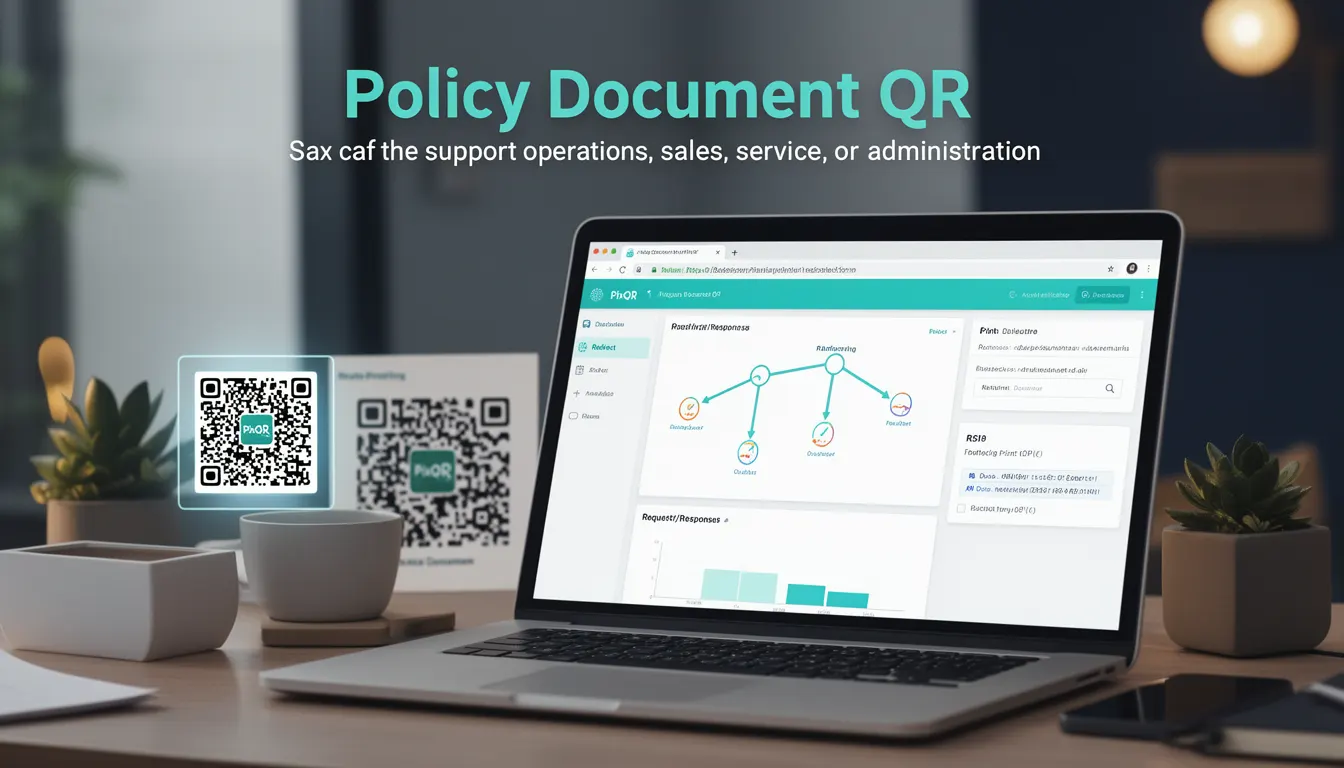
A Policy Document QR is a specific type of QR code used by businesses to direct users to policy-related documents such as terms of service, privacy policies, or usage agreements. Unlike standard QR codes that might point to landing pages or product information, a Policy Document QR is purpose-built for legal and compliance documentation.
In the PixQR platform, these QR codes are configured with specific attributes that ensure they reliably redirect to secure, brand-safe policy documents. They are particularly useful for environments where users may need to quickly access or confirm policy details at the point of interaction—such as in physical product packaging, marketing materials, or in-person transactions.
Why It Matters
For developers and operations teams, Policy Document QRs play a crucial role in compliance, accessibility, and user trust. They reduce friction for users seeking legal information and provide a scalable way to manage access to policy documents across various touchpoints.
From a security standpoint, PixQR ensures that these QR codes are configured with dynamic redirect capabilities that prevent unauthorized tampering. The platform also offers analytics to track scan behavior, helping businesses understand how often and where users are accessing these documents. This is especially important in industries where regulatory compliance and user consent are critical.
How It Works
When a Policy Document QR is generated through the PixQR platform, it is configured with specific attributes that define its behavior and content. These attributes are crucial to ensuring that the QR code meets business and compliance needs.
- The
policy_urlattribute specifies the exact document destination, which must be a secure HTTPS endpoint to maintain compliance. - The
redirect_typecan be set to eitherpermanentortemporary, depending on whether the document URL should change over time. - The
scan_trackingsetting allows for detailed analytics of how often and from where the QR code is scanned, useful for compliance auditing. - The
brand_safeflag ensures the QR code's design and redirect behavior align with brand guidelines and avoid unsafe third-party integrations. - Optional
expirysettings can be applied to limit the usability of the QR code after a certain date, which is useful for time-sensitive policy changes.
The PixQR platform ensures that all generated Policy Document QRs are scanned reliably and that redirects are handled securely. These QR codes are also designed to be compatible with standard QR scanners, including those used in physical retail environments, ensuring broad usability.
Quick Reference
| Item | Purpose | Notes |
|---|---|---|
policy_url | Specifies the document destination | Must be HTTPS |
redirect_type | Determines redirect behavior | Options: permanent, temporary |
scan_tracking | Enables analytics on scans | Supports compliance reporting |
brand_safe | Ensures safe design and behavior | Prevents unsafe integrations |
expiry | Limits QR code usability | Useful for time-sensitive policies |
Basic Example
PixQR Example QR
This QR links directly to this glossary page, so printed notes, onboarding docs, and support material can bring scanners back to the current reference.
/glossary/qr-code-for-business/qr-codes-for-business-policy-document-qr
This example demonstrates the simplest configuration for a Policy Document QR, showing how to define a document URL and enable basic tracking.
{
  "policy_url": "https://example.com/terms-of-service",
  "redirect_type": "permanent",
  "scan_tracking": true
}
The policy_url points to the document, and redirect_type ensures that the QR code consistently points to the same URL. The scan_tracking flag enables analytics, which can be reviewed later in the PixQR dashboard.
Production Example
In a production environment, a Policy Document QR must include additional safeguards such as expiry dates and brand compliance checks.
{
  "policy_url": "https://example.com/privacy-policy",
  "redirect_type": "temporary",
  "scan_tracking": true,
  "brand_safe": true,
  "expiry": "2025-12-31"
}
This configuration ensures that the QR code is not only secure and trackable but also adheres to brand guidelines and is valid only for a specified time, reducing the risk of outdated information being accessed.
Common Mistakes
- Using HTTP instead of HTTPS for
policy_urlcan lead to security warnings and reduced trust, especially in compliance-sensitive industries. - Forgetting to set
scan_trackingcan prevent businesses from auditing how often users access policy documents. - Not configuring
brand_safecan result in redirects or QR designs that violate brand standards or introduce unsafe third-party links. - Setting an incorrect
redirect_typemay cause confusion if the document URL changes unexpectedly, leading to broken links or outdated policy access. - Ignoring
expirysettings can lead to users accessing outdated policy documents, which may be non-compliant or misleading.
Security And Production Notes
- All Policy Document QRs must use HTTPS URLs to ensure secure access and prevent man-in-the-middle attacks.
- Analytics data from
scan_trackingshould be handled with care to avoid exposing sensitive user behavior or data. - Setting
brand_safetotrueensures that the QR code's redirect and design are vetted for brand alignment and safety. - Regular audits of
policy_urlandexpirysettings help maintain compliance and reduce risks from outdated documents. - QR codes should be tested across various scanners and devices to ensure reliability, especially in physical environments.
Related Concepts
Policy Document QRs are closely related to several other QR code use-cases and platform features. These include:
- Dynamic Redirects: Policy Document QRs often rely on dynamic redirects to ensure that URLs can be updated without changing the QR code itself.
- Scan Analytics: The ability to track scans is essential for compliance reporting and understanding user engagement.
- Brand Safety: Ensuring that QR codes align with brand guidelines and do not introduce unsafe links or designs is critical for maintaining trust.
- Secure Operational Workflows: Policy Document QRs are part of a broader set of secure workflows that ensure all QR code interactions are safe and auditable.
- Link Management: The management of policy URLs and their redirect behavior is a subset of broader link management practices within PixQR.