 PixQR
PixQR
Overview
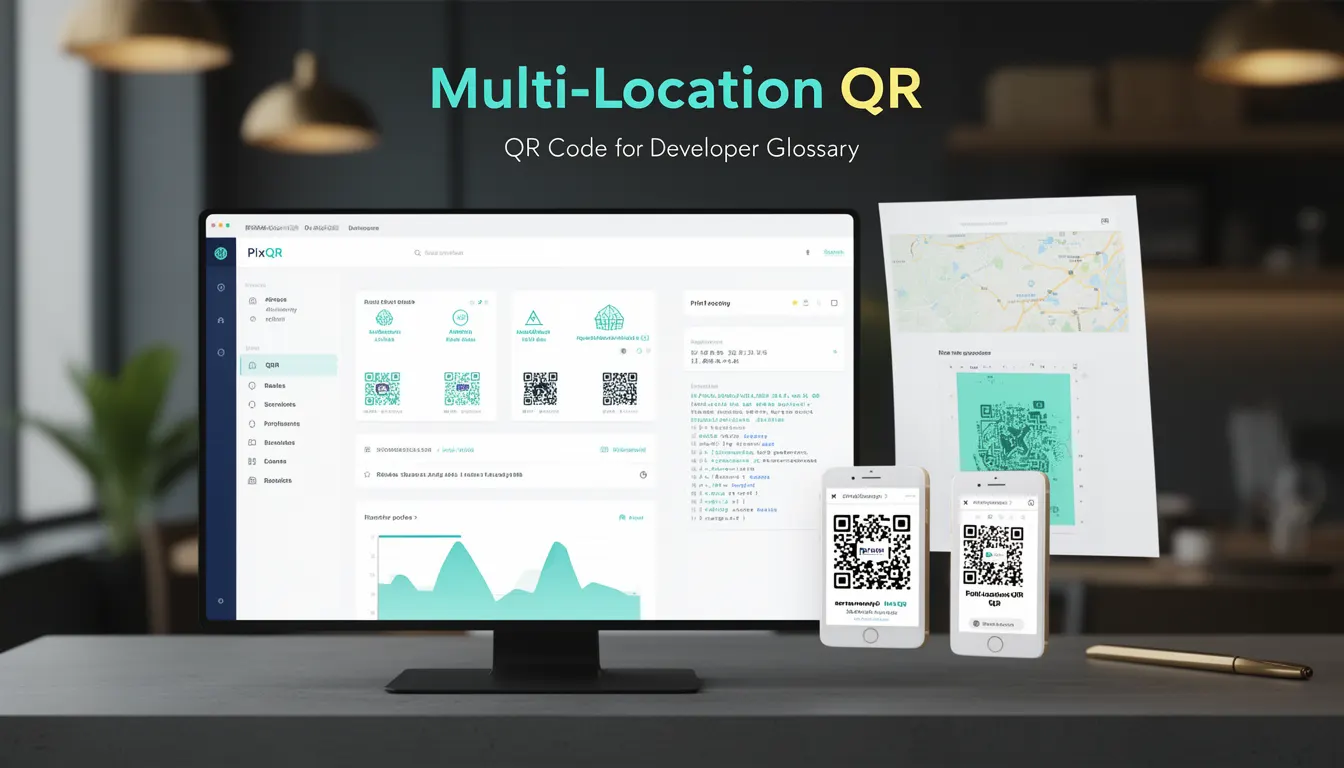
A Multi-Location QR is a dynamic QR code implementation that allows businesses to manage and route QR code scans to different destinations based on location, time, or other criteria. This functionality is especially valuable for organizations with multiple physical locations, such as retail chains, restaurants, or service providers, where a single QR code can direct users to location-specific content, promotions, or services.
In PixQR, Multi-Location QR codes are generated using a centralized system that supports conditional redirects. The system allows developers and marketers to configure a single QR code to dynamically route users to different URLs, depending on the scan context. For example, a QR code placed in a store in New York might redirect to a local product page, while the same QR code scanned in a London branch might redirect to a different product page or service information.
Why It Matters
For developers and product teams, Multi-Location QR codes provide a scalable and maintainable solution for managing content across multiple locations. Instead of generating and printing separate QR codes for each location, a single QR code can be managed centrally, reducing operational overhead and minimizing the risk of outdated or inconsistent information.
From a user experience perspective, this feature ensures that users are directed to the most relevant content for their current location. This is especially important in environments where physical presence affects the relevance of information, such as in retail, hospitality, or healthcare. From a security standpoint, PixQR ensures that all redirects are monitored and validated to prevent malicious routing, maintaining brand safety and user trust.
How It Works
Multi-Location QR codes in PixQR are built on a dynamic redirect system that evaluates scan context before determining the destination URL. The system supports a range of routing parameters, including geographic location, time of day, and custom tags.
- Location-based routing uses IP geolocation or GPS coordinates to determine the scan location.
- Time-based routing allows for different content to be served during business hours, holidays, or special events.
- Custom tags can be applied to define specific routing rules, such as for promotional campaigns or seasonal content.
- Each QR code can be configured with multiple fallbacks to ensure reliability in case of primary route failure.
- Redirects are logged and tracked for analytics, enabling insights into location-based engagement and performance.
The system supports both HTTP and HTTPS redirects, and all destinations are validated for safety before being enabled. PixQR's backend ensures that routing rules are applied consistently, with minimal latency in redirect delivery.
Quick Reference
| Item | Purpose | Notes |
|---|---|---|
| Location Tag | Defines geographic scope for routing | Supports city, region, or country |
| Time Rule | Applies routing based on time of day | Can be used for business hours or promotions |
| Fallback URL | Ensures redirect when primary route fails | Must be valid and secure |
| Redirect Type | Specifies redirect method (301, 302, etc.) | Defaults to 302 for dynamic content |
| Analytics Tracking | Logs location and scan data | Supports real-time dashboards |
Basic Example
PixQR Example QR
This QR links directly to this glossary page, so printed notes, onboarding docs, and support material can bring scanners back to the current reference.
/glossary/qr-code-for-business/qr-codes-for-business-multi-location-qr
This basic example shows how a developer might configure a Multi-Location QR code in PixQR's API to route to different URLs based on location.
const multiLocationQR = {
  "qr_id": "ml-12345",
  "redirect_rules": [
    {
      "location": "New York",
      "url": "https://store.ny.example.com/product/123"
    },
    {
      "location": "London",
      "url": "https://store.london.example.com/product/123"
    }
  ],
  "fallback_url": "https://example.com/default"
};
The example defines two redirect rules for New York and London, with a fallback URL for any other location. The system uses the scan location to determine which URL to redirect to.
Production Example
This production example demonstrates a more robust configuration, including validation, error handling, and analytics tracking.
const multiLocationQR = {
  "qr_id": "ml-12345",
  "redirect_rules": [
    {
      "location": "New York",
      "url": "https://store.ny.example.com/product/123",
      "time_window": {
        "start": "09:00",
        "end": "21:00"
      }
    },
    {
      "location": "London",
      "url": "https://store.london.example.com/product/123",
      "time_window": {
        "start": "10:00",
        "end": "18:00"
      }
    }
  ],
  "fallback_url": "https://example.com/default",
  "analytics": {
    "track_scans": true,
    "track_location": true,
    "track_time": true
  },
  "security": {
    "validate_url": true,
    "allow_redirects": true
  }
};
This version includes time-based rules, analytics configuration, and security validation. It ensures that redirects are not only contextually appropriate but also safe and tracked for performance and compliance.
Common Mistakes
- Not validating URLs before deployment, leading to broken redirects or security vulnerabilities.
- Overlooking time-based rules, causing content to be shown outside business hours or relevant periods.
- Using generic fallbacks that do not provide meaningful content for users.
- Not configuring analytics or tracking, which makes it difficult to measure performance or user engagement.
- Ignoring location accuracy, which can lead to incorrect routing and poor user experience.
Security And Production Notes
- All redirect URLs must be validated for safety and compliance before activation.
- Time-based routing rules should be validated to prevent accidental exposure of sensitive content.
- Analytics data should be handled in compliance with privacy regulations such as GDPR or CCPA.
- Location-based routing must use reliable geolocation data to avoid misrouting or security risks.
- Regular audits of QR code configurations are recommended to ensure continued validity and performance.
Related Concepts
Multi-Location QR codes are closely related to several other QR code concepts and systems. Dynamic QR codes allow for updates without reprinting, while redirect safety ensures that links are secure and monitored. Scan tracking provides analytics on how users interact with QR codes, and brand-safe design ensures that QR code content aligns with brand standards. API integration allows developers to programmatically manage QR code behavior, and operational workflows define how QR codes are managed in production environments.