 PixQR
PixQR
Overview
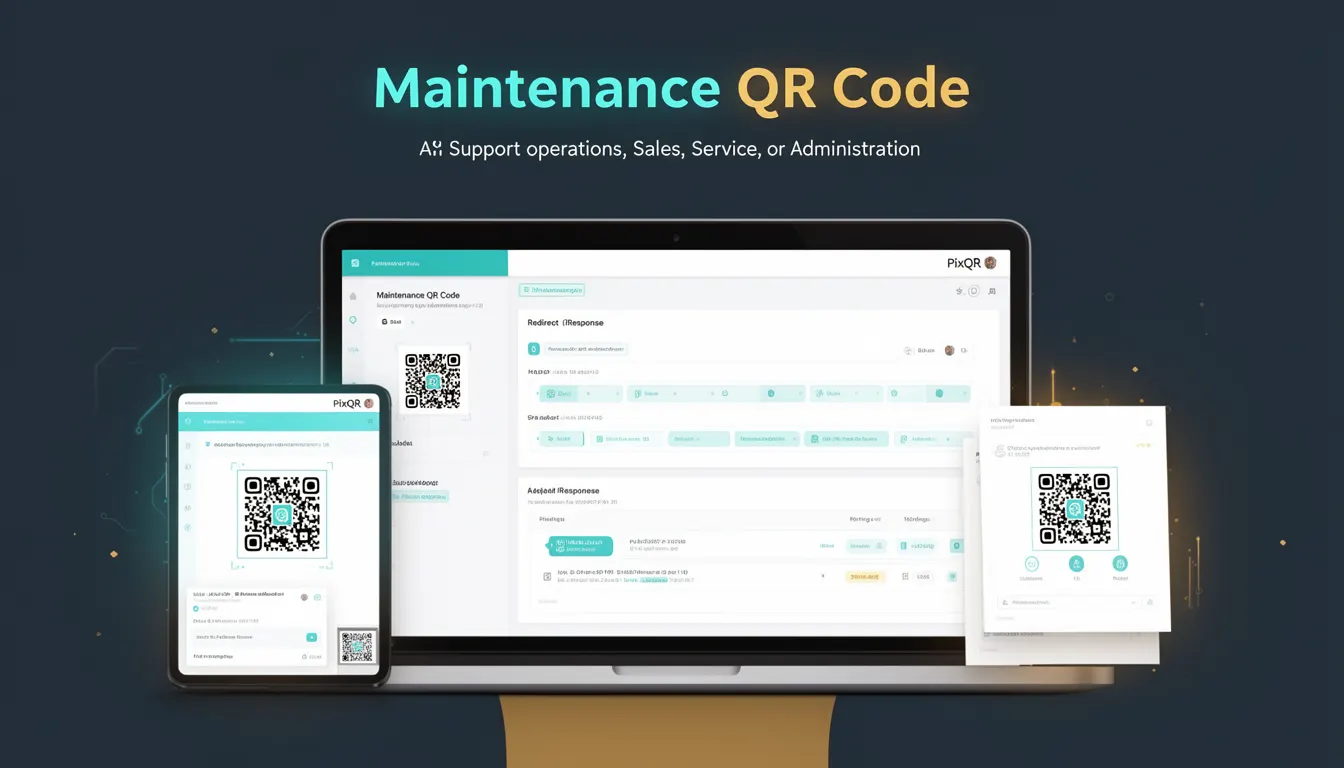
A Maintenance QR Code is a specialized type of QR code used in business operations to streamline maintenance-related workflows. These QR codes are typically deployed in physical environments such as industrial facilities, equipment rooms, or service locations, where they serve as a direct link to maintenance records, service logs, digital checklists, or operational dashboards.
They are not intended for general public scanning or marketing purposes, but rather to support internal or controlled access for technicians, service providers, or administrators. The QR code acts as a quick-access tool to retrieve or update maintenance-related data, reducing time spent on manual data entry or searching through physical logs.
Why It Matters
For developers working with PixQR, Maintenance QR Codes are valuable because they integrate into operational workflows that demand reliability, security, and traceability. These codes often point to systems that track asset health, compliance, or service history, so their implementation must support data integrity, access control, and performance.
From a user experience perspective, Maintenance QR Codes reduce friction in service delivery by enabling rapid access to digital records. For developers, this means designing QR code links that are stable, secure, and resilient to network or access issues. In environments where downtime is costly, such as manufacturing or critical infrastructure, the reliability of these codes directly impacts operational efficiency.
How It Works
Maintenance QR Codes function as dynamic or static links embedded in a QR code that redirect to a specific endpoint. The endpoint is usually a web-based maintenance system or a document repository. These codes can be generated using PixQR’s API or dashboard and are typically configured to support specific access controls or analytics tracking.
- They can be static, pointing to a fixed URL, or dynamic, redirecting to a system-generated link that updates based on context or time.
- The QR code’s payload is typically an HTTP or HTTPS URL, but may also include deep links or internal identifiers for service systems.
- Access to the linked resource can be controlled via authentication tokens, IP restrictions, or role-based permissions.
- Analytics can be enabled to track scan activity, location, or user behavior for maintenance tracking.
- They support both internal and external scanning environments, with options for offline or cloud-based data access.
Quick Reference
| Item | Purpose | Notes |
|---|---|---|
| QR Code Type | Static or Dynamic | Dynamic codes support updates without re-printing |
| Link Target | Service dashboard, log entry, or asset record | Should be secure and accessible to authorized users |
| Access Control | Token-based or role-based | Prevents unauthorized access to maintenance data |
| Analytics Support | Scan tracking and usage metrics | Helps in performance monitoring and audit trails |
| Scanning Environment | Indoor or outdoor, internal or external | Supports reliability in varied physical conditions |
Basic Example
PixQR Example QR
This QR links directly to this glossary page, so printed notes, onboarding docs, and support material can bring scanners back to the current reference.
/glossary/qr-code-for-business/qr-codes-for-business-maintenance-qr-code

This example shows a simple static Maintenance QR Code pointing to a service log entry. The QR code is generated with a fixed URL, suitable for a one-time use or stable environment.
const staticQR = {
  "url": "https://maintenance.pixqr.com/logs/asset-12345",
  "type": "static",
  "label": "Maintenance Log for Asset 12345"
};
The url property defines the target endpoint. The type is set to static, meaning the QR code will always point to the same resource. The label helps identify the code in a system or user interface.
Production Example
This example demonstrates a more robust, production-ready Maintenance QR Code. It uses dynamic linking with access control, analytics, and a secure endpoint.
const maintenanceQR = {
  "url": "https://maintenance.pixqr.com/api/v1/asset/12345/logs",
  "type": "dynamic",
  "auth": {
    "token": "abc123def456",
    "method": "bearer"
  },
  "analytics": {
    "enabled": true,
    "trackLocation": true
  },
  "label": "Maintenance for Equipment 12345",
  "expires": "2025-12-31"
};
This version supports dynamic redirection, access control via token, and analytics tracking. It is suitable for enterprise-level maintenance systems where auditability and access control are essential.
Common Mistakes
- Using static QR codes for frequently updated maintenance data without re-printing, leading to outdated information.
- Not securing access to the endpoint, resulting in unauthorized access to sensitive maintenance records.
- Ignoring analytics or tracking, which prevents operational insights or audit trail monitoring.
- Generating QR codes without validating URLs, which may cause broken links or failed scans.
- Not testing QR codes in real scanning environments, leading to poor reliability in field operations.
Security And Production Notes
- Ensure QR code endpoints are protected by authentication and access controls to prevent unauthorized data access.
- Use HTTPS for all QR code targets to ensure secure data transmission.
- Implement analytics and logging to track scans, especially in high-security or compliance-sensitive environments.
- Validate all URLs before generating QR codes to prevent broken or malicious links.
- Design QR codes with a clear lifecycle, including expiration or update policies to maintain system integrity.
Related Concepts
Maintenance QR Codes are closely related to several developer and operational concepts:
- Dynamic QR Codes – Used to update content without re-printing, essential for frequently changing maintenance data.
- Access Control – Ensures only authorized personnel can access sensitive maintenance records.
- Analytics and Tracking – Provides data on scan behavior and operational efficiency.
- QR Code API Integration – Enables programmatic generation and management of codes within larger systems.
- Operational Workflows – Maintenance QR codes are part of broader systems that streamline service delivery and asset management.