 PixQR
PixQR
Overview
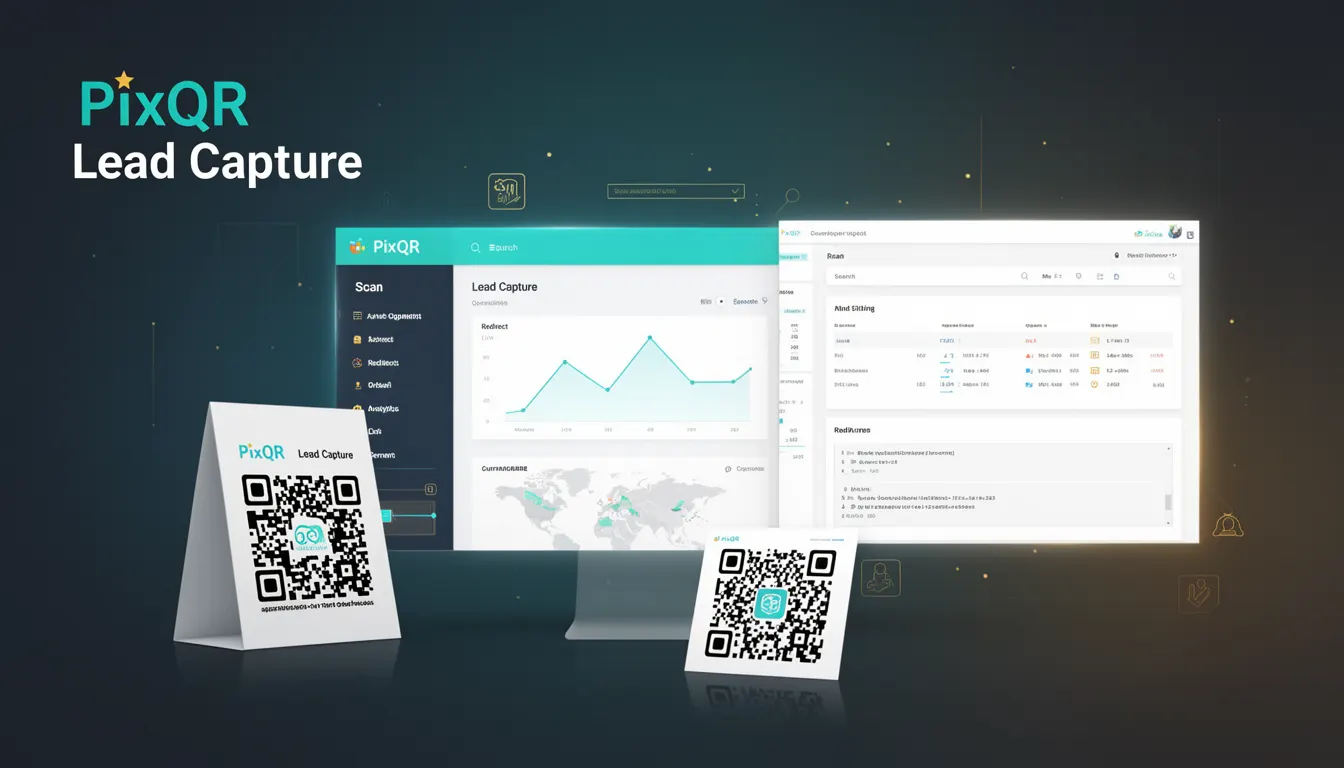
Lead Capture is a business use-case term that describes how a QR code can be configured to collect user information upon scan. This functionality enables organizations to gather contact details, preferences, or engagement data directly from users who interact with a QR code, typically in marketing, sales, or service environments.
In the context of PixQR, Lead Capture is implemented through dynamic QR codes that redirect to a form or landing page, where users enter data such as email addresses, phone numbers, or custom fields. The collected data is then stored securely in PixQR’s analytics system, enabling business teams to track, segment, and follow up with leads.
Why It Matters
For developers working with PixQR, Lead Capture represents a critical integration point for data collection workflows. It directly impacts how user engagement is tracked, how data is stored and processed, and how privacy and compliance are maintained. The system must ensure that form data is handled securely, that users are not exposed to malicious redirects, and that all data flows align with platform privacy standards.
From a performance perspective, Lead Capture implementations must support high-volume scans without degradation in response times. For developers, it also introduces considerations around form validation, data sanitization, and integration with CRM or marketing automation systems. Properly implemented, Lead Capture can significantly improve lead conversion rates and provide actionable analytics.
How It Works
When a user scans a Lead Capture QR code, the system performs a redirect to a configured landing page or form. This form is typically hosted on PixQR’s secure infrastructure or a custom domain specified by the user. The form submission is processed through a secure backend that stores the data in a structured database.
- The QR code itself does not contain user data but acts as a pointer to a form endpoint.
- Form fields are defined by the developer at creation time, with support for standard inputs like email, name, and custom text or dropdowns.
- Submission data is encrypted in transit and stored in compliance with data protection standards.
- Analytics are provided in real time, allowing for tracking of scan-to-submission rates and user behavior.
- Lead Capture supports integration with third-party tools like HubSpot, Salesforce, or Mailchimp through API connectors.
Quick Reference
| Item | Purpose | Notes |
|---|---|---|
| Form field types | Define input data types | Supports email, text, dropdown, checkbox |
| Redirect URL | Destination after scan | Must be HTTPS and secure |
| Submission tracking | Analytics and data logging | Real-time and batch reporting |
| Integration endpoints | CRM or marketing tool connections | API-based, secure connections |
| Data encryption | Protect user data in transit and at rest | Uses TLS 1.3 and AES-256 |
Basic Example
PixQR Example QR
This QR links directly to this glossary page, so printed notes, onboarding docs, and support material can bring scanners back to the current reference.
/glossary/qr-code-for-business/qr-codes-for-business-lead-capture

This example demonstrates how to configure a basic Lead Capture form using PixQR’s API. It sets up a QR code that redirects to a form with an email field.
{
  "qr_code": {
    "type": "lead_capture",
    "redirect_url": "https://example.pixqr.com/form",
    "form_fields": [
      {
        "type": "email",
        "label": "Email Address",
        "required": true
      }
    ]
  }
}
The type is set to lead_capture, ensuring the QR code triggers a form rather than a simple redirect. The redirect_url specifies where users are sent after scanning. The form_fields section defines the input type and properties.
Production Example
This example shows a more robust Lead Capture implementation with validation, multiple fields, and secure data handling.
{
  "qr_code": {
    "type": "lead_capture",
    "redirect_url": "https://secure.pixqr.com/lead-form",
    "form_fields": [
      {
        "type": "email",
        "label": "Email Address",
        "required": true,
        "validation": "email"
      },
      {
        "type": "text",
        "label": "Company Name",
        "required": false
      },
      {
        "type": "dropdown",
        "label": "Interest",
        "required": true,
        "options": ["Product", "Service", "Support"]
      }
    ],
    "analytics": {
      "track_scans": true,
      "track_submissions": true
    },
    "integrations": [
      {
        "provider": "hubspot",
        "endpoint": "https://api.hubapi.com/contacts/v1/contact"
      }
    ]
  }
}
This version includes validation rules, multiple field types, analytics tracking, and integration with HubSpot. It ensures that the data flow is secure, structured, and compatible with business systems.
Common Mistakes
- Using non-HTTPS URLs for form redirects, which can lead to security warnings or blocked submissions.
- Not defining required fields, resulting in incomplete data collection and poor analytics.
- Overloading the form with too many fields, which can reduce completion rates and user trust.
- Ignoring validation rules, which can cause malformed data or errors in downstream systems.
- Not configuring analytics or integration endpoints, which prevents data from being used for business insights.
Security And Production Notes
- All form submissions must be encrypted using TLS 1.3 to protect against data interception.
- Form fields should be validated server-side to prevent injection or malformed inputs.
- Integration endpoints must use secure authentication tokens or API keys.
- Lead data should be stored with access controls and audit logs to comply with privacy regulations.
- Redirect URLs should be verified for domain ownership to prevent spoofing or phishing.
Related Concepts
Lead Capture is closely related to several other QR code and data collection concepts:
- Dynamic Redirects – The underlying mechanism by which a QR code points to a landing page or form.
- Scan Analytics – Tracking how many users scanned the code and how many completed a form.
- Privacy Compliance – Ensuring that collected data adheres to GDPR, CCPA, and other regulations.
- CRM Integration – Connecting form data to external tools for follow-up and automation.
- Form Validation – Ensuring that data entered by users meets expected formats and standards.