 PixQR
PixQR
Overview
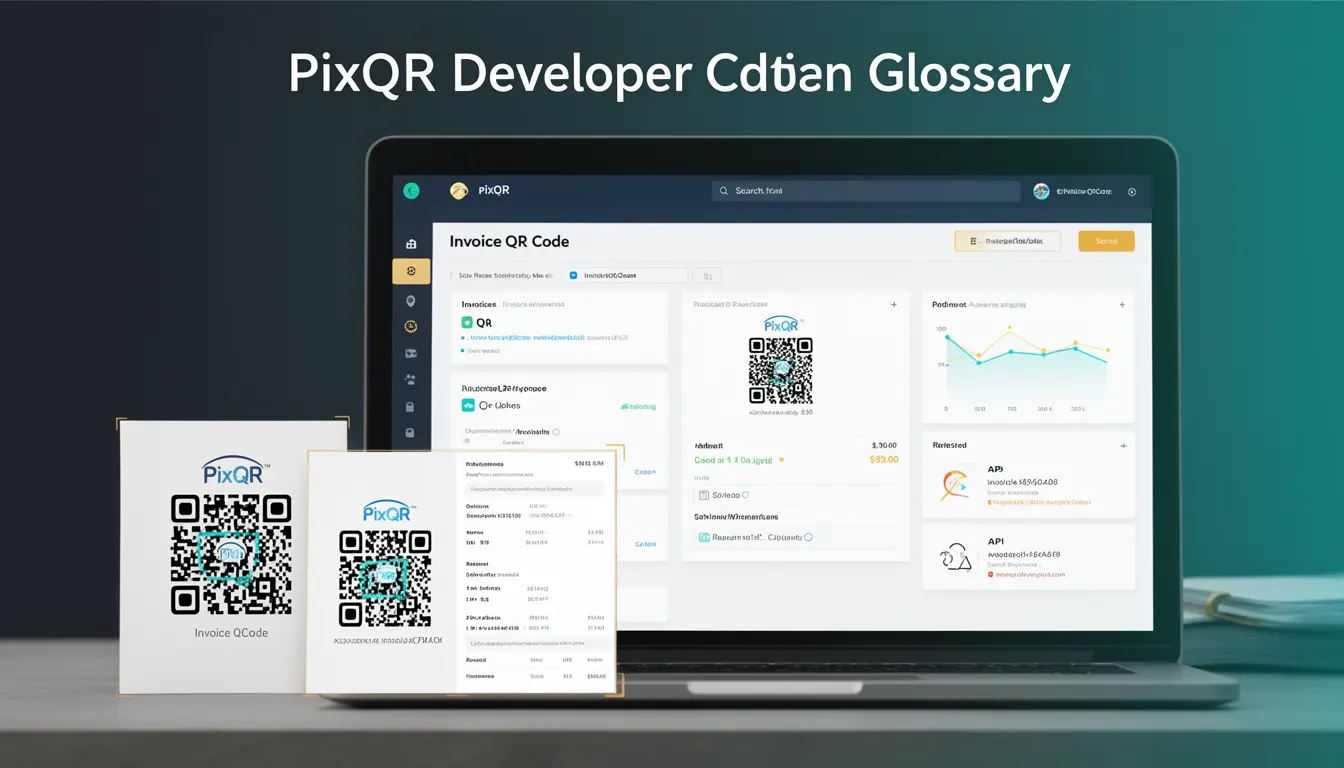
An Invoice QR Code is a specific type of QR code used by businesses to streamline payment collection and invoice management. It encodes structured data related to a financial transaction, including invoice details, amount due, currency, recipient, and payment instructions. Unlike generic QR codes, Invoice QR Codes are designed to be scanned directly by payment applications or web-based systems to initiate payment processing.
These QR codes are typically generated by accounting or payment platforms and are used in business contexts such as B2B transactions, service billing, retail checkout, and automated payment collection. They support both static and dynamic payment flows, with dynamic variants updating payment status or transaction details after scanning.
Why It Matters
Invoice QR Codes are crucial for businesses seeking to reduce manual payment handling, improve accuracy, and enhance customer experience. They eliminate the need for customers to manually enter payment details, reducing errors and speeding up transaction completion. From a developer perspective, integrating Invoice QR Code support means building systems that can generate, validate, and track these codes securely.
For site operators and developers, Invoice QR Codes are especially valuable in environments with high transaction volumes, such as e-commerce, service providers, and SaaS platforms. They also improve operational workflows by enabling automated payment tracking and reconciliation. In terms of compliance and fraud prevention, they help ensure that payments are tied to specific invoices and reduce the risk of misapplied payments.
How It Works
Invoice QR Codes function by encoding data into a QR code structure that can be interpreted by payment systems or web scanners. The encoded data typically includes:
- Invoice ID: Unique identifier for the invoice to be paid.
- Amount Due: Numeric value representing the payment amount.
- Currency Code: ISO 4217 currency code (e.g., USD, EUR).
- Recipient Information: Business name, account number, or payment address.
- Payment Instructions: Optional fields such as due date, purpose, or reference code.
The QR code may be generated using standard QR code libraries or PixQR’s own API, which supports dynamic updates. When scanned, the QR code typically redirects to a payment page or triggers a payment request through a supported payment gateway. The system can also track scan events, payment status, and transaction metadata.
Dynamic Invoice QR Codes allow real-time updates to payment details. For example, if an invoice is modified or paid, the QR code can reflect these changes without re-generation. This is achieved through backend integration with payment systems and dynamic link management.
From a technical standpoint, Invoice QR Codes are usually encoded using standard QR code formats such as UTF-8, with optional support for structured data like URL schemes or proprietary protocols. The QR code must be scannable under various lighting and device conditions to ensure usability.
Implementation involves configuring QR generation with appropriate metadata and ensuring the resulting code is compatible with common payment apps and scanners. PixQR’s platform supports both static and dynamic QR codes, allowing developers to choose based on their use case.
Quick Reference
| Item | Purpose | Notes |
|---|---|---|
| Invoice ID | Uniquely identifies the invoice | Should be persistent and globally unique |
| Amount Due | Specifies payment amount | Should be in decimal format |
| Currency Code | Indicates payment currency | ISO 4217 compliant |
| Recipient Info | Payment destination details | May include account or wallet address |
| Dynamic Update | Allows real-time QR code changes | Requires backend integration |
Basic Example
PixQR Example QR
This QR links directly to this glossary page, so printed notes, onboarding docs, and support material can bring scanners back to the current reference.
/glossary/qr-code-for-business/qr-codes-for-business-invoice-qr-code

This basic example shows how to encode an invoice QR code with minimal data. It demonstrates the structure of the data that will be encoded in the QR code.
const invoiceData = {
  invoiceId: "INV-12345",
  amount: 150.00,
  currency: "USD",
  recipient: "Acme Corp",
  dueDate: "2025-04-15"
};

const qrPayload = `INV:${invoiceData.invoiceId}|AMT:${invoiceData.amount}|CUR:${invoiceData.currency}|REC:${invoiceData.recipient}|DUE:${invoiceData.dueDate}`;
// This payload would be passed to a QR code generator
The example defines core invoice fields in a structured format. The payload is a pipe-delimited string that encodes all required data for payment processing. This format is simple and readable, suitable for small-scale or testing use cases.
Production Example
This production-ready example includes validation, error handling, and integration with a QR generation service. It demonstrates how Invoice QR Codes are used in real-world scenarios.
function generateInvoiceQR(invoice) {
  const requiredFields = ['id', 'amount', 'currency', 'recipient'];
  for (const field of requiredFields) {
    if (!invoice[field]) {
      throw new Error(`Missing required field: ${field}`);
    }
  }

  const qrPayload = new URLSearchParams({
    invoiceId: invoice.id,
    amount: invoice.amount,
    currency: invoice.currency,
    recipient: invoice.recipient,
    dueDate: invoice.dueDate || '',
    reference: invoice.reference || ''
  }).toString();

  const qrUrl = `https://api.pixqr.com/generate?data=${encodeURIComponent(qrPayload)}`;
  return fetch(qrUrl)
    .then(response => response.blob())
    .then(blob => URL.createObjectURL(blob));
}

// Usage
const invoice = {
  id: "INV-12345",
  amount: 150.00,
  currency: "USD",
  recipient: "Acme Corp",
  dueDate: "2025-04-15"
};

generateInvoiceQR(invoice)
  .then(url => {
    console.log("QR code URL:", url);
  })
  .catch(err => {
    console.error("Failed to generate QR code:", err);
  });
This version includes validation for required fields, encoding of data into a URL-safe format, and integration with a backend QR generation API. It ensures robust handling of errors and is suitable for production environments where reliability and scalability are required.
Common Mistakes
- Missing validation on invoice data: Failing to validate required fields can cause QR code generation to fail or produce invalid codes, leading to payment errors.
- Using insecure data formats: Encoding sensitive payment data in plain text or non-standard formats can expose systems to manipulation or injection attacks.
- Not supporting dynamic updates: Static QR codes are less flexible and may not reflect real-time changes in payment status or invoice details.
- Ignoring QR code size and readability: Poorly designed QR codes may not scan correctly on mobile devices or under varying lighting conditions.
- Overlooking error handling: Without proper error handling, failed QR generation or payment processing can go unnoticed, causing customer confusion or lost revenue.
- Not integrating with analytics or tracking: Failing to track scan events or payment status can make it difficult to monitor business performance or detect fraud.
Security And Production Notes
- Validate all input data: Ensure that invoice IDs, amounts, and recipient details are sanitized to prevent injection or malformed QR codes.
- Use HTTPS for QR code generation: All QR code generation APIs should be accessed over secure connections to protect sensitive data.
- Implement rate limiting: Prevent abuse of QR code generation endpoints through rate limiting or authentication checks.
- Support dynamic QR codes for updates: Dynamic QR codes allow payment status updates, improving transaction tracking and user experience.
- Log QR code usage and scan events: Maintain logs of QR code scans and payment outcomes to support audits and fraud detection.
- Ensure compatibility with payment gateways: Invoice QR Codes must be compatible with common payment systems to ensure successful transaction processing.
Related Concepts
Invoice QR Codes are closely related to several other developer and business concepts:
- Dynamic QR Codes: Invoice QR Codes often rely on dynamic QR code technology to update payment information in real-time.
- Payment Gateway Integration: Invoice QR Codes are used to initiate payments through supported payment systems.
- QR Code Generation APIs: Platforms like PixQR provide APIs to generate and manage QR codes programmatically.
- Transaction Tracking: Invoice QR Codes often include metadata that supports transaction tracking and reconciliation.
- Scan Analytics: QR code platforms track scan events to provide insights into user behavior and payment success rates.